

Aptoide Wallet is a Finance application developed by Aptoide S.A., but with the best Android emulator-LDPlayer, you can download and play Aptoide Wallet on your computer.
Running Aptoide Wallet on your computer allows you to browse clearly on a large screen, and controlling the application with a mouse and keyboard is much faster than using touchscreen, all while never having to worry about device battery issues.
With multi-instance and synchronization features, you can even run multiple applications and accounts on your PC.
And file sharing makes sharing images, videos, and files incredibly easy.
Download Aptoide Wallet and run it on your PC. Enjoy the large screen and high-definition quality on your PC!
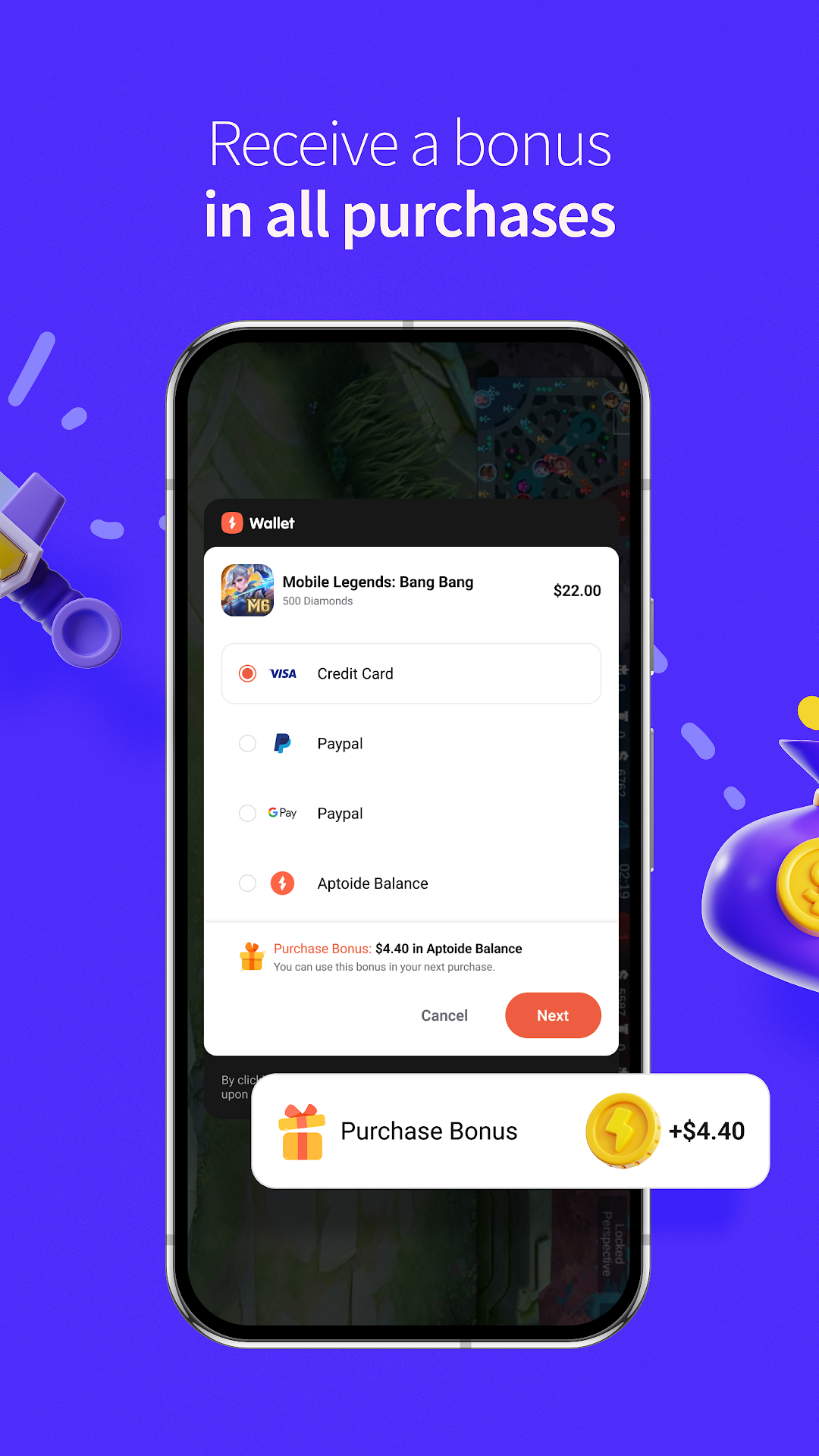
The Aptoide Wallet is your digital wallet to manage payments in an easy and comfortable manner, like you do with Paypal.The best words to describe the Aptoide Wallet are simplicity and safety. This app allows you to store your Aptoide balance in the most comfortable way.
With the Aptoide Wallet, users can use Aptoide balance as if they were using any other traditional payment methods. In case they don’t have any Aptoide balance yet, bank cards can be used to make the payments as always, along with a PayPal account.
The Aptoide Wallet is the only tool that users need to store their Aptoide balance and process all transactions, including in-app payments and rewards. So just try it now!
This app is developed by Aptoide, a company that aims to improve the distribution and monetization of apps through top-notch technology. Find out more in wallet.aptoide.com.