
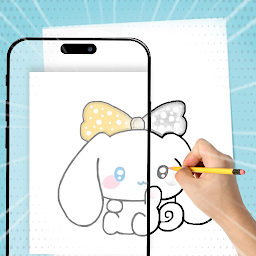


AR Draw - Cinnamoroll Sanrio is a Entertainment application developed by Hicichy, but with the best Android emulator-LDPlayer, you can download and play AR Draw - Cinnamoroll Sanrio on your computer.
Running AR Draw - Cinnamoroll Sanrio on your computer allows you to browse clearly on a large screen, and controlling the application with a mouse and keyboard is much faster than using touchscreen, all while never having to worry about device battery issues.
With multi-instance and synchronization features, you can even run multiple applications and accounts on your PC.
And file sharing makes sharing images, videos, and files incredibly easy.
Download AR Draw - Cinnamoroll Sanrio and run it on your PC. Enjoy the large screen and high-definition quality on your PC!
Welcome to AR Drawing Cinnamoroll Sanrio Sketch Trace,an innovative application that combines Augmented Reality (AR) technology with the art of sketching Cinnamoroll !
Unleash your creativity and create unique works of art with a futuristic touch.
Feature:
• The best way to learn sketching using your smart device and draw like a professional
• Track any image using the camera
• Allow selecting images from gallery or taking them directly from camera
• Open the camera, select any image, and start tracing it
• Various Goku Super Ultra templates
• Supports flashlight
• Pick and Zoom
• Flip and Rotate
• Lock posisition
Download AR Drawing Trace Sketch Cinnamoroll Sanrio now!
and create an unforgettable drawing experience.


