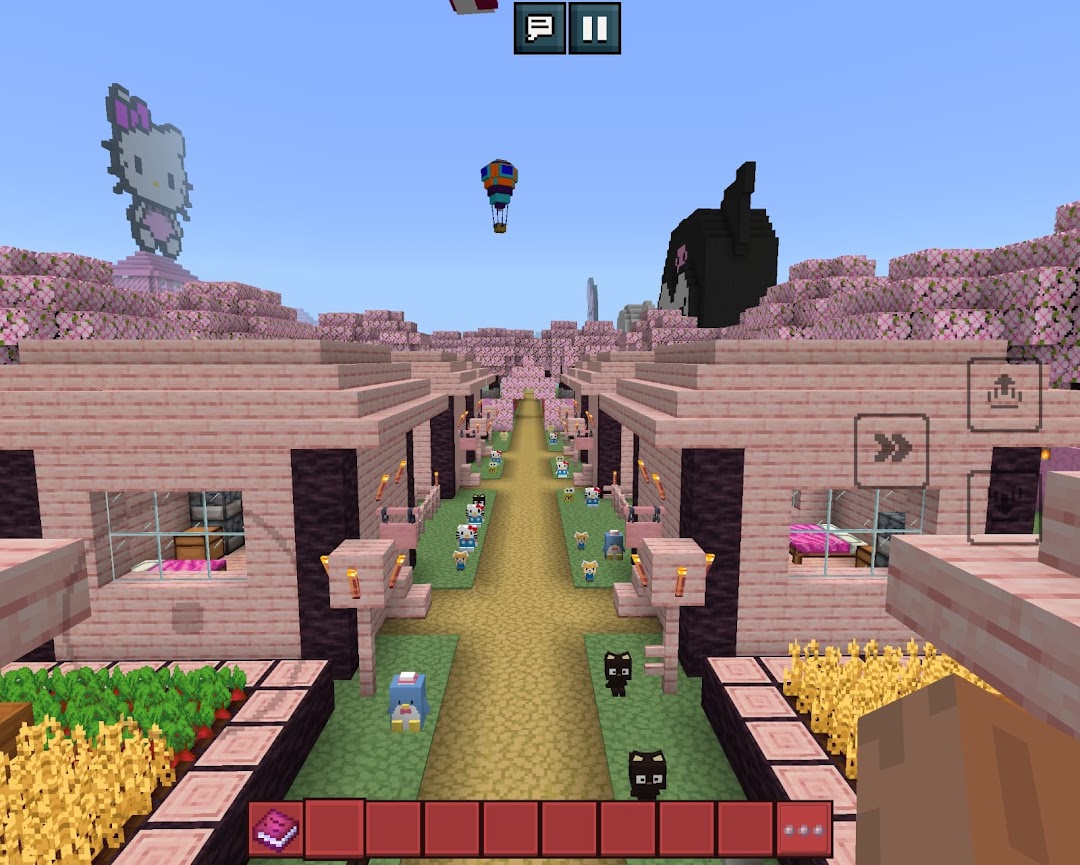
Sanrio Cute Craft 3D World is a Adventure application developed by Crafters Yuseo Games, but with the best Android emulator-LDPlayer, you can download and play Sanrio Cute Craft 3D World on your computer.
Running Sanrio Cute Craft 3D World on your computer allows you to browse clearly on a large screen, and controlling the application with a mouse and keyboard is much faster than using touchscreen, all while never having to worry about device battery issues.
With multi-instance and synchronization features, you can even run multiple applications and accounts on your PC.
And file sharing makes sharing images, videos, and files incredibly easy.
Download Sanrio Cute Craft 3D World and run it on your PC. Enjoy the large screen and high-definition quality on your PC!
Welcome to Sanrio Cute Craft 3D World, where cuteness meets limitless creativity! Join your favorite iconic Sanrio characters on an exciting adventure in a vibrant 3D world.Key Features:
🌈 Build Your Own World: With Sanrio Cute Craft 3D World you can Create your dream home, garden, and whimsical landscapes with a variety of adorable blocks and items!
🐱 Meet Sanrio Characters: Interact with Hello Kitty, My Melody, and many more beloved characters ready to accompany you on every adventure!
✨ Stunning 3D Graphics: Enjoy a mesmerizing visual experience with bright and detailed 3D graphics.
🎉 Fun Mini Games: Participate in engaging mini games that challenge your skills and reward you with exciting prizes!
🌟 Unique Customization: Personalize your avatar and environment with cute outfits, accessories, and decorations.
🔗 Connect with Friends: Visit your friends' worlds and showcase your best creations!
With Sanrio Cute Craft 3D World, every day is a new opportunity to create and have fun. Download now and embark on this sweet adventure!
Don’t Miss Out! Get the latest updates and exclusive items only in our app. Download Sanrio Cute Craft 3D World and share the joy with your friends!
Disclaimer:
This app is made for entertainment, all rights reserved to respected owners and we are not responsible for any violations of property rights.
If you are the owner of an artustuc work and would like to report a copyright please let us know at khrisnafiqri98@gmail.com, our pleassure to received your email and we will accomodate you as soon as possible.