Arduino Basics is a Education application developed by Abdelaziz Sebrou, but with the best Android emulator-LDPlayer, you can download and play Arduino Basics on your computer.
Running Arduino Basics on your computer allows you to browse clearly on a large screen, and controlling the application with a mouse and keyboard is much faster than using touchscreen, all while never having to worry about device battery issues.
With multi-instance and synchronization features, you can even run multiple applications and accounts on your PC.
And file sharing makes sharing images, videos, and files incredibly easy.
Download Arduino Basics and run it on your PC. Enjoy the large screen and high-definition quality on your PC!
Learn Arduino Basics with source code in a simple way and without internetOffline app (Without internet)
The app covers the following topics:
1 What is Arduino
2 Installation
3 Program Structure
4 Operators
5 Control Statements
6 Loops
7 Functions
8 Strings
9 Time
10 IO Functions
11 Blinking LED
12 Connecting Switch
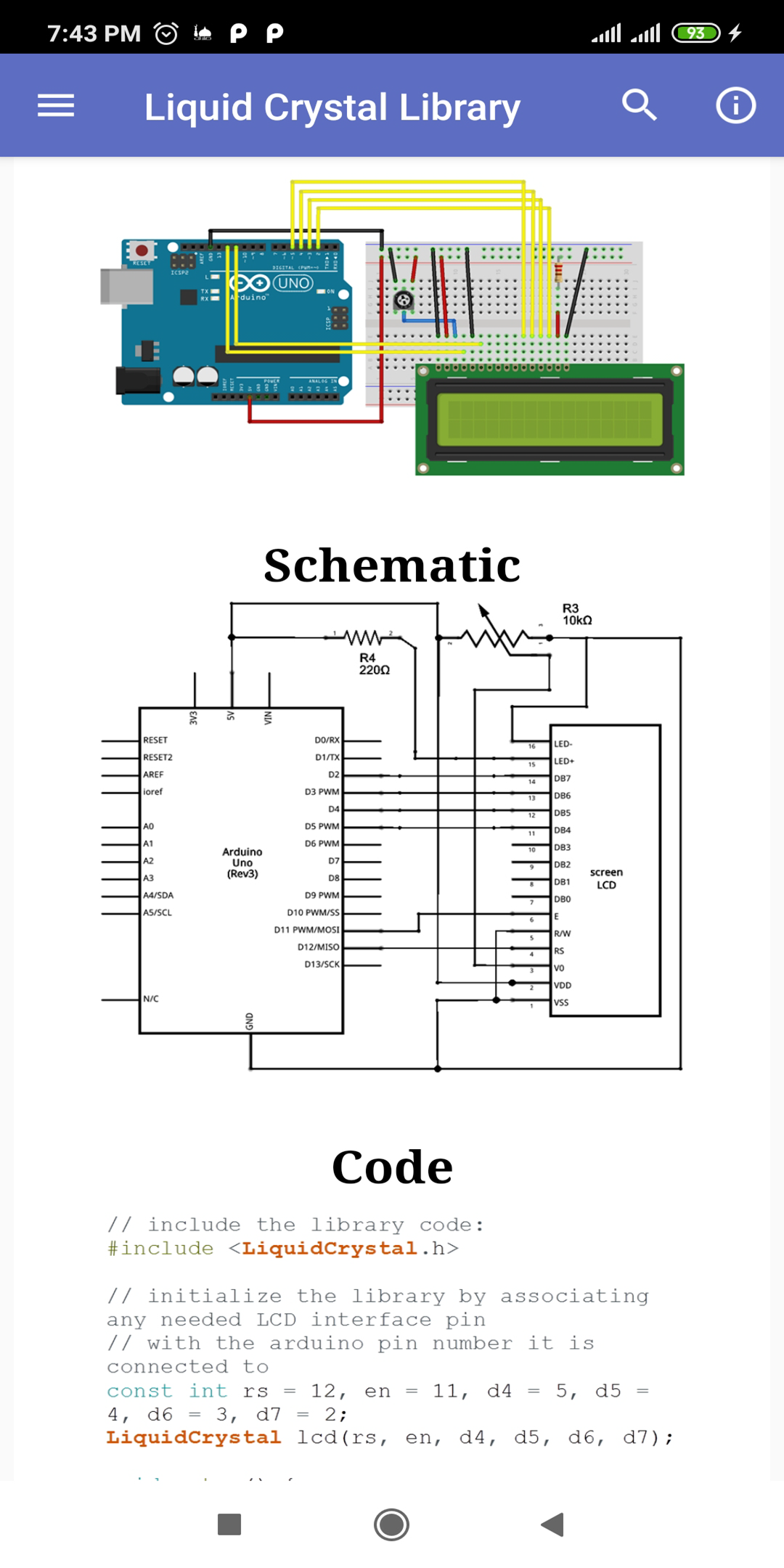
13 Liquid Crystal Library
14 Reading Analog Voltage
15 Flame sensor
16 Temperature Sensor
17 Humidity Sensor
18 Water Detector Sensor
19 Ultrasonic Sensor
20 Servo Motor
21 Stepper Motor
22 Bluetooth module
23 Wireless Module
24 GSM Module
25 Arduino simulators
26 Bibliography
Arduino programming course, we look at the basic structure of an Arduino sketch
Arduino Basics is easy to use, it is ideal for beginners and electronics hobbyist for quick reference