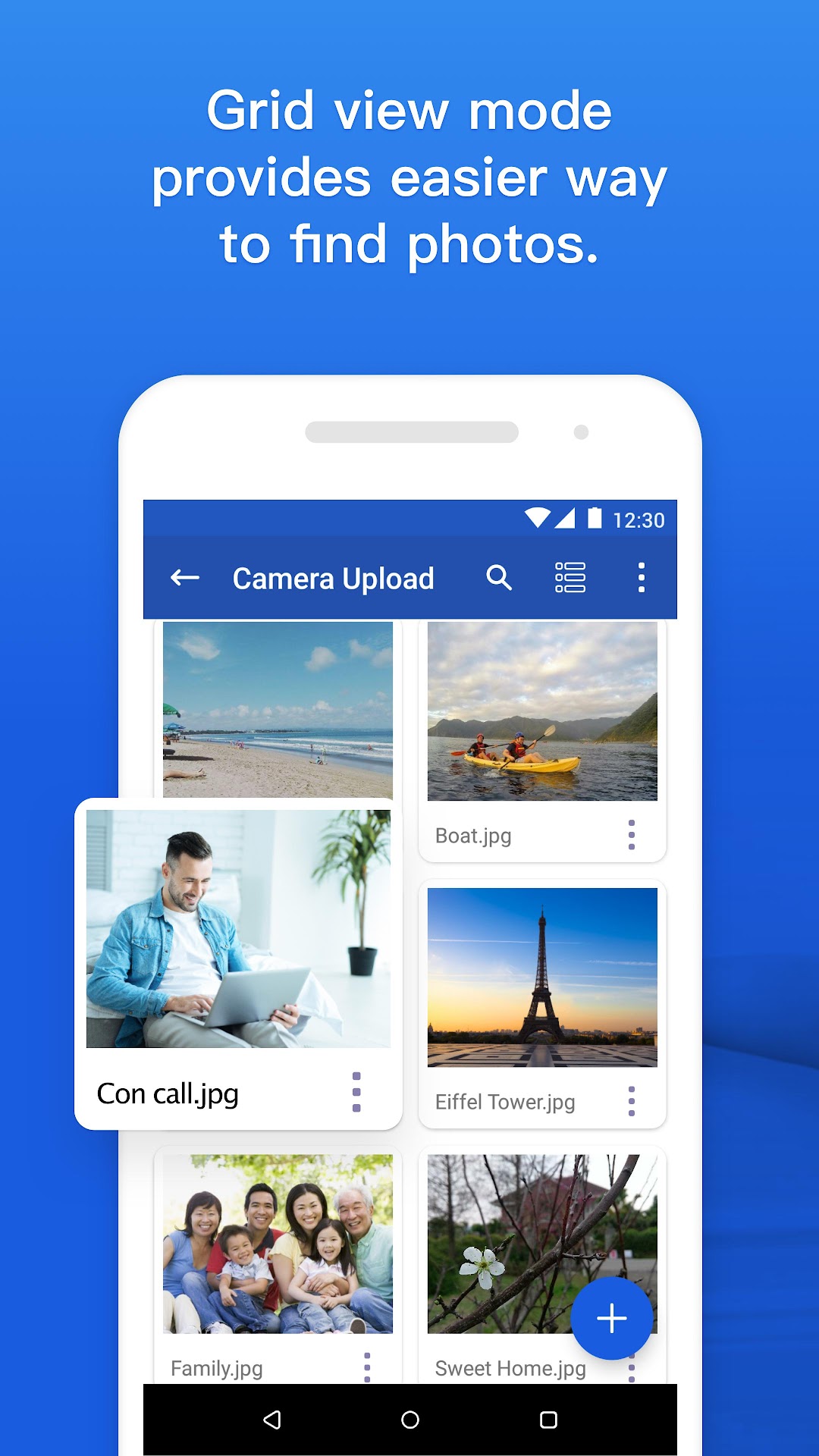


ASUS WebStorage - Cloud Drive is a Productivity application developed by ASUS Cloud Corporation, but with the best Android emulator-LDPlayer, you can download and play ASUS WebStorage - Cloud Drive on your computer.
Running ASUS WebStorage - Cloud Drive on your computer allows you to browse clearly on a large screen, and controlling the application with a mouse and keyboard is much faster than using touchscreen, all while never having to worry about device battery issues.
With multi-instance and synchronization features, you can even run multiple applications and accounts on your PC.
And file sharing makes sharing images, videos, and files incredibly easy.
Download ASUS WebStorage - Cloud Drive and run it on your PC. Enjoy the large screen and high-definition quality on your PC!
Mobile app only! Monthly subscription plans:1-month free trial: Subscribe now to enjoy a 1-month free trial. (The first-time subscribes 1-month free trial only for one google or apple account.)
Always enjoy the special offers: Enjoy the special offers when auto-renew subscriptions.
Auto-renewal: Subscriptions will auto-renew each month.
Cancel anytime: Feel free to cancel anytime before the designated monthly automatic debit date.
Your files on different devices are centrally managed on cloud, and you can easy access them anytime and anywhere when you are not around your PC. Let’s store anything wonderful in your life on WebStorage from now on!
- You can free choice that your photos on mobile devices will be saved to WebStorage by automatic uploading.
- A complete sharing mode provides different levels of access authorization and comment functions to facilitate easy exchange of files.
- All your data stored on WebStorage are absolutely secure no matter what happens to your devices.
- The data security level as high as that required by international financial organizations ensures perfect data protection.
【Recommendation】
In order to enjoy a more complete user experience provided by WebStorage, please install the cloud application of WebStorage on your desktop, laptop, tablet, etc.