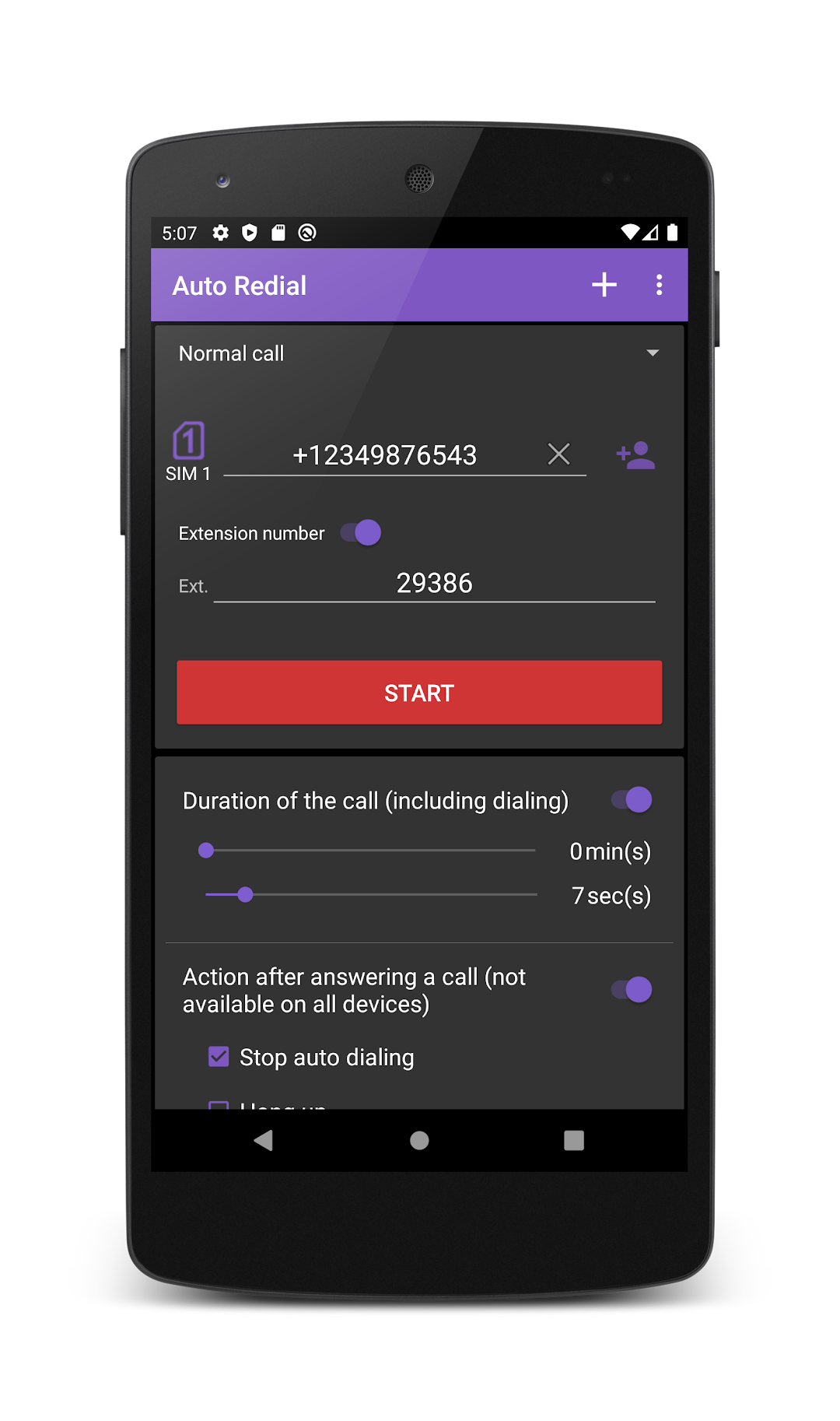
Auto Redial is a Communication application developed by lithiumS, but with the best Android emulator-LDPlayer, you can download and play Auto Redial on your computer.
Running Auto Redial on your computer allows you to browse clearly on a large screen, and controlling the application with a mouse and keyboard is much faster than using touchscreen, all while never having to worry about device battery issues.
With multi-instance and synchronization features, you can even run multiple applications and accounts on your PC.
And file sharing makes sharing images, videos, and files incredibly easy.
Download Auto Redial and run it on your PC. Enjoy the large screen and high-definition quality on your PC!
A simple program (dialer) to automatically make calls (auto dial) to a specified number.The program is designed for automatic dialing to city, long-distance, international numbers, as well as SIP and IP .
The application supports phones with 2 (two) SIM cards (dual sim).
The application has support for scheduled calls. You can specify a schedule for automatic redial with different options.
The program has the following types of schedule:
- once at a specified time and date;
- recurring daily or on certain days of the week at a specified time;
- recurring calls after a specified period of time.
In the application settings, you can enable or disable the speakerphone during a call. (By default, it is enabled).
Also in the settings you can turn on the alert with a sound alert before the start of the call on a schedule.
All required permissions are needed for work the application. The data will not be sent, not collected and are not processed, and used for making calls.