Auto Typer: Bluetooth Keyboard is a Tools application developed by Thomas Berghuis, but with the best Android emulator-LDPlayer, you can download and play Auto Typer: Bluetooth Keyboard on your computer.
Running Auto Typer: Bluetooth Keyboard on your computer allows you to browse clearly on a large screen, and controlling the application with a mouse and keyboard is much faster than using touchscreen, all while never having to worry about device battery issues.
With multi-instance and synchronization features, you can even run multiple applications and accounts on your PC.
And file sharing makes sharing images, videos, and files incredibly easy.
Download Auto Typer: Bluetooth Keyboard and run it on your PC. Enjoy the large screen and high-definition quality on your PC!
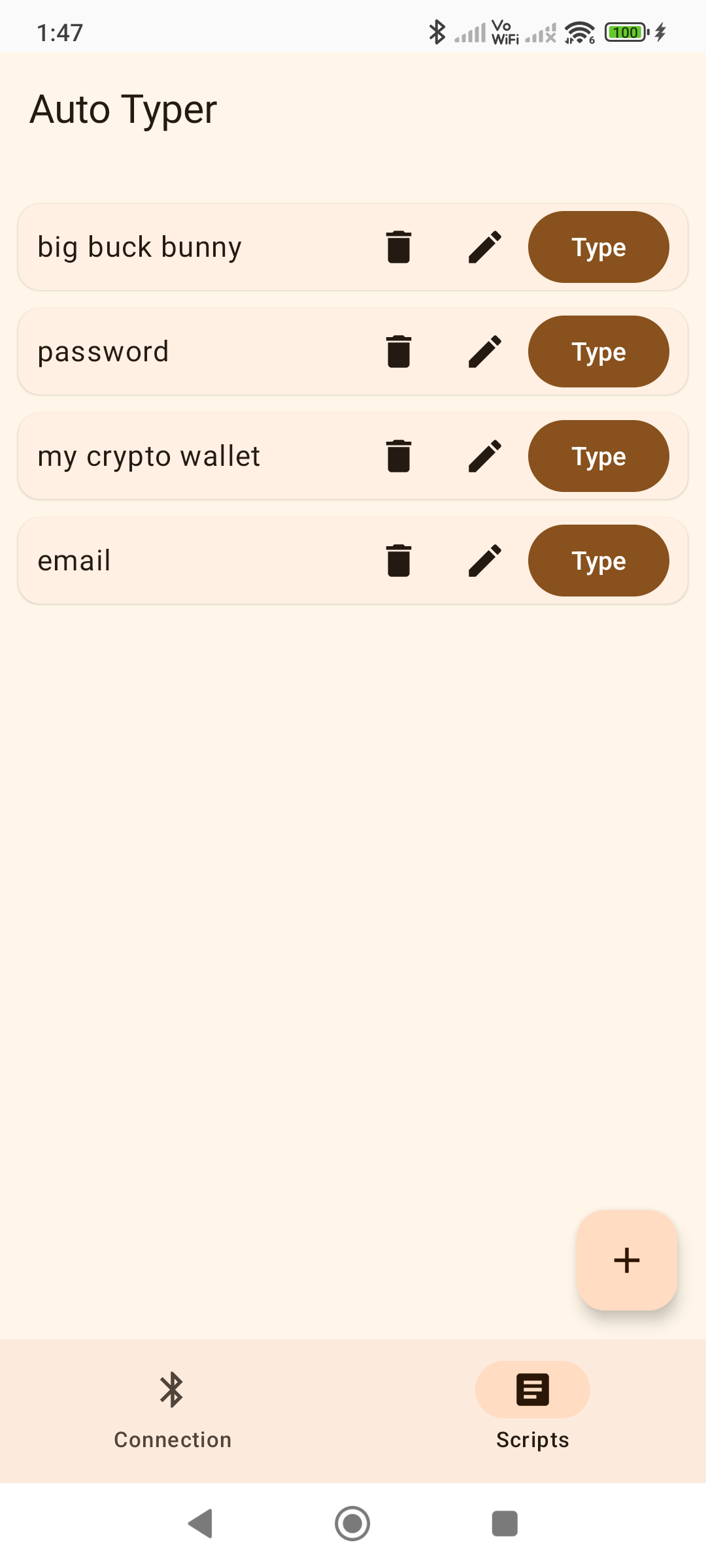
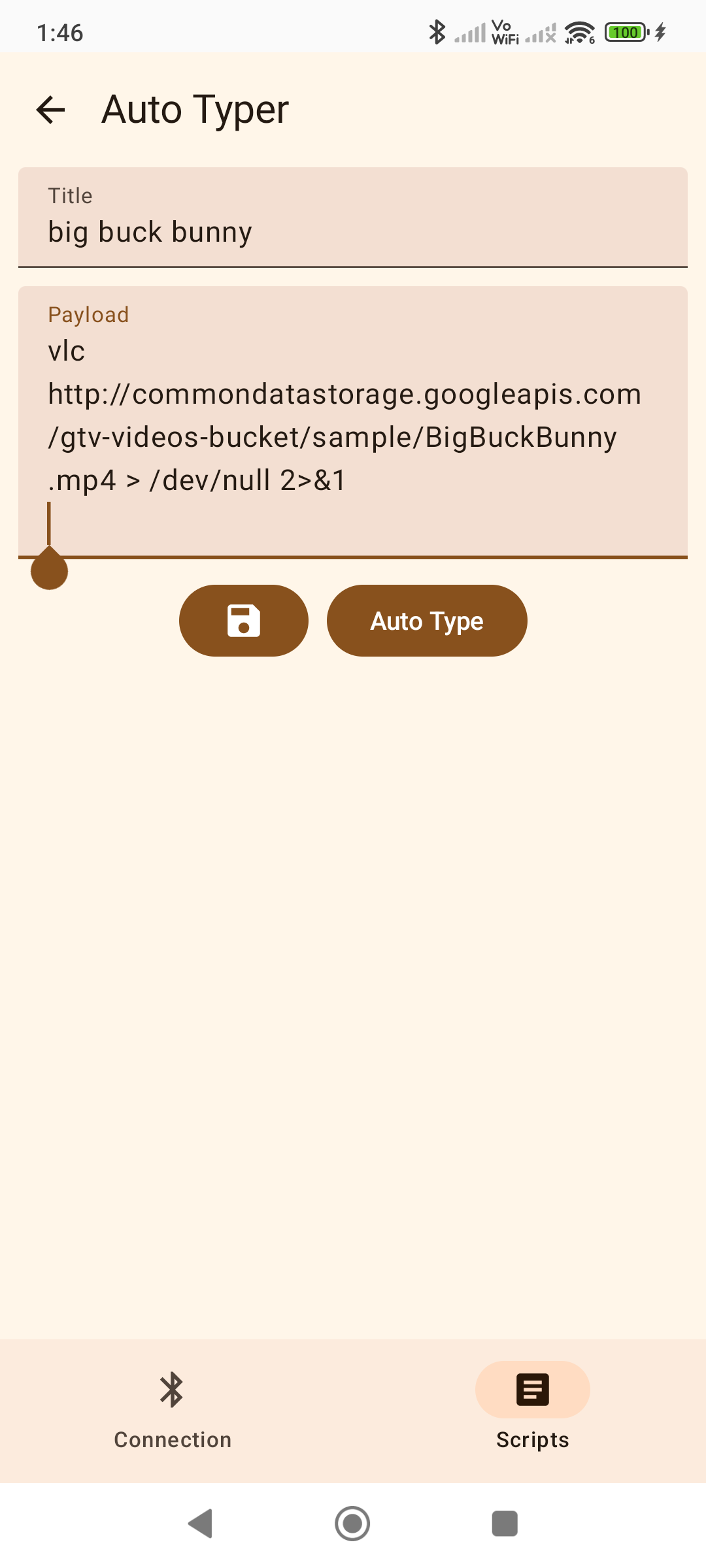
Auto Typer: Bluetooth Keyboard, will allow you to emulate a Bluetooth keyboard. The app is designed to save you time by saving scripts (strings of text) that can be automatically typed on demand.Some examples of useful scripts to save typing time include: passwords, emails, urls, crypto wallet addresses, shell scripts.
The app operates by leveraging the Bluetooth HID feature available on devices running Android 9 or newer. This functionality enables the Android device to behave like a standard wireless keyboard connected through Bluetooth. As a result, it should be compatible with devices that supports Bluetooth keyboard connections, such as PCs, laptops, or phones.
Source code: https://github.com/tberghuis/AutoTyper