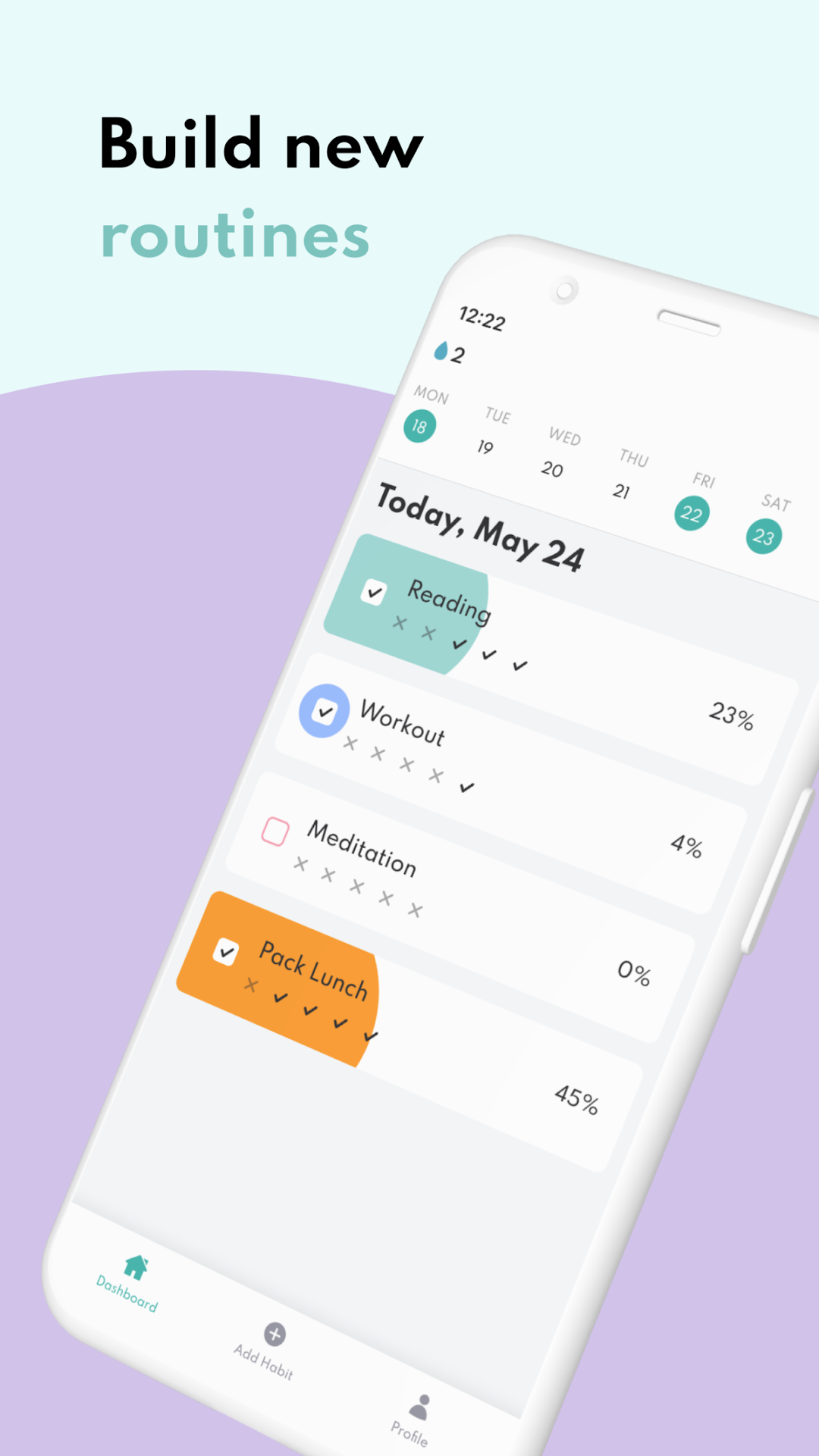
Avocado Habit is a Productivity application developed by Avocado Habit, but with the best Android emulator-LDPlayer, you can download and play Avocado Habit on your computer.
Running Avocado Habit on your computer allows you to browse clearly on a large screen, and controlling the application with a mouse and keyboard is much faster than using touchscreen, all while never having to worry about device battery issues.
With multi-instance and synchronization features, you can even run multiple applications and accounts on your PC.
And file sharing makes sharing images, videos, and files incredibly easy.
Download Avocado Habit and run it on your PC. Enjoy the large screen and high-definition quality on your PC!
Build new habits, keep track of the existing ones and explore useful insights with Avocado Habit 💡Avocado Habit is a free-to-use and easy-to-understand habit tracking app that helps you keep on top of your existing habits and build new routines and life-changing habits in a fun and gamified way.
Leverage useful insights and learn how to best build and cultivate positive habits for a better life 🧠
Grow your avocado plant by completing habits and routines. Watch your happy avocado grow and thrive and add more plants to your collection 🌱
What can you do with Avocado Habit?
🥑 Build new routines and positive habits
🥑 Track your existing habits
🥑 Leverage useful insights to stay on track
🥑 Set custom notifications and reminders for your habits
Here’s why you should download Avocado Habit:
🏆 Habit tracking, gamified
Avocado Habit brings an element of fun and gamification to the process of building and cultivating your habits and routines. Grow your avocado plant by completing your habits and watch it thrive!
📱 Simple and clean
We developed Avocado Habit with all users in mind, making the interface easy to navigate and insights easy to understand so everyone can benefit from the app
🔔 Notifications
Set custom notifications and reminders and never miss a habit. You can choose the time and day to get notified in order to maximise efficiency.
📊 Powerful insights
Keep track of your existing habits and learn from the powerful insights. Leverage these stats to improve your habit performance.