BakBak PRO Video Chat is a Social application developed by BakBak GROUP, but with the best Android emulator-LDPlayer, you can download and play BakBak PRO Video Chat on your computer.
Running BakBak PRO Video Chat on your computer allows you to browse clearly on a large screen, and controlling the application with a mouse and keyboard is much faster than using touchscreen, all while never having to worry about device battery issues.
With multi-instance and synchronization features, you can even run multiple applications and accounts on your PC.
And file sharing makes sharing images, videos, and files incredibly easy.
Download BakBak PRO Video Chat and run it on your PC. Enjoy the large screen and high-definition quality on your PC!
Bakbak Pro is a real-time video application. It does not require users to buy members. Bakbak Pro focuses more on the user experience. We hope you can have a pleasant experience here, find warmth and make new friends.Features of bakbak Pro:
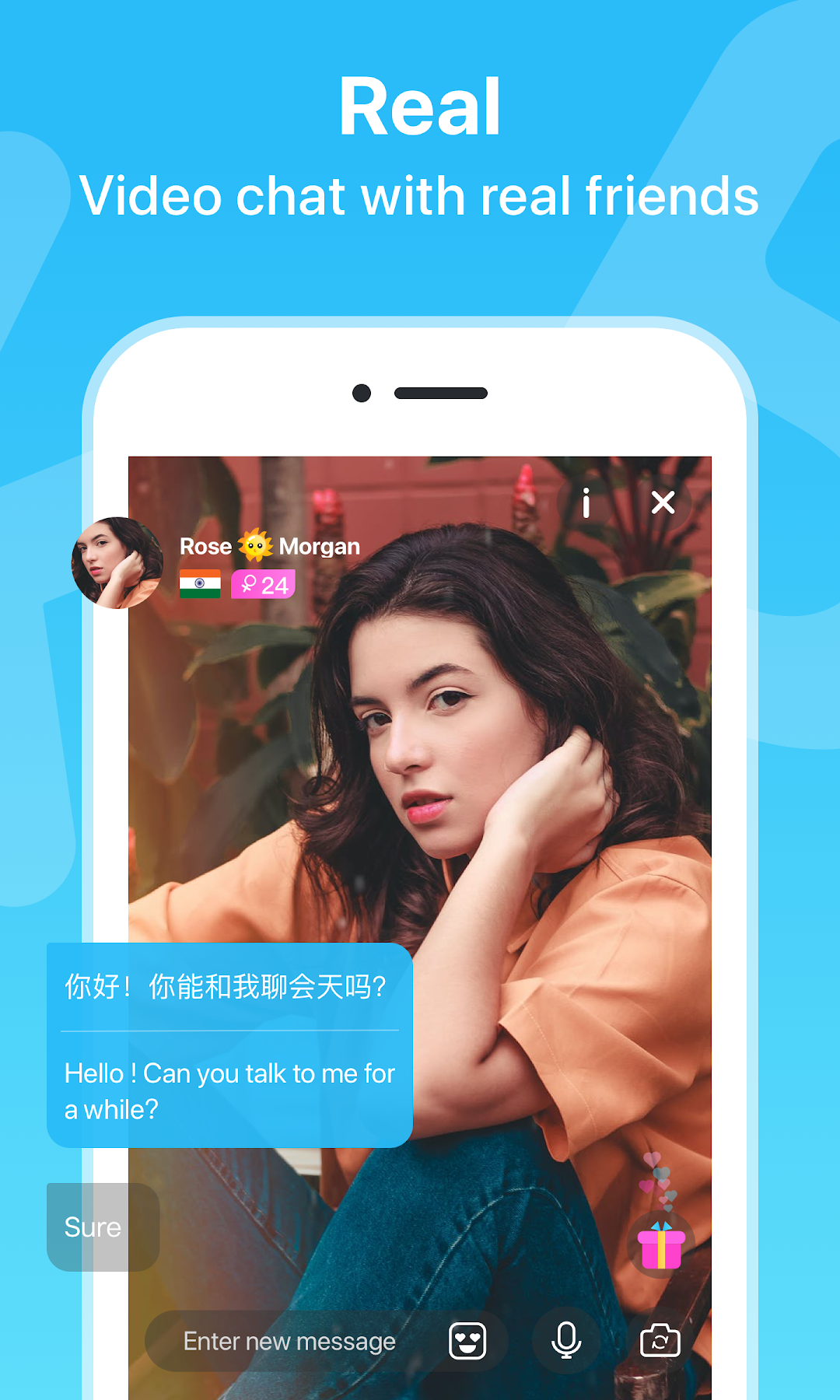
🔥 video chat with friends from all over the world.
Support beauty effect, let users look great in video chat.
📸 Live video call
Our users have been certified by real people, and choose the best users to chat with you. Make the video experience more enjoyable.
⚡ Fast and convenient login
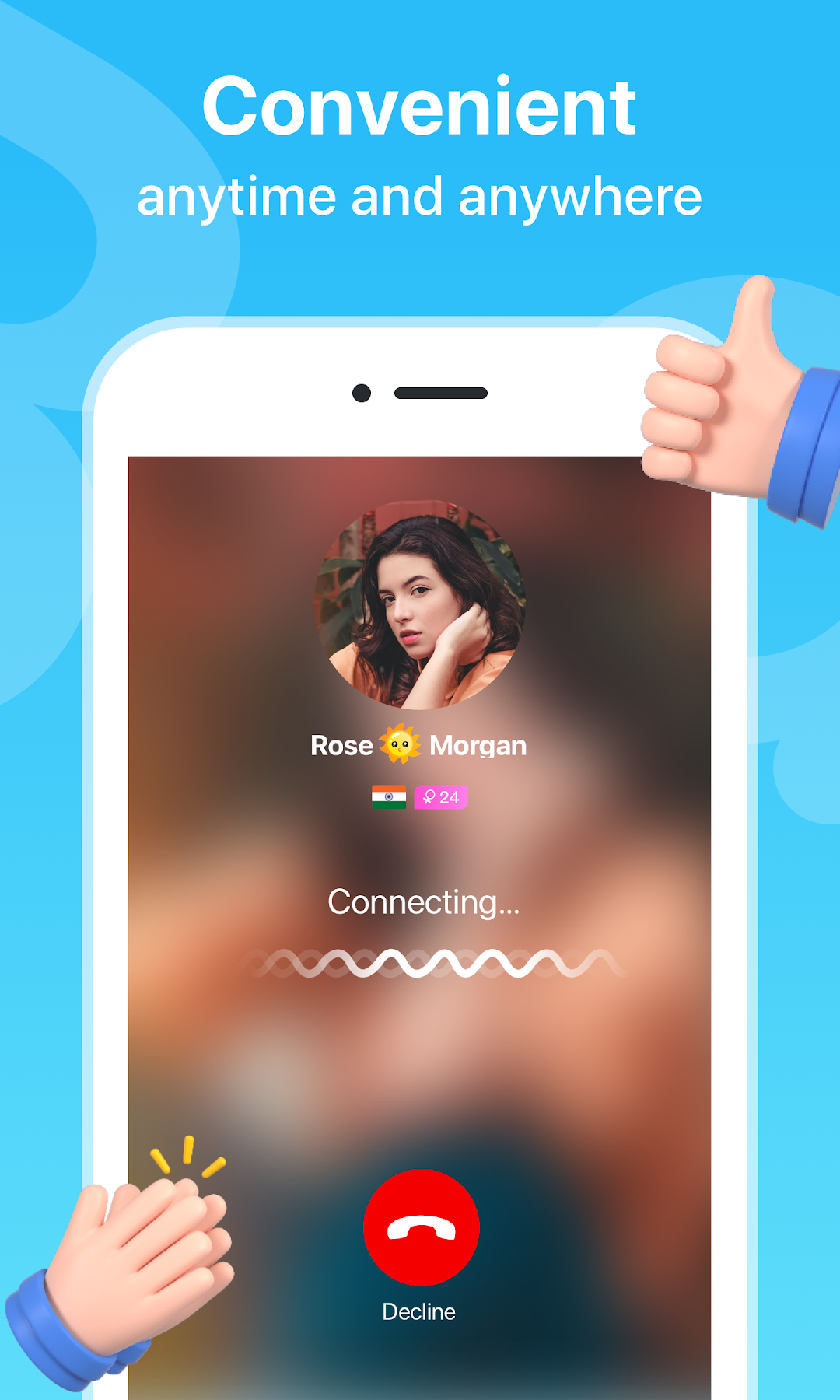
Use Facebook, Google or phone to quickly log in to bakbak pro and start real-time video chat with one click.
🎊 Discovery and fun:
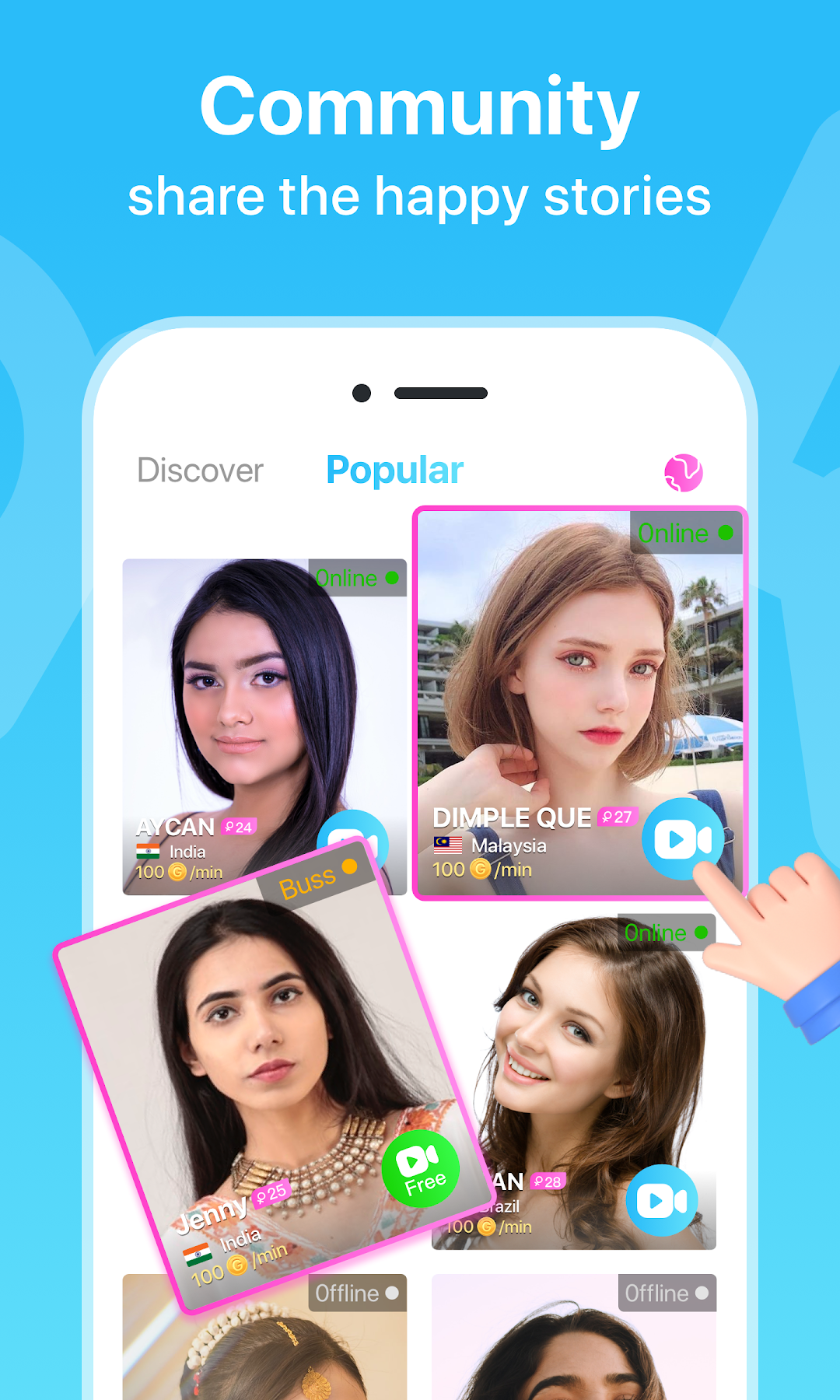
Bakbak Pro provides a list of popular users, so you can choose them and you like them to go to video chat.
Privacy Policy:
🔒 Bakbak Pro video chat application, all personal information are stored safely. Other users can't see information other than what you've published on the profile.
⚠ Be careful when passing sensitive information, because once you connect through bakbak Pro chat video, you are responsible for the information you provide to the other party.
🚫 Inappropriate content, including explicit material, is strictly prohibited and users found violating this rule will be banned immediately.
-----------
Notice:
Contact us if you have any questions or suggestions at: BakBak.live@outlook.com
It would help us to improve more to provide you all a best user experience and stay connected with us.