BB PLAYER is a Video Players&Editors application developed by Darkmoon Infotech inc., but with the best Android emulator-LDPlayer, you can download and play BB PLAYER on your computer.
Running BB PLAYER on your computer allows you to browse clearly on a large screen, and controlling the application with a mouse and keyboard is much faster than using touchscreen, all while never having to worry about device battery issues.
With multi-instance and synchronization features, you can even run multiple applications and accounts on your PC.
And file sharing makes sharing images, videos, and files incredibly easy.
Download BB PLAYER and run it on your PC. Enjoy the large screen and high-definition quality on your PC!
BB player is a free and open source cross-platform multimedia player that plays most multimedia files as well as discs, devices, and network streaming protocols.This is the port of BB player to the Android™ platform. BB player for Android can play any video.
BB player is intended for everyone, is totally free, it has Contain ads, no in-app-purchases, no spying and is developed by passionate developer.
Features
––––––––
BB player for Android™ plays most local video files, as well as
All formats are supported, including MKV, MP4, and MOV. All codecs are included with no separate downloads.
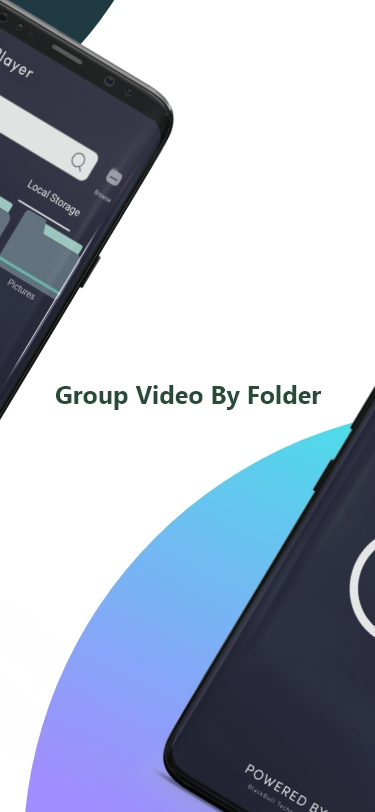
BB player for Android has a media library for video files, and allows to browse folders directly.
Permissions
––––––––––––
BB player for Android needs access to those categories:
• "Photos/Media/Files" to read your all media files :)
• "Storage" to read your all media files on SD cards :)
Permission Details :
• It needs "read the contents of your USB storage", in to order to read your media files on it.
• It needs "prevent phone from sleeping" in order to prevent... your phone from sleeping when watching a video.