BIC Bank is a Finance application developed by Bank for Investment and Commerce, but with the best Android emulator-LDPlayer, you can download and play BIC Bank on your computer.
Running BIC Bank on your computer allows you to browse clearly on a large screen, and controlling the application with a mouse and keyboard is much faster than using touchscreen, all while never having to worry about device battery issues.
With multi-instance and synchronization features, you can even run multiple applications and accounts on your PC.
And file sharing makes sharing images, videos, and files incredibly easy.
Download BIC Bank and run it on your PC. Enjoy the large screen and high-definition quality on your PC!
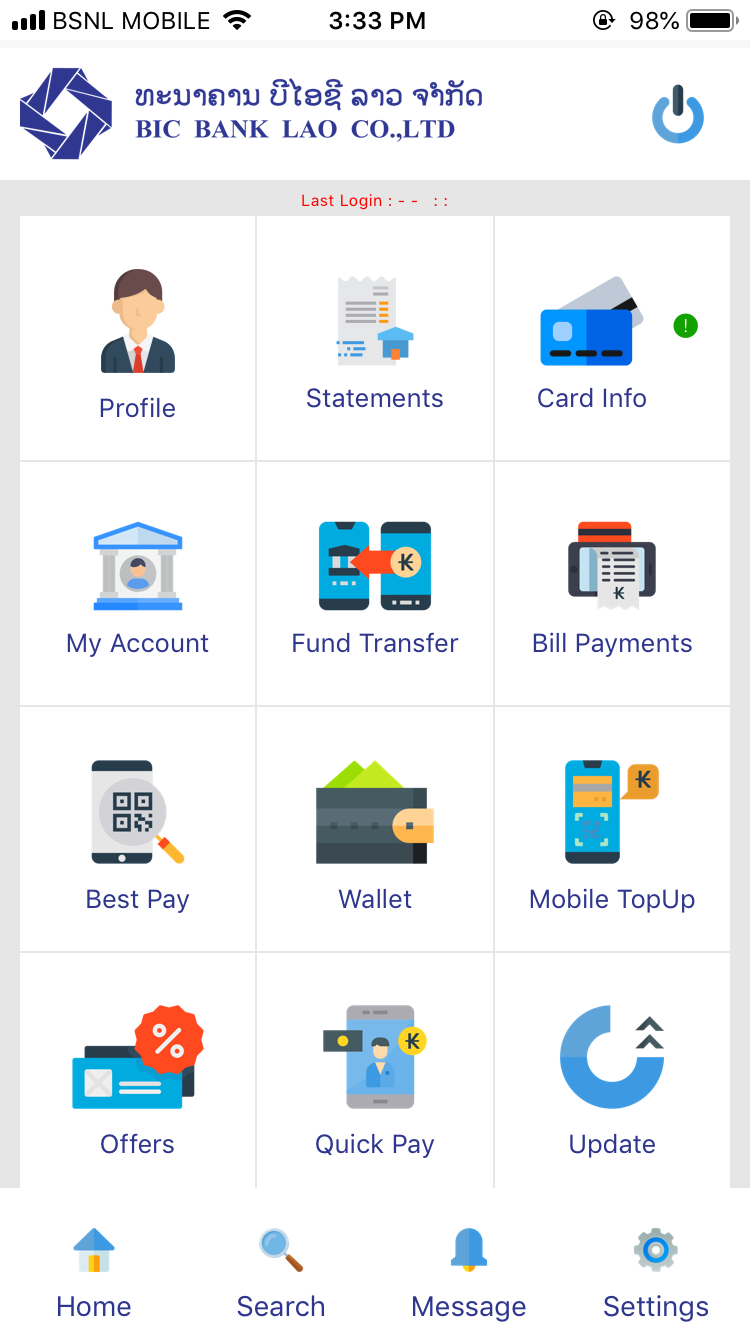
BICBest is your mobile banking service from BIC Bank. To having your bank in your pocket is always helpful. You can manage your current accounts and operations with BICBest in the world.BICBest Help:
- Connecting to all your accounts in the world
- Accessing different features available to suit your needs
- It's easy and fast: you check your accounts and manage your budget easily
- Need to transfer quickly; you can do it via BICBest
Download now!
Get your hands on with the BICBest app and connect with your new password. BICBest is a free software application from the Accounting & Finance subcategory, part of the Business category. The app is currently available in English. The program can be installed on Android/iOS.
BIC BEST is available for download from our website. Just click the green Download button above to start.