BitLord - Torrent downloader is a Video Players&Editors application developed by House of Life, but with the best Android emulator-LDPlayer, you can download and play BitLord - Torrent downloader on your computer.
Running BitLord - Torrent downloader on your computer allows you to browse clearly on a large screen, and controlling the application with a mouse and keyboard is much faster than using touchscreen, all while never having to worry about device battery issues.
With multi-instance and synchronization features, you can even run multiple applications and accounts on your PC.
And file sharing makes sharing images, videos, and files incredibly easy.
Download BitLord - Torrent downloader and run it on your PC. Enjoy the large screen and high-definition quality on your PC!
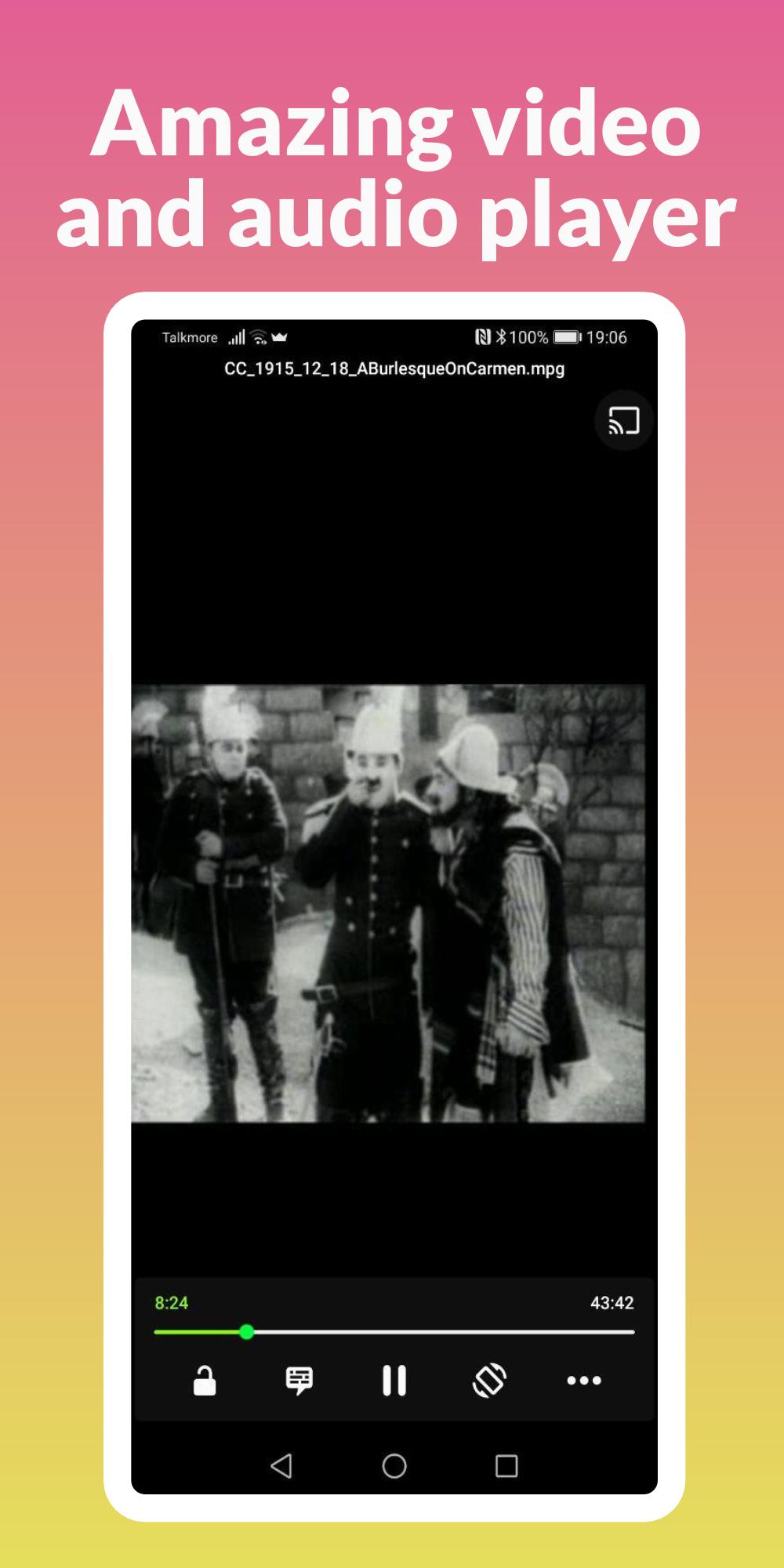
We made BitLord pretty to look at and easy to use. A powerful bittorrent client with a built in video player.Stream video and audio torrents (almost) instantly. No need to download the whole torrent. Send the video to your Chromecast - even while streaming (requires a good connection)
Top Features
Download any type of file from torrents
Stream video and audio torrents
Clean Material user interface
Use on Android phone or tablet
Share files with others
Integrated player that plays most formats
Subtitle support
Advanced features:
Wi-Fi-only mode is enabled by default
Choose what files in torrent to download
Choose your file download location
Features we are working on:
Search engine
Make player remember playback position
Add better support for subtitles
++