Mews POS is a Business application developed by Mews Systems, but with the best Android emulator-LDPlayer, you can download and play Mews POS on your computer.
Running Mews POS on your computer allows you to browse clearly on a large screen, and controlling the application with a mouse and keyboard is much faster than using touchscreen, all while never having to worry about device battery issues.
With multi-instance and synchronization features, you can even run multiple applications and accounts on your PC.
And file sharing makes sharing images, videos, and files incredibly easy.
Download Mews POS and run it on your PC. Enjoy the large screen and high-definition quality on your PC!
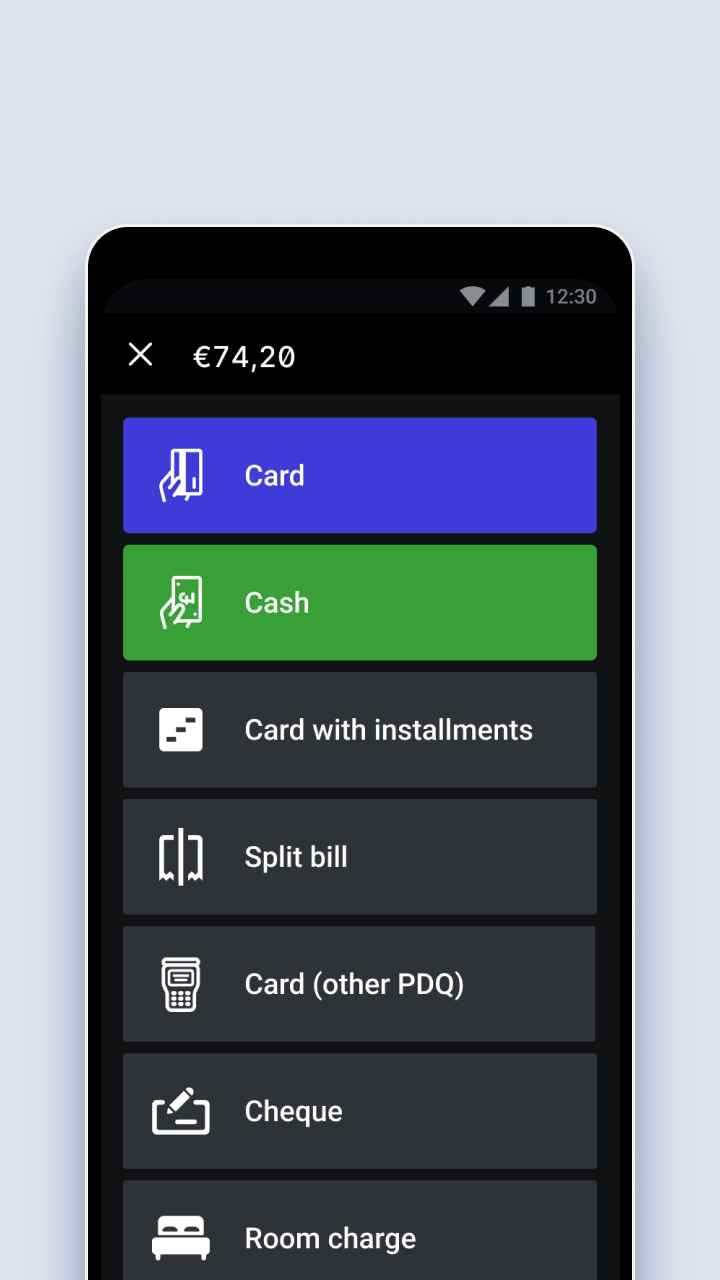
Maximize your food and beverage operations with Mews POS system, a mobile, all-in-one platform that removes the friction of ordering and gives staff more time to focus on guests.Mews POS brings ePOS, digital ordering, inventory management, and payments together to drive digital transformation for hotel restaurants.
With the addition of a POS to Mews, hoteliers, and F&B managers can directly connect their PMS and POS and create the frictionless experience modern guests expect.
And the best part: no proprietary hardware is needed – only an internet-enabled Android smartphone or tablet.