Bots for Discord is a Tools application developed by Seif Abdelaziz, but with the best Android emulator-LDPlayer, you can download and play Bots for Discord on your computer.
Running Bots for Discord on your computer allows you to browse clearly on a large screen, and controlling the application with a mouse and keyboard is much faster than using touchscreen, all while never having to worry about device battery issues.
With multi-instance and synchronization features, you can even run multiple applications and accounts on your PC.
And file sharing makes sharing images, videos, and files incredibly easy.
Download Bots for Discord and run it on your PC. Enjoy the large screen and high-definition quality on your PC!
Transform your Discord server with the ultimate bot discovery app! Browse over 50,000 verified Discord bots across dozens of categories to enhance your community experience.DISCOVER THE BEST DISCORD BOTS
Find the perfect bots for music, moderation, gaming, leveling, AI chatbots, and more. Our curated directory features top-rated bots trusted by millions of Discord servers worldwide.
KEY FEATURES:
• Daily Updated Explore Page - Fresh bot recommendations across 20+ categories
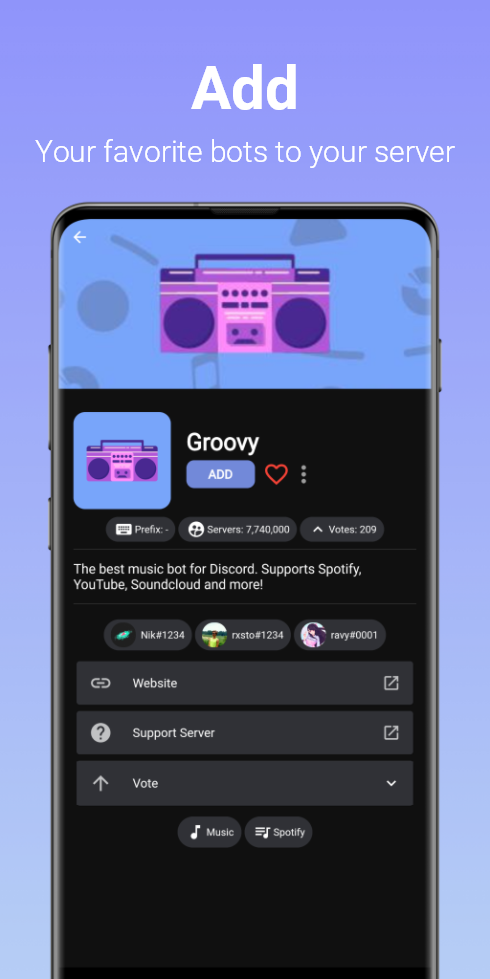
• Comprehensive Bot Profiles - View descriptions, server counts, ratings, invite links, and support info
• Top Charts & Rankings - See the 100 most popular and highest-voted Discord bots
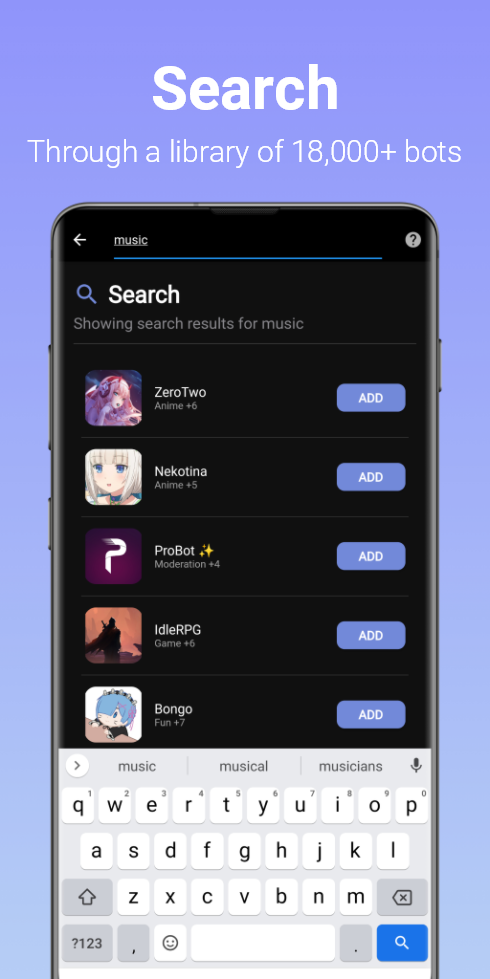
• Advanced Search - Filter through 50,000+ bots by category, features, and popularity
• Personal Bot Manager - Save favorites, submit your own bots, and customize your experience
• Multiple Bot Sources - Aggregated from trusted bot listing platforms
POPULAR BOT CATEGORIES:
Music Bots • Moderation Tools • Gaming & RPG • Leveling Systems • AI Chatbots • Ticket Support • Reaction Roles • Welcome Messages • Server Stats • Memes & Fun
PERFECT FOR:
• Discord server owners and admins
• Community managers
• Gaming communities
• Content creators
• Anyone looking to enhance their Discord experience
TRUSTED SOURCES:
We aggregate bots from multiple verified bot directories to ensure quality and reliability. View our complete source list at: https://discordbots.app/lists
Download now and discover why thousands of Discord communities trust us to find their perfect bots!
Disclaimer: Bots for Discord App is not affiliated with or endorsed by Discord Inc. All trademarks are property of their respective owners.