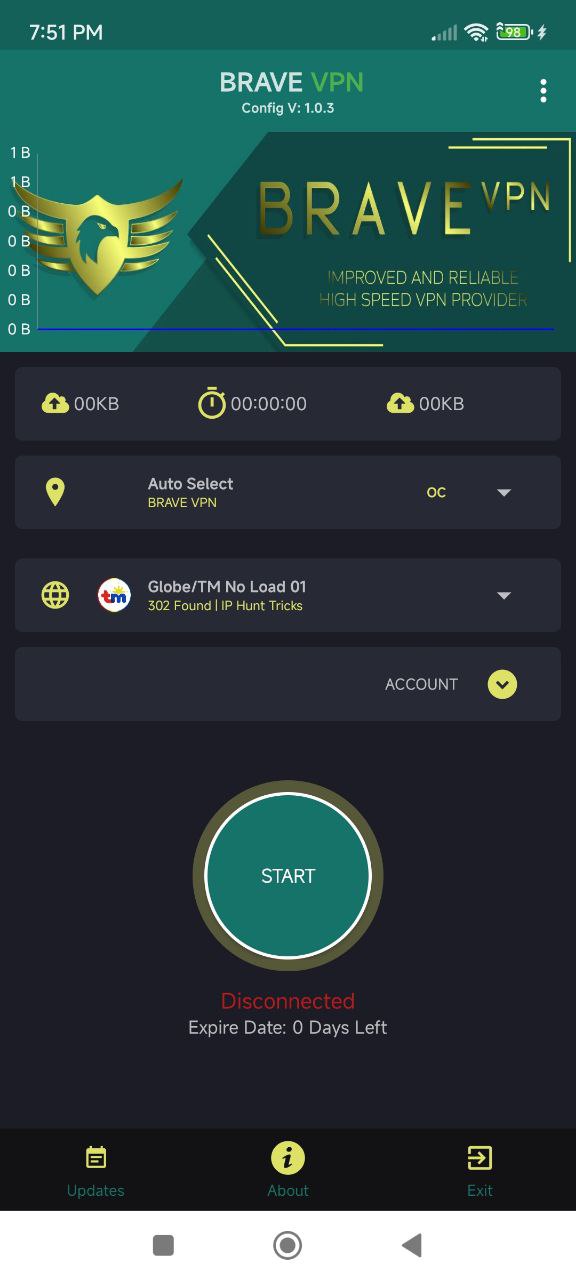
BRAVE VPN 3in1 is a Tools application developed by Team StefanWorks, but with the best Android emulator-LDPlayer, you can download and play BRAVE VPN 3in1 on your computer.
Running BRAVE VPN 3in1 on your computer allows you to browse clearly on a large screen, and controlling the application with a mouse and keyboard is much faster than using touchscreen, all while never having to worry about device battery issues.
With multi-instance and synchronization features, you can even run multiple applications and accounts on your PC.
And file sharing makes sharing images, videos, and files incredibly easy.
Download BRAVE VPN 3in1 and run it on your PC. Enjoy the large screen and high-definition quality on your PC!
Our VPN app for Android offers a range of advanced features to ensure that your internet traffic is always encrypted and secure. With our app, you can enjoy the following benefits:OpenConnect Support: Our VPN app supports the OpenConnect protocol, which is an open-source VPN client that enables you to connect to a variety of VPN servers. With OpenConnect support, you can access a wide range of servers from different locations across the globe.
SSH Tunnel: Our VPN app also supports SSH tunneling, which is a technique that allows you to encrypt your internet traffic and route it through an SSH server. This provides an additional layer of security and can help protect your data from interception or snooping.
UDP Tunnel: Our VPN app also supports UDP tunneling, which is a technique that allows you to tunnel your internet traffic over UDP. This can be useful if you need to bypass certain types of network restrictions or if you want to improve your internet speed.
Overall, our VPN app for Android is a versatile and secure solution for anyone looking to protect their online privacy and security. With a range of advanced features and protocols, you can rest assured that your data is always encrypted and secure, no matter where you are or what you're doing online.