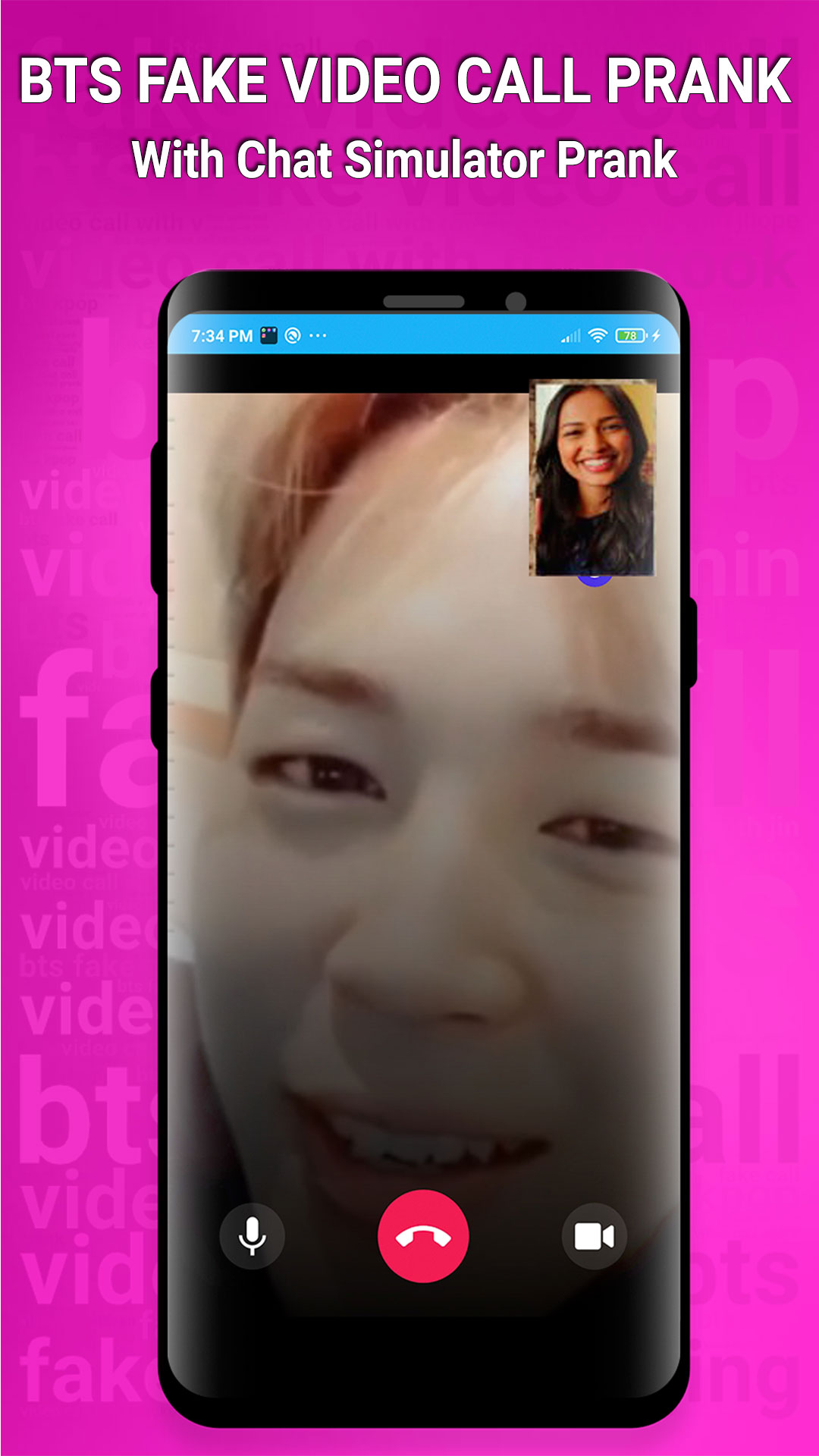
BTS Fake Video Call Prank is a Entertainment application developed by CC Ringtones, but with the best Android emulator-LDPlayer, you can download and play BTS Fake Video Call Prank on your computer.
Running BTS Fake Video Call Prank on your computer allows you to browse clearly on a large screen, and controlling the application with a mouse and keyboard is much faster than using touchscreen, all while never having to worry about device battery issues.
With multi-instance and synchronization features, you can even run multiple applications and accounts on your PC.
And file sharing makes sharing images, videos, and files incredibly easy.
Download BTS Fake Video Call Prank and run it on your PC. Enjoy the large screen and high-definition quality on your PC!
Fake Video Call with BTS is a free prank app to make a fake call with all BTS members and fake chat text message with BTS. You can prank your friends and family with video call with Jimin, jin, Jungkook, Suga, V, RM and J-Hope calling.With this app you can show your friends that BTS video call you and make fun of them by saying see BTS call me and show them that BTS video calls coming to you and also make a chat message with all bts members and have a fun time with your friends and family. Fake bts messenger is look like you make a real chat with bts boys but you’re actually talking to a robot.
BTS / 방탄소년단 romanization Bangtan Sonyeondan a.k.a Bangtan Boys, is a seven-member South Korean boyband formed in 2013 in Seoul. Members of BTS band:
- Jungkook (정국), born Jeon Jung-kook (전정국)
- RM, born Kim Nam-joon (김남준)
- J-Hope (제이홉), born Jung Ho-seok (정호석)
- Jin (진), born Kim Seok-jin (김석진)
- Suga (슈가), born Min Yoon-gi (민윤기)
- Jimin (지민), born Park Ji-min (박지민)
- V (뷔), born Kim Tae-hyung (김태형)
How To use:
✔ Open BTS Fake Video Call prank
✔ Choose your favorite character
✔ You can edit name and number of members
✔ BTS call you
BTS Calling - BTS Fake Video Call Prank app Features:
✔ Full of video calls from seven members of BTS
✔ Easy to use
✔ Latest video from B.T.S Members
✔ Newest layout video call
✔ Real Interface, Army feels real to talk to BTS
BTS fake video call is made only for fun. It won’t connect to the real BTS.