

Business Digital MobileConnect is a Business application developed by Verizon Consumer Group, but with the best Android emulator-LDPlayer, you can download and play Business Digital MobileConnect on your computer.
Running Business Digital MobileConnect on your computer allows you to browse clearly on a large screen, and controlling the application with a mouse and keyboard is much faster than using touchscreen, all while never having to worry about device battery issues.
With multi-instance and synchronization features, you can even run multiple applications and accounts on your PC.
And file sharing makes sharing images, videos, and files incredibly easy.
Download Business Digital MobileConnect and run it on your PC. Enjoy the large screen and high-definition quality on your PC!
The Business Digital Mobile Connect app turns your smartphone into a seamless extension of your Verizon Business Digital Voice office phone by allowing you to make and receive calls from your business telephone number. Take in-progress calls from your desk phone to your smartphone to work on the go. Manage your call setting features such as call forwarding or business continuity right from the app.Business Digital Mobile Connect lets you:
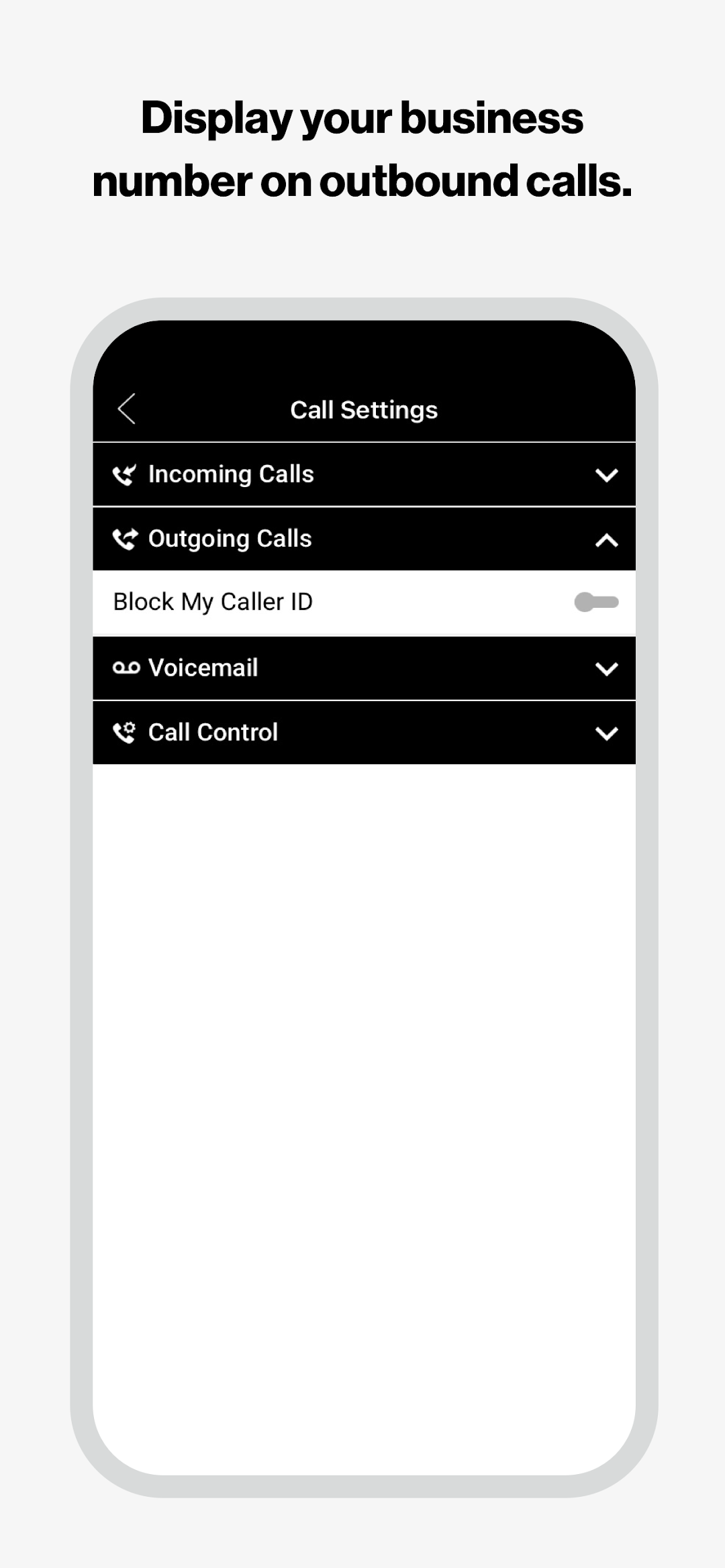
• Display your business telephone number on outbound calls made from the app.
• Take in-progress calls from desktop phone to app.
• Access business directory and contacts on your mobile device.
• Manage call features, such as call forwarding and business continuity.
• Initiate My Room conferencing and chat sessions (Premium users only).
Download the Business Digital Mobile Connect app, and stay in touch with your business when you’re on the go.