C1 is a Tools application developed by TeleOffice, but with the best Android emulator-LDPlayer, you can download and play C1 on your computer.
Running C1 on your computer allows you to browse clearly on a large screen, and controlling the application with a mouse and keyboard is much faster than using touchscreen, all while never having to worry about device battery issues.
With multi-instance and synchronization features, you can even run multiple applications and accounts on your PC.
And file sharing makes sharing images, videos, and files incredibly easy.
Download C1 and run it on your PC. Enjoy the large screen and high-definition quality on your PC!
This is a mobile application created to give you the ultimate freedom in your work, without compromising on productivity. With C1, your office is always where you are!With C1, you always have your workplace with you. Connect your team and create a seamless communication environment, whether you're in the office or on the go.
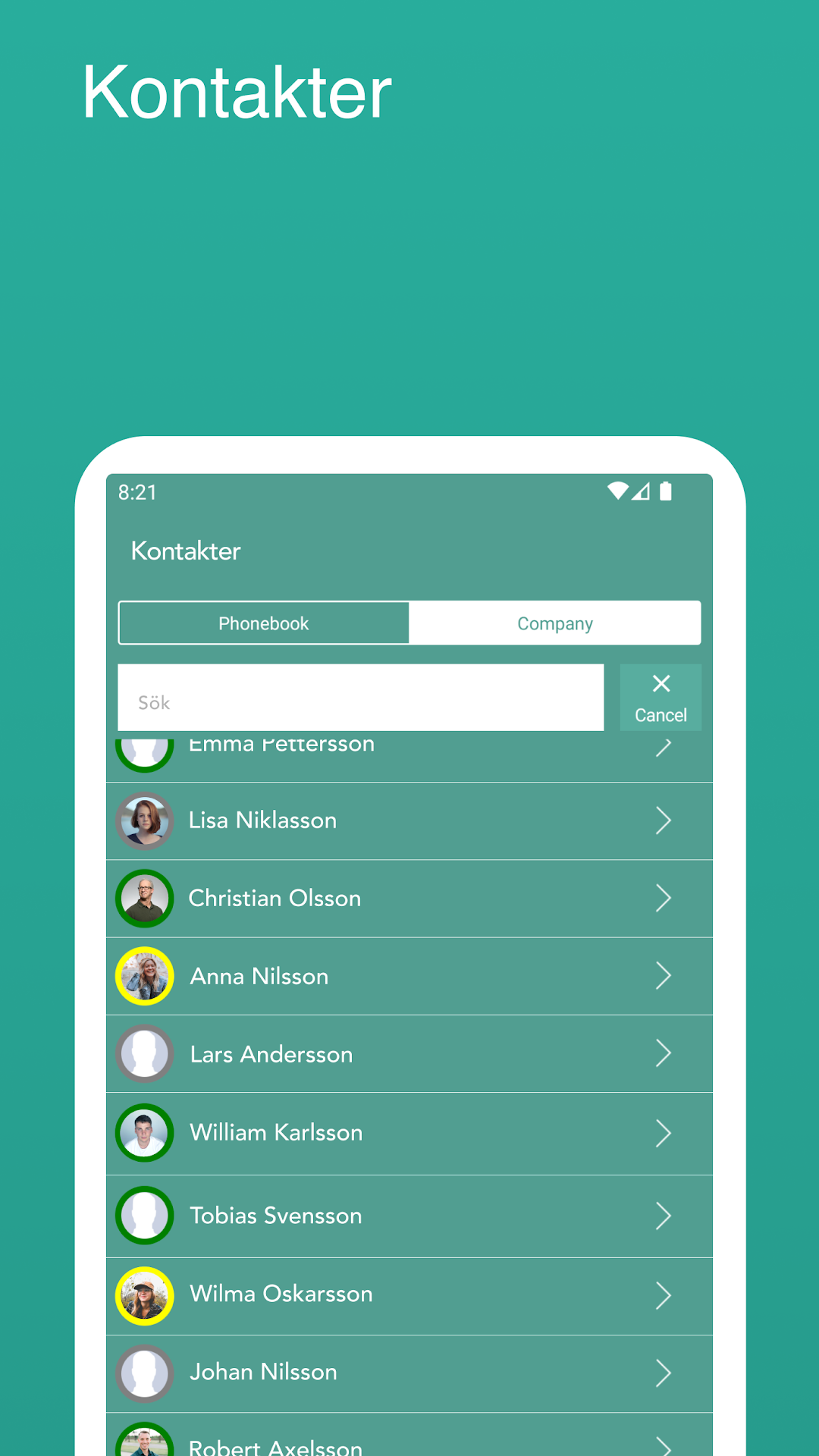
The C1 app provides you with a live phone book, where you can instantly see if your colleagues are busy, referred or available. You can also call external contacts directly from, for example, Outlook, which is automatically synchronized with the app.
You always retain control over your communication. You choose which number is shown to the recipient, save all call history and can easily transfer or refer calls with just one push of a button. Do you want to join or leave a ring group? No problem, it's as easy as pressing a button.
C1 is not only practical, but also cost-effective. When you call through the app, you automatically get access to the advantageous call rates offered through our C1 system. Imagine being able to call a mobile in New Zealand for just 90 cents per minute!
Customer First C1 is your key to efficient, flexible and economical communication. Download the app today and experience the freedom of having the office in your pocket!