Cleaner: mobile phone cleaning is a Tools application developed by App Lock LLC, but with the best Android emulator-LDPlayer, you can download and play Cleaner: mobile phone cleaning on your computer.
Running Cleaner: mobile phone cleaning on your computer allows you to browse clearly on a large screen, and controlling the application with a mouse and keyboard is much faster than using touchscreen, all while never having to worry about device battery issues.
With multi-instance and synchronization features, you can even run multiple applications and accounts on your PC.
And file sharing makes sharing images, videos, and files incredibly easy.
Download Cleaner: mobile phone cleaning and run it on your PC. Enjoy the large screen and high-definition quality on your PC!
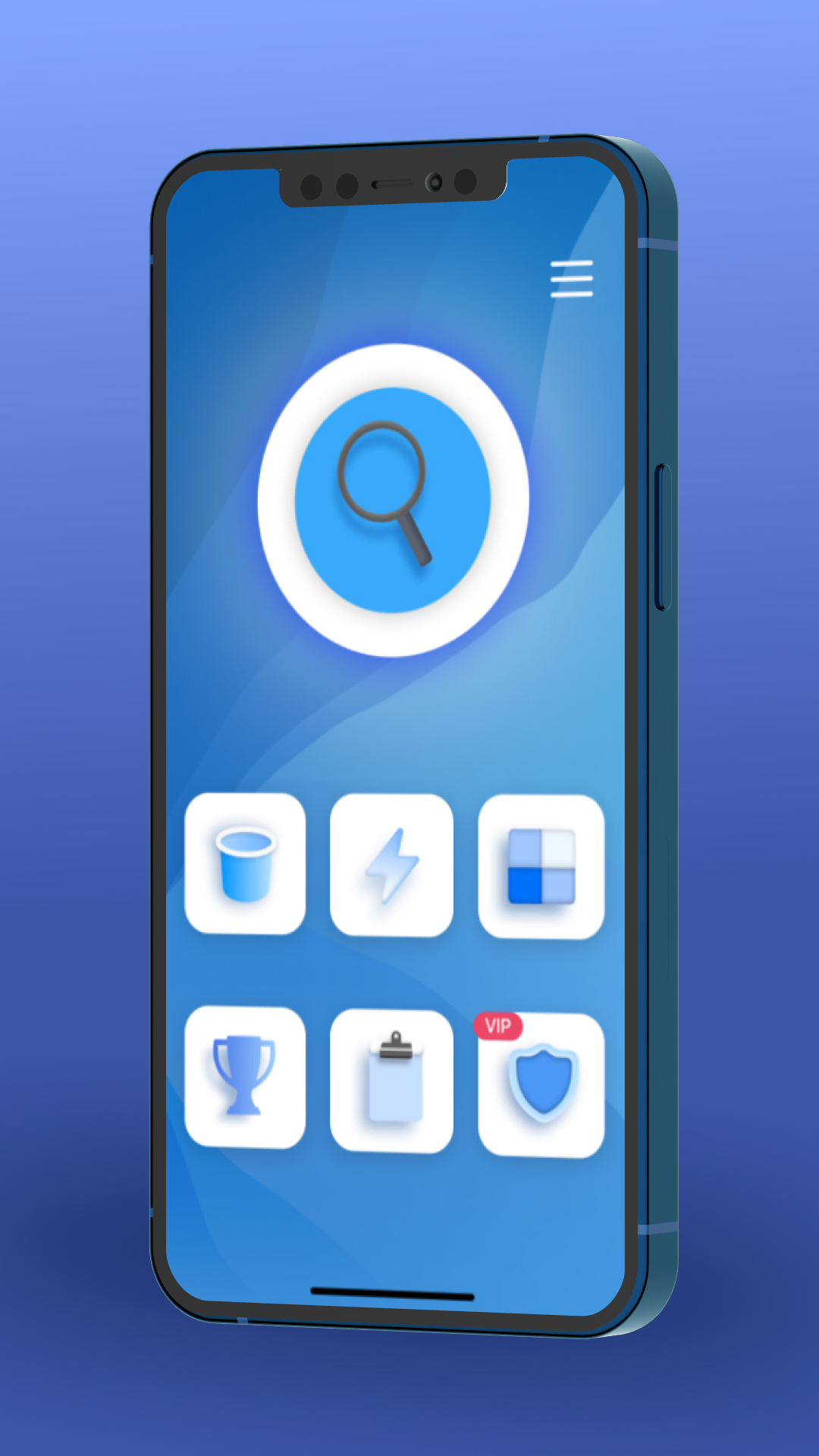
Phone Cleaner - mobile phone cleaning and delete large files & photos. Cleaning is a handy tool to help you manage and free up space on your Android device.Get a clear overview of which files, photos, app data, and rarely used apps take up the most storage on your device and choose what you want to remove or manage - easily and clearly.
🧩 Main Features:
🔍 Storage Analysis and Phone Cleaner
Scan your device and detect large and unused files that take up the most space.
📂 Find & Clean Big Files
Easily find & delete big files you no longer need.
🖼️ Similar Photos and Screenshots
Easy and fast find and display similar images and screenshots so you can remove duplicates and free up space.
📱 App Manager and Phone Cleaner
View all installed apps, detect rarely used ones, and uninstall them to optimize storage.
💬 Messenger Files and File Cleaner
Cleaner media and documents received through messengers. Browse and delete photos, videos, audio files, and documents from within the app.
⚠️ Please note:
This app does not delete temporary data from other apps.
You can manage only files and media accessible under Android's privacy policies.
Some operations may require manual confirmation depending on your Android version.
We hope Phone Cleaner and File Cleaner helps you manage your storage more effectively.