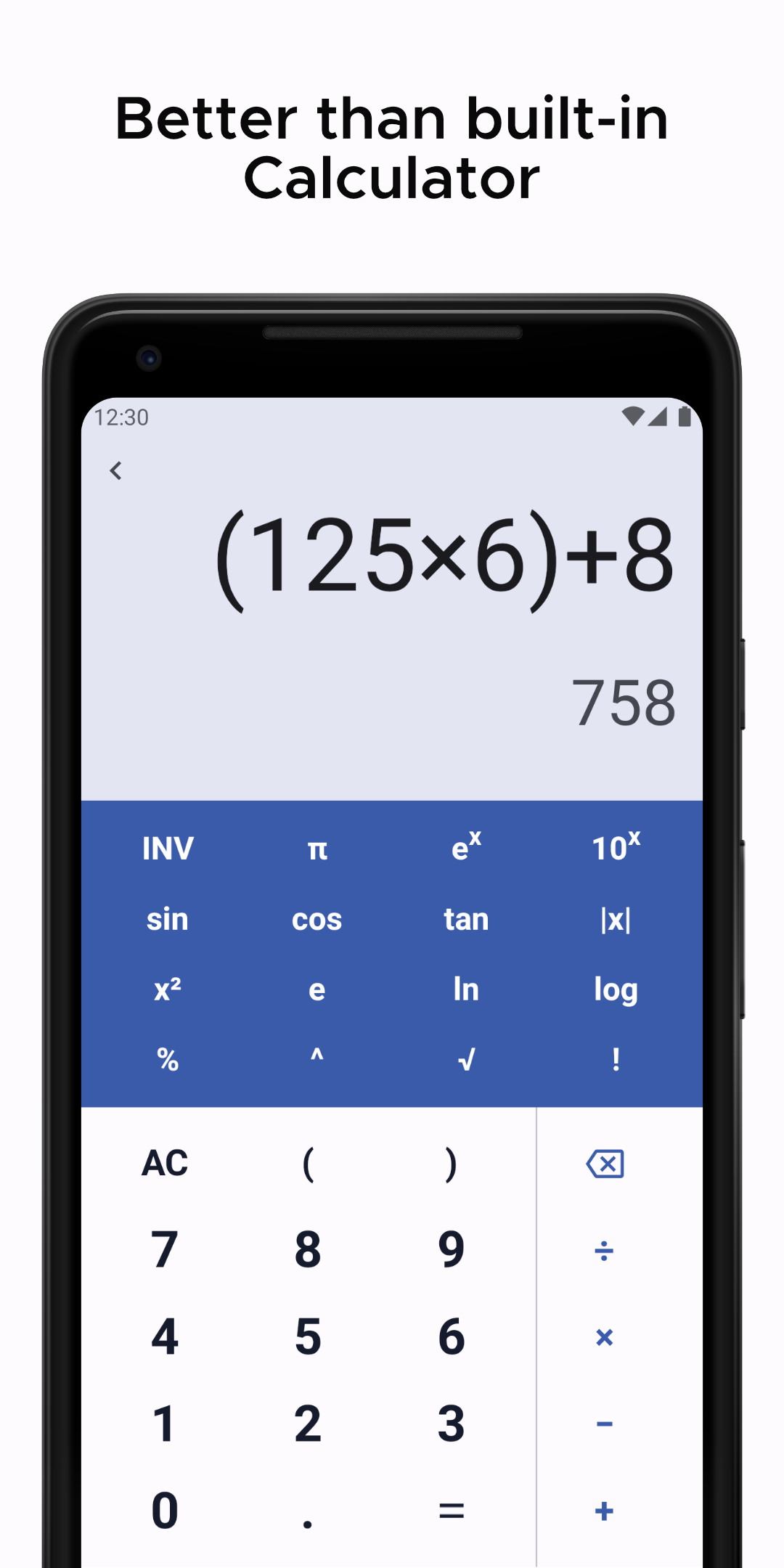
Calculator Pro - All-in-one is a Productivity application developed by Gigantic Apps, but with the best Android emulator-LDPlayer, you can download and play Calculator Pro - All-in-one on your computer.
Running Calculator Pro - All-in-one on your computer allows you to browse clearly on a large screen, and controlling the application with a mouse and keyboard is much faster than using touchscreen, all while never having to worry about device battery issues.
With multi-instance and synchronization features, you can even run multiple applications and accounts on your PC.
And file sharing makes sharing images, videos, and files incredibly easy.
Download Calculator Pro - All-in-one and run it on your PC. Enjoy the large screen and high-definition quality on your PC!
Calculator Pro is a complete and easy to use multi calculator app which allows you to handle all necessary calculations for everyday life. A perfect calculating tool specially built and beautifully designed for you. It is absolutely FREE!This all in one calculator app is the best utility which helps you to solve daily simple calculations and problems from complex calculations to the unit and currency conversions, percentage, equations, areas, volumes, BMI, loan, tax and so on. Calculator Pro is the only calculator you will ever need on your device.
Key Features:
• Standard calculator, Simple or Scientific layout
• Convert units or currencies in the same app
• Over 80 calculators and unit converters
• Currency converter with 170 currencies (available offline)
• Solves your school homework instantly
• Calculator with Function graphing & History
• Smart search for faster navigation
• Dark theme for late-night sessions
• Easy and quick navigation across app
It is a perfect tool for students, teachers, engineers, handyman, contractor or just somebody who struggles with math & conversions. Featuring over 80 free calculators and unit converters fully packed in with a scientific calculator and much better than your phone or handheld calculator.
The whole package helps you to solves any simple problem or advanced calculation instantly and accurately. The scientific calculator is equipped with function graphing, calculation history, advanced math functions and editable input. Its material design with clean interface allows you to focus on your calculations and data even in late-night sessions.
Math Tools
• Percentage calculator
• Average calculator - arithmetic, geometric and harmonic means
• Proportion calculator
• Combinations and permutations
• Area / Perimeter calculator for triangle, square rectangle, parallelogram, trapezoid, rhombus, pentagon, hexagon, circle, circle arc and ellipse
• Volume calculator for cube, rect. prism, sq. pyramid, sq. pyramid frustum, cylinder, cone, conical frustum, sphere, spherical cap, spherical segment and ellipsoid
• Equation solver - linear, quadratic and equation system
• Decimal to fraction
• Prime number checker
• Right triangle calculator
• Heron’s formula (solve a triangle knowing the side lengths)
• Circle solver
• GCF and LCM calculator
• Fraction simplifier
• Number base converter
• Random number generator
Unit converters
• Over 30 Unit Converters are supported
• Length converter
• Area converter
• Weight converter
• Volume converter
• Speed converter
• Temperature converter
• Time converter
• Fuel economy converter
• Cooking converter
More
• Body mass index - BMI calculator
• Daily calories burn
• Body fat percentage calculator
• Sales Tax calculator
• Tip calculator
• EMI / Loan calculator
• Smoking cost calculator
• Age calculator
• Elapsed time calculator - years & days, hours & minutes calculator
Contact us at email: feedbackgigantic@gmail.com We look forward to your feedback.