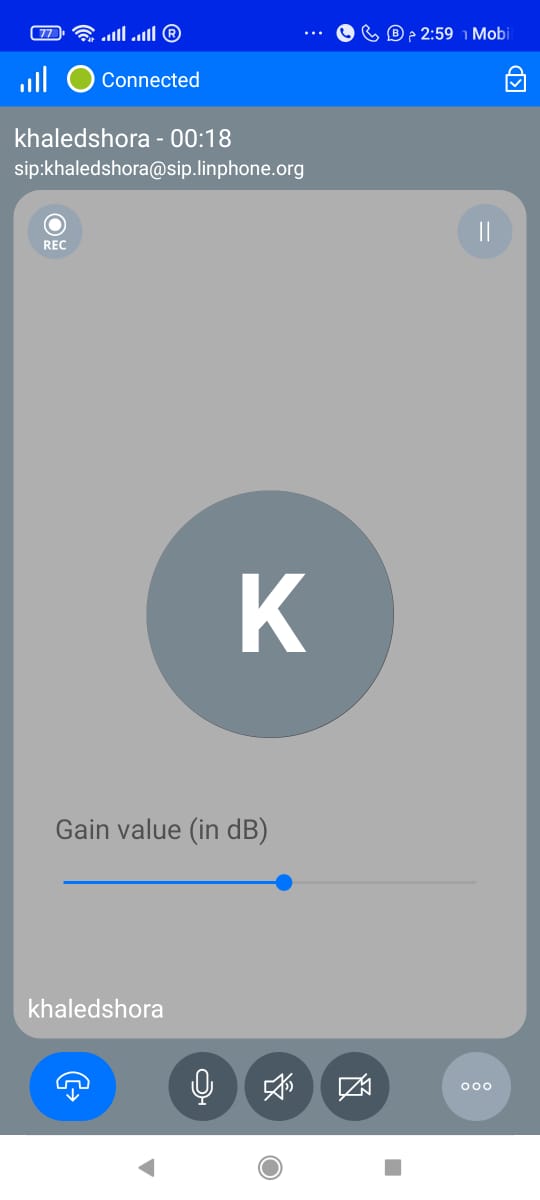
Callio - call Mic booster is a Communication application developed by Yousef Shora, but with the best Android emulator-LDPlayer, you can download and play Callio - call Mic booster on your computer.
Running Callio - call Mic booster on your computer allows you to browse clearly on a large screen, and controlling the application with a mouse and keyboard is much faster than using touchscreen, all while never having to worry about device battery issues.
With multi-instance and synchronization features, you can even run multiple applications and accounts on your PC.
And file sharing makes sharing images, videos, and files incredibly easy.
Download Callio - call Mic booster and run it on your PC. Enjoy the large screen and high-definition quality on your PC!
BASED ON LINPHONE.callio is used to enhance the audio quality during phone calls. It works by amplifying the sound signal from the microphone, allowing the person on the other end of the call to hear you more clearly, even in noisy environments. The booster is compact and easy to use, simply plug it into the headphone jack of your phone and adjust the volume as needed. It is a great tool for those who frequently make phone calls in crowded or noisy settings, ensuring that both parties can communicate effectively without any distortion or background noise.
it also comes with video and chat feature.