CamSam PLUS is a Maps&Navigation application developed by Eifrig Media GmbH, but with the best Android emulator-LDPlayer, you can download and play CamSam PLUS on your computer.
Running CamSam PLUS on your computer allows you to browse clearly on a large screen, and controlling the application with a mouse and keyboard is much faster than using touchscreen, all while never having to worry about device battery issues.
With multi-instance and synchronization features, you can even run multiple applications and accounts on your PC.
And file sharing makes sharing images, videos, and files incredibly easy.
Download CamSam PLUS and run it on your PC. Enjoy the large screen and high-definition quality on your PC!
CamSam PLUS - The speed and red light camera warning system!With CamSam PLUS you receive editorially verified speedcam alerts in real time. More than 5 million participants worldwide report daily on newly discovered speedcams.
★★★★★ Advantages of the PLUS version ★★★★★
[✔] Widget-Mode and Multi-Windows-Supports
[✔] Landscape mode, simply turn your smartphone 90°
[✔] Works in the background
[✔] HFP-Bluetooth support
This exclusive service is only available to users of the PLUS version. Any questions? Ask us at support@camsam.com
Review: http://goo.gl/8nFtC
★★★★★ OVERVIEW OF FUNCTIONS ★★★★★
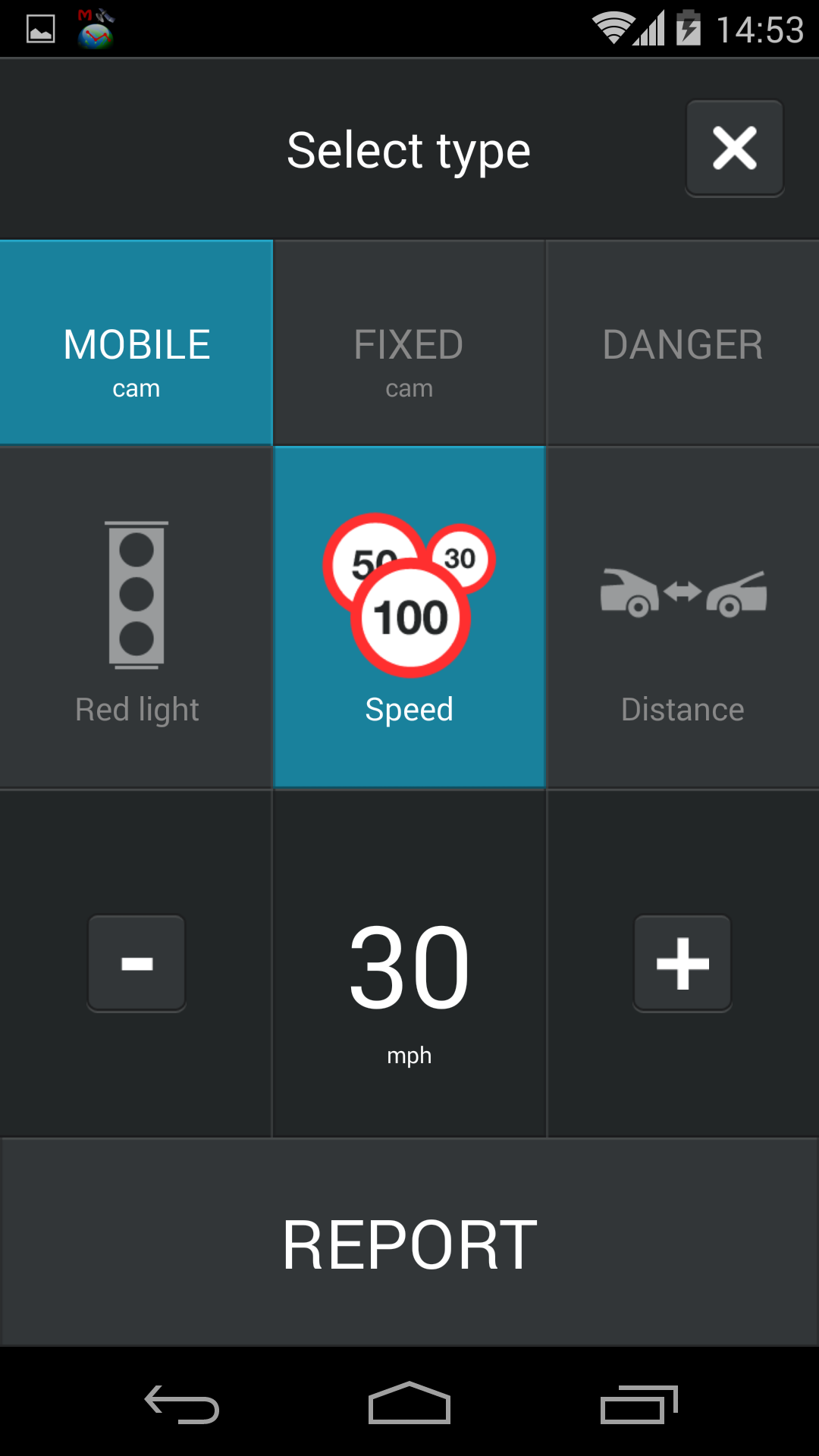
- Real time alerts of mobile radar traps
- More than 60.000 fixed speedcams worldwide from SCDB.info
- Directional alerts for all fixed speedcams
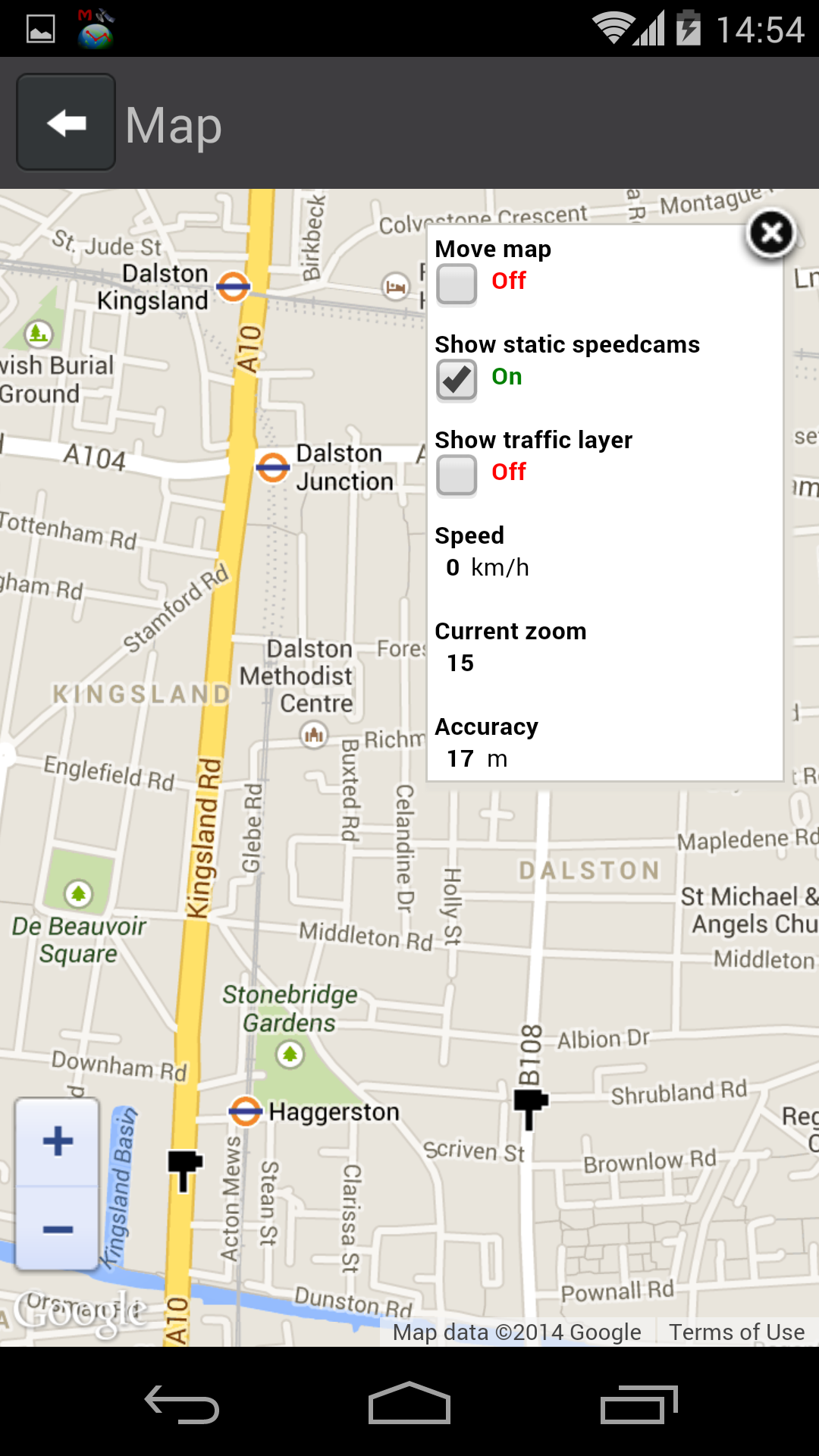
- Speed camera map
- Automatic updates every 5 minutes
- Visual and acoustic warnings
- Indication of device type and of legal speed limit
- Simple alert function
- Online/offline mode
- Locations of fixed speedcams checked on site
- Listening and radar view
- Landscape mode
- Background mode
- Distance and direction of speedcam indicated
BUY NOW AND TRAVEL MORE RELAXED!
System requirements:
- Android 4 or higher
- Internet access for online updates (flat rate recommended)
- Internal GPS