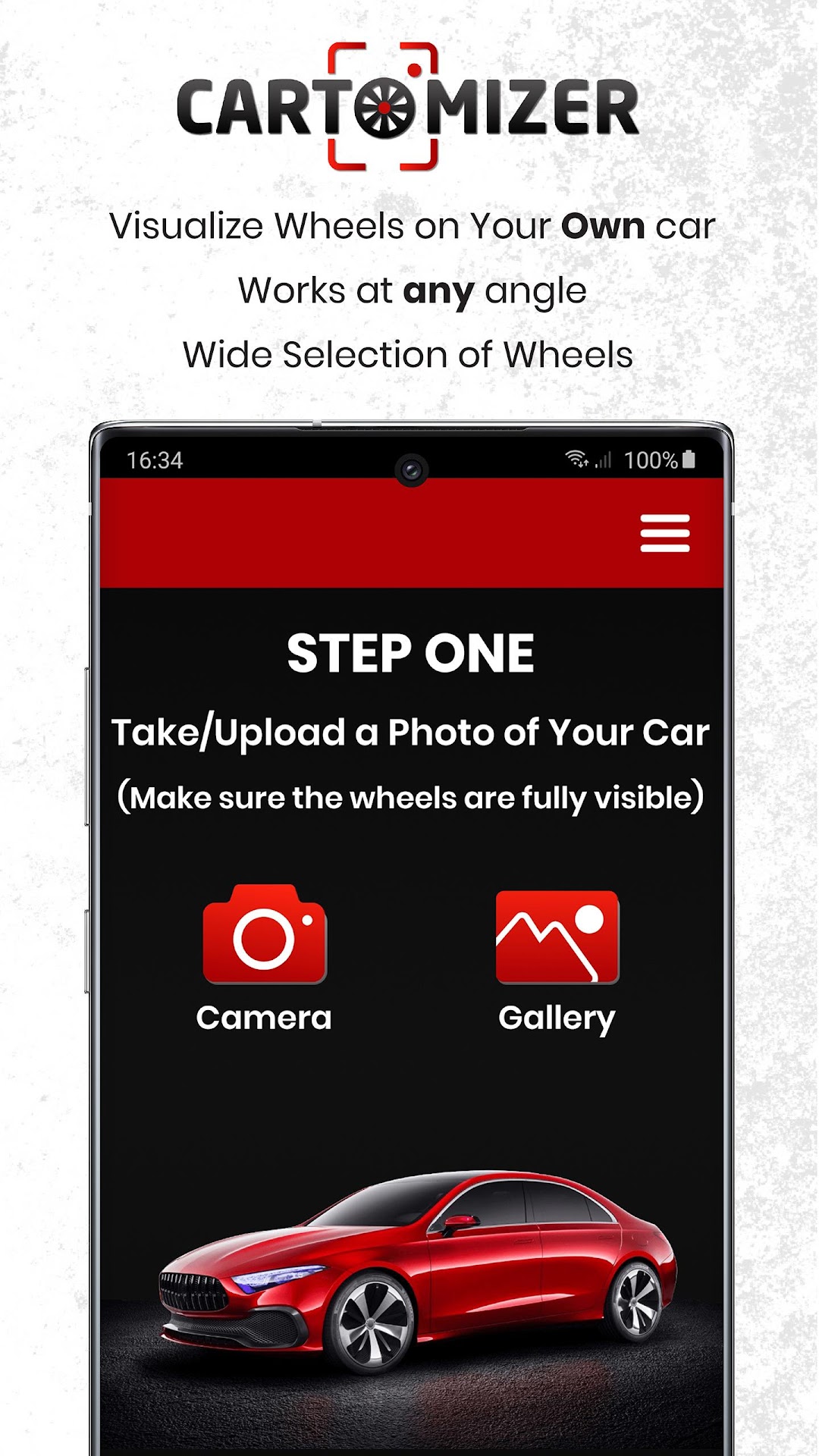
Cartomizer - Wheels Visualizer is a Auto&Vehicles application developed by Cartomizer Inc., but with the best Android emulator-LDPlayer, you can download and play Cartomizer - Wheels Visualizer on your computer.
Running Cartomizer - Wheels Visualizer on your computer allows you to browse clearly on a large screen, and controlling the application with a mouse and keyboard is much faster than using touchscreen, all while never having to worry about device battery issues.
With multi-instance and synchronization features, you can even run multiple applications and accounts on your PC.
And file sharing makes sharing images, videos, and files incredibly easy.
Download Cartomizer - Wheels Visualizer and run it on your PC. Enjoy the large screen and high-definition quality on your PC!
Have you ever found yourself wondering which wheels look best on your ride?Looking to purchase a set of aftermarket wheels to set you apart from the rest but can't really decide?
With Cartomizer you now have a fast and easy way to view wheels on your own ride before you buy them.
Cartomizer uses artificial intelligence to detect your wheels and replace them automatically for you! No more manually adjusting wheels or any other kind of effort on your part.
You don't even have to worry about the camera angle anymore - Just make sure the wheels are fully visible and we will take care of the rest.
It’s this simple:
1. Take or upload a photo of your ride
2. Try different wheels and choose the wheels that look best on your ride
3. Contact us to get an offer