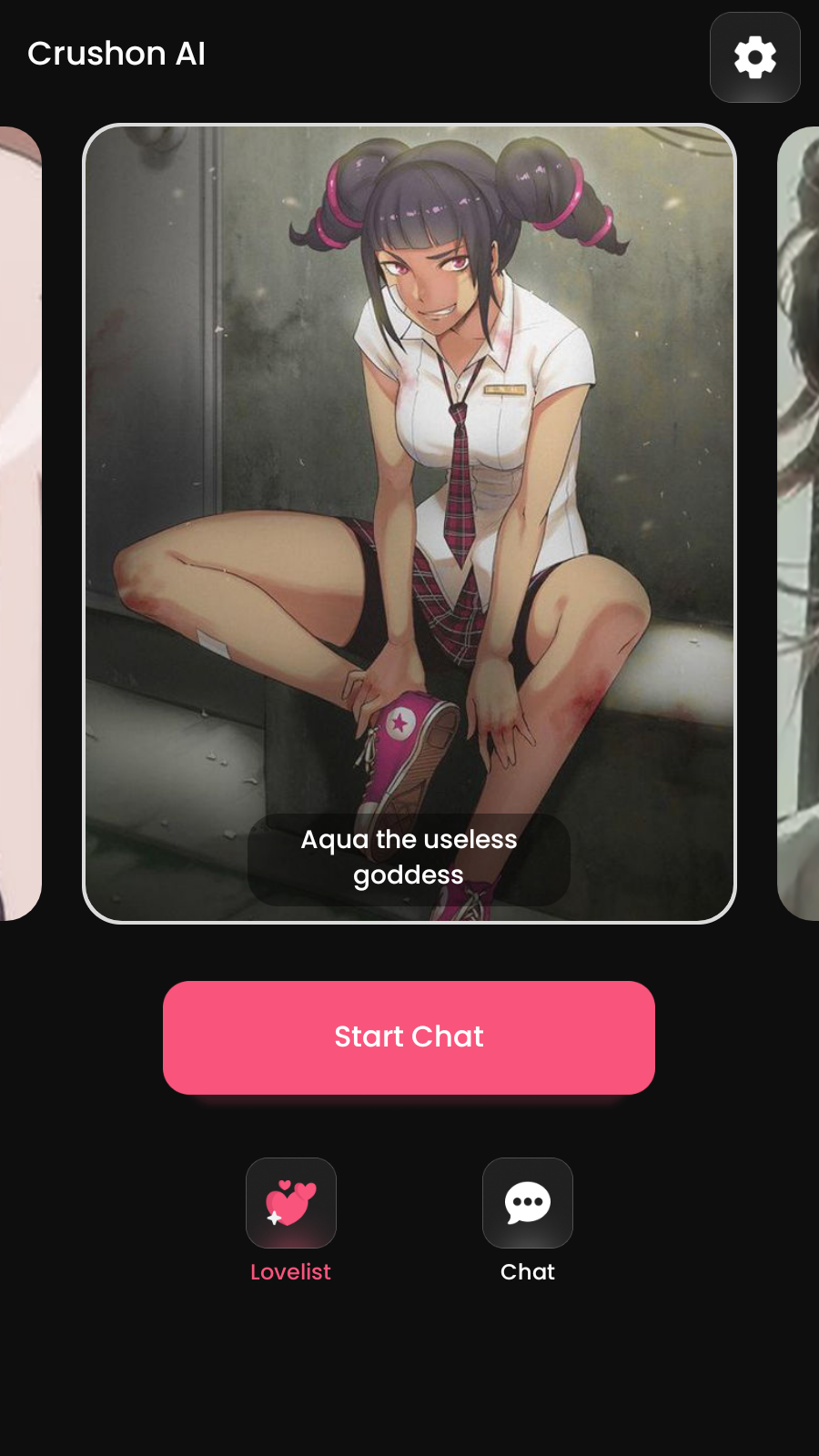
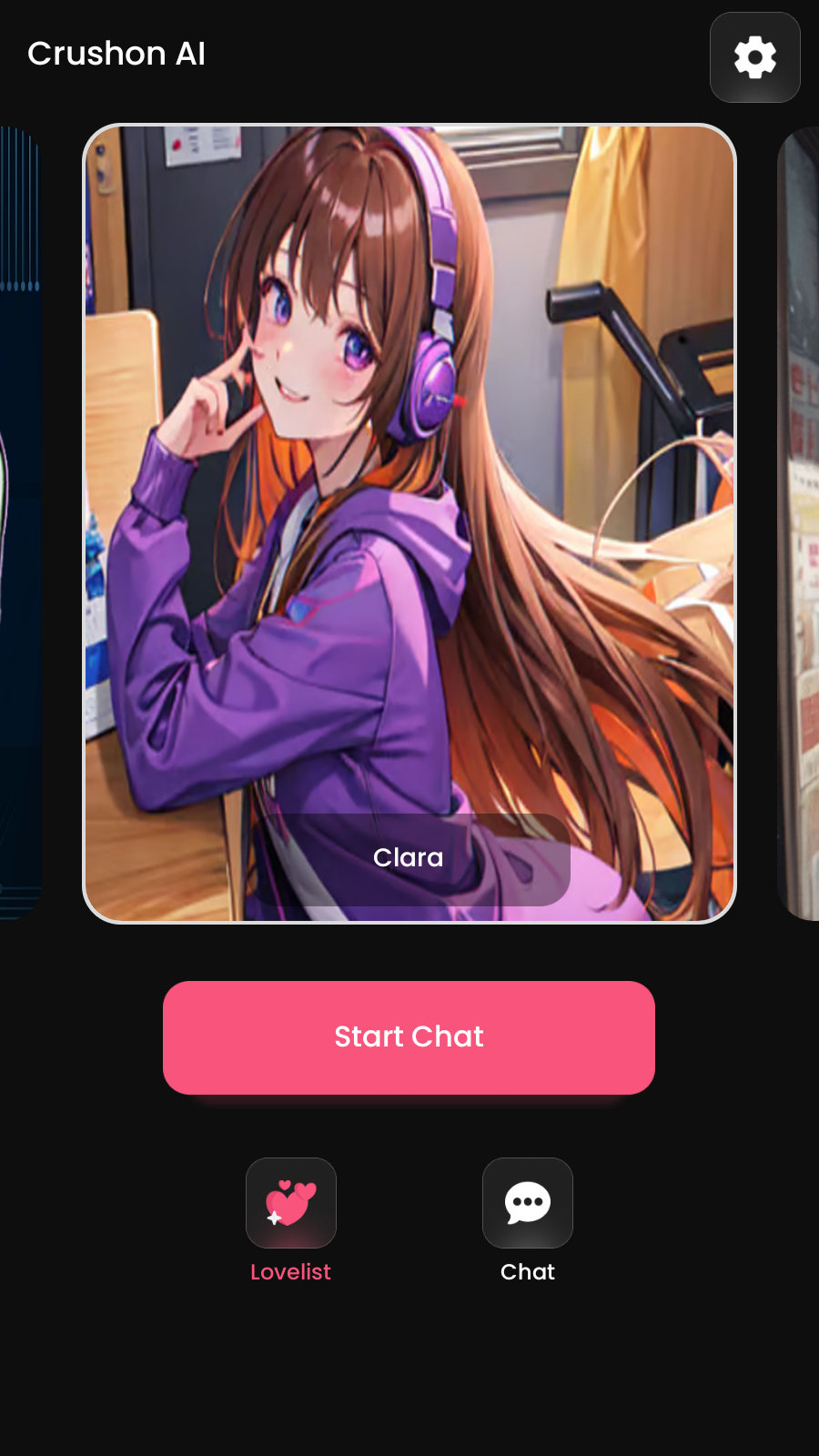
Charstar - Character AI Chat is a Entertainment application developed by Brokley Lab, but with the best Android emulator-LDPlayer, you can download and play Charstar - Character AI Chat on your computer.
Running Charstar - Character AI Chat on your computer allows you to browse clearly on a large screen, and controlling the application with a mouse and keyboard is much faster than using touchscreen, all while never having to worry about device battery issues.
With multi-instance and synchronization features, you can even run multiple applications and accounts on your PC.
And file sharing makes sharing images, videos, and files incredibly easy.
Download Charstar - Character AI Chat and run it on your PC. Enjoy the large screen and high-definition quality on your PC!
Enjoy Character AI Chat and roleplay with Charstar AI characters friends anywhere and anytime.With our mobile app for Charstar AI, you can:
- Create realistic AI friends, companions, and characters inspired by your favorite anime, games, stories, fantasies, books, movies, or TV shows
- Discover characters created by users from across the globe
- Engage in realistic Character AI Chat
/roleplays powered by Charstar advanced AI model
- Edit or regenerate any message to steer the AI to what you want to talk about
Welcome to the community. We're excited to see what you bring to life!
Privacy Policy: https://charstar.ai/privacypolicy.html