

Check Number WA is a Tools application developed by StickyApple.com, but with the best Android emulator-LDPlayer, you can download and play Check Number WA on your computer.
Running Check Number WA on your computer allows you to browse clearly on a large screen, and controlling the application with a mouse and keyboard is much faster than using touchscreen, all while never having to worry about device battery issues.
With multi-instance and synchronization features, you can even run multiple applications and accounts on your PC.
And file sharing makes sharing images, videos, and files incredibly easy.
Download Check Number WA and run it on your PC. Enjoy the large screen and high-definition quality on your PC!
A simple way to check if a number uses WhatsApp (WA) Messenger - then view their WA profile/message/call them.- Enter a number and check if they are using WA Messenger!
- View WA profiles (if user has made visible)
- Chat without saving number - message/call an unsaved number on WA (no need to add contact to message on WA)
- Message myself (send WA messages/attachments to yourself by entering your own number)
- Find your phone neighbor on WA
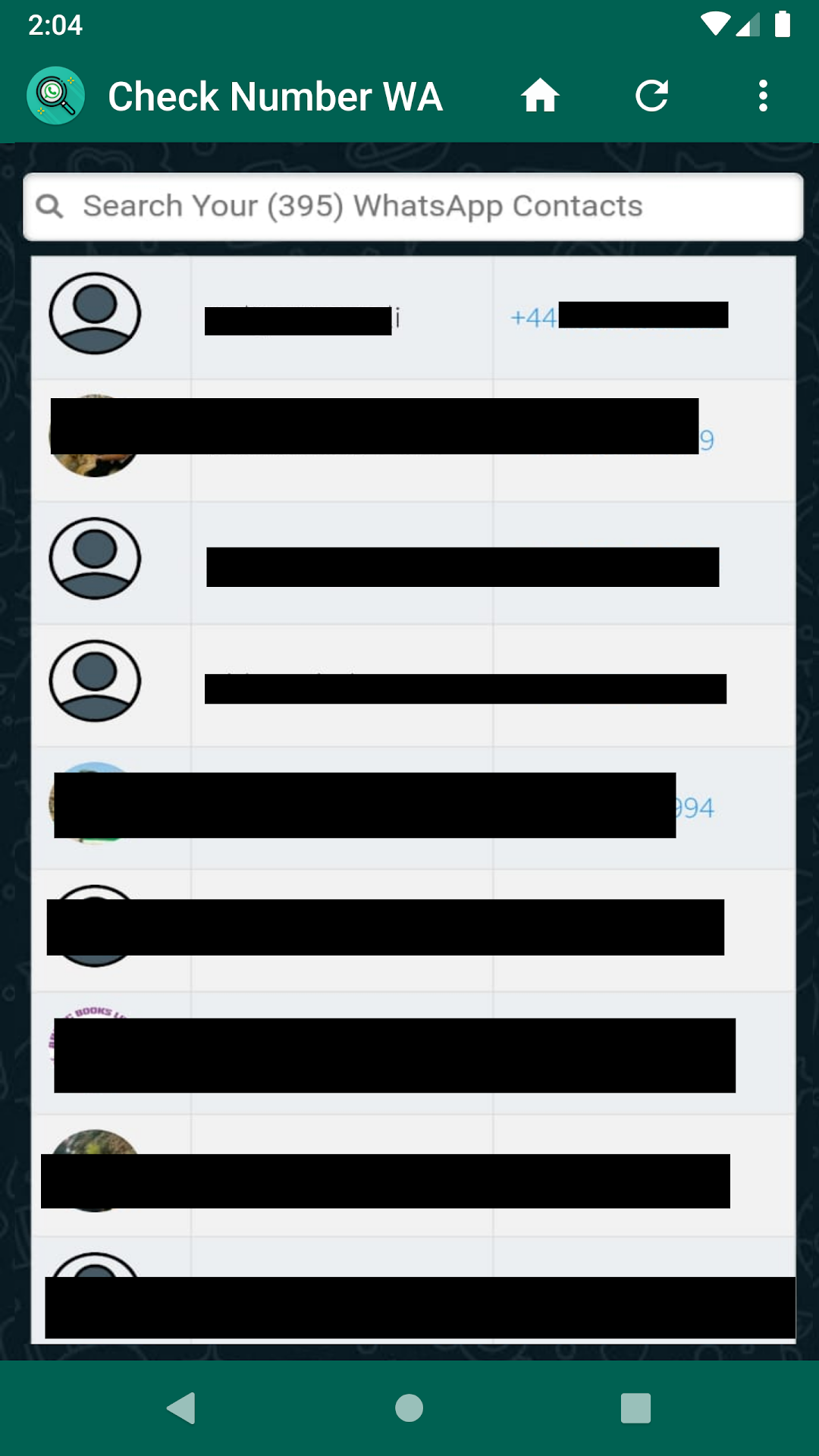
- Check which of your contacts are using WA - see a list of all your saved contacts that use WA Messenger
When using the app, you will need to select the persons country from the dropdown list (to auto-populate the international country code e.g. US will add +1). Then type in the telephone number (include local area codes if applicable, but do not include any + or leading 0s).
This app (Check Number WA) does not represent nor is it affiliated with WhatsApp.