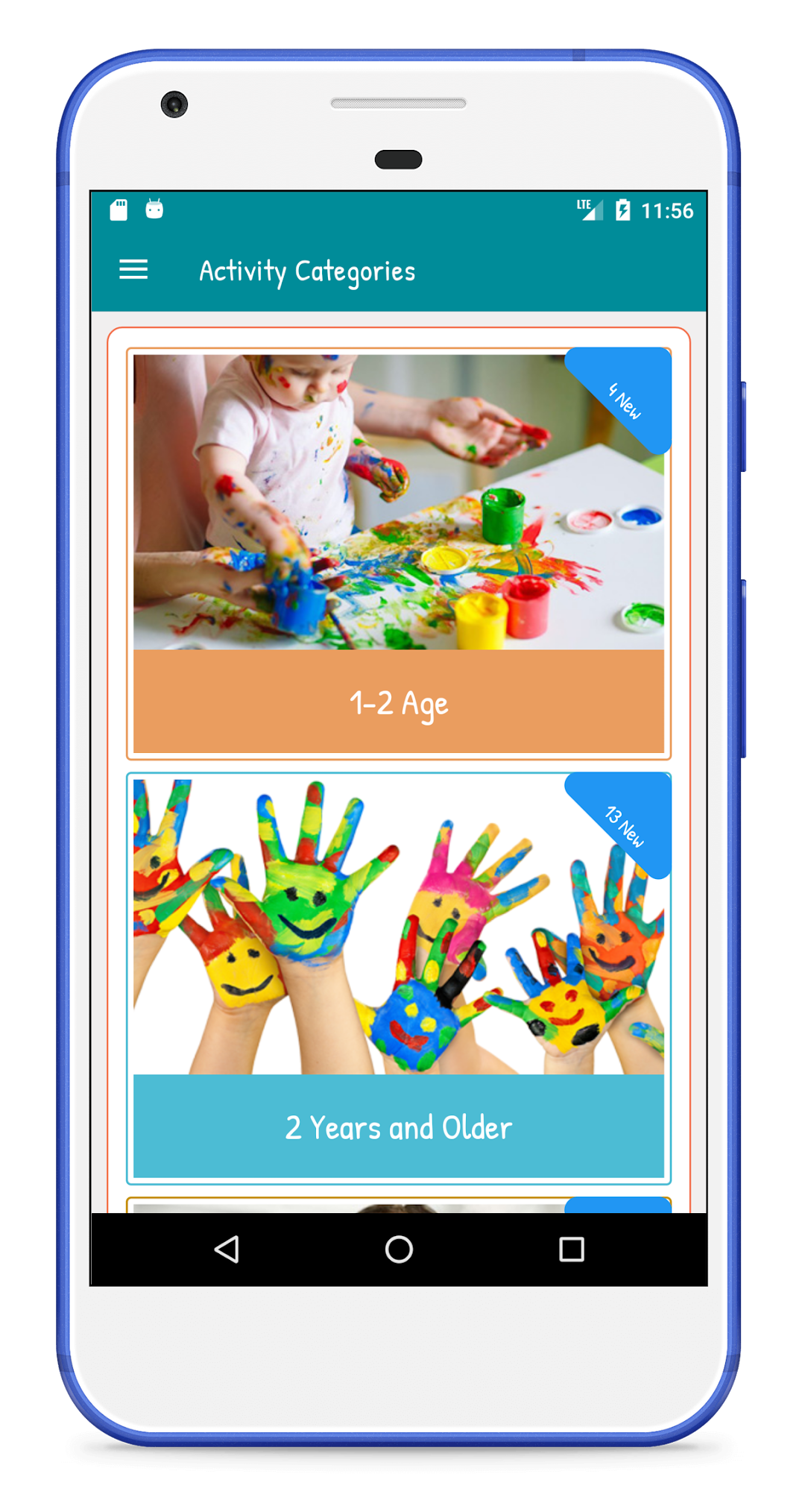
Children's Activities is a Parenting application developed by Mikro İnteraktif, but with the best Android emulator-LDPlayer, you can download and play Children's Activities on your computer.
Running Children's Activities on your computer allows you to browse clearly on a large screen, and controlling the application with a mouse and keyboard is much faster than using touchscreen, all while never having to worry about device battery issues.
With multi-instance and synchronization features, you can even run multiple applications and accounts on your PC.
And file sharing makes sharing images, videos, and files incredibly easy.
Download Children's Activities and run it on your PC. Enjoy the large screen and high-definition quality on your PC!
While doing activities with your child, you can both spend quality time and support your child's many developmental areas.Enjoy having a good time with the little ones thanks to the activities separated by age groups.
You will offer your children a pleasant time thanks to the fully tried activities. Our application is published in 6 languages, namely Turkish, German, English, Spanish, French and Russian.
Thanks to the activity suggestions for all age groups from infancy to adolescence, we appeal to all segments from small to large.
We also offer activities that will help our little ones in their kindergarten, kindergarten and primary school education.
Make sure to let us know about all your requests, suggestions, questions and problems in the "Contact Us" section.