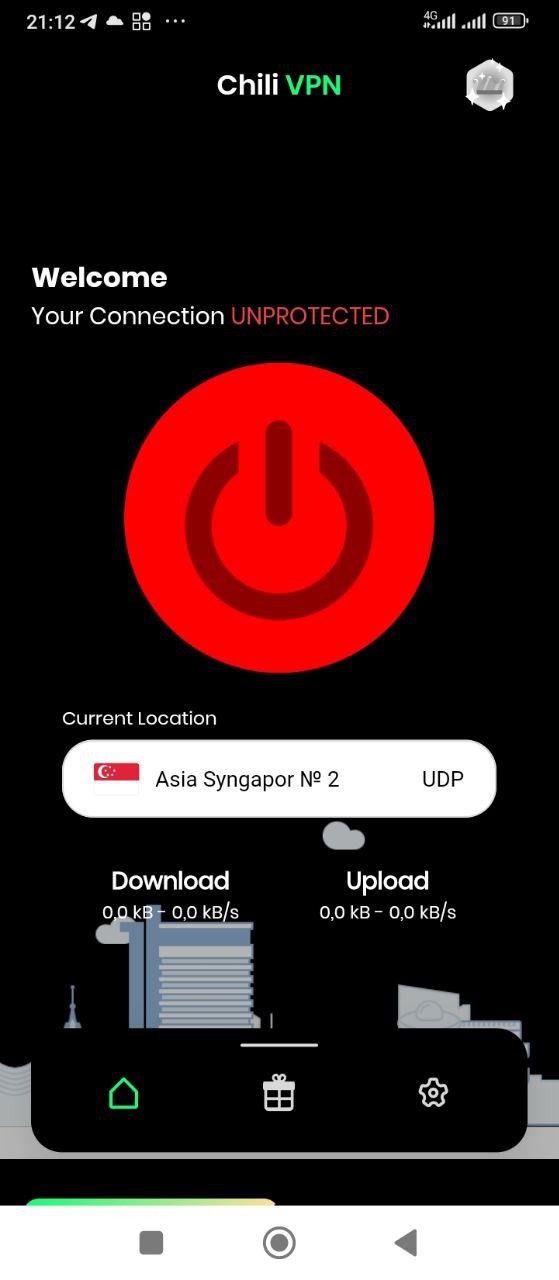
Chili VPN is a Communication application developed by VaGUl.Games, but with the best Android emulator-LDPlayer, you can download and play Chili VPN on your computer.
Running Chili VPN on your computer allows you to browse clearly on a large screen, and controlling the application with a mouse and keyboard is much faster than using touchscreen, all while never having to worry about device battery issues.
With multi-instance and synchronization features, you can even run multiple applications and accounts on your PC.
And file sharing makes sharing images, videos, and files incredibly easy.
Download Chili VPN and run it on your PC. Enjoy the large screen and high-definition quality on your PC!
Get RayVPN to enjoy fast, private, and secure internet in an instant. That’s an easy-to-use VPN for iPhone and iPad, trusted by millions of users worldwide.FEATURES:
* Free forever
* No log is saved
* No credit cards needed
* No registration or login needed
* Hide your IP address and location
* Secure your internet with one tap connect
* Automatically connects you to the fastest VPN server
* Browse the internet without the fear of being watched and tracked
► FASTEST VPN SERVERS
Connect to the fastest VPN servers worldwide to keep your internet connection protected from cybercriminals.
► SECURE VPN CONNECTION
Protect your privacy by connecting to our fully owned VPN servers, or upgrade to our VIP subscription for more features.
► BROWSE SECURELY
Stay secure with military-grade encrypted traffic between your device and our servers while connected with Ray VPN.
► STAY PRIVATE
Your privacy is our mission. Connect to any of our reliable VPN servers, and know that we do not keep any logs of your activity.
► NO REGISTRATION REQUIRED
Use all the basic features of the app without having to sign up, register, or enter your credit card.