Christian Rock Songs is a Music&Audio application developed by iHippo Studio, but with the best Android emulator-LDPlayer, you can download and play Christian Rock Songs on your computer.
Running Christian Rock Songs on your computer allows you to browse clearly on a large screen, and controlling the application with a mouse and keyboard is much faster than using touchscreen, all while never having to worry about device battery issues.
With multi-instance and synchronization features, you can even run multiple applications and accounts on your PC.
And file sharing makes sharing images, videos, and files incredibly easy.
Download Christian Rock Songs and run it on your PC. Enjoy the large screen and high-definition quality on your PC!
The Christian Rock music Radio app is perfect for those who love rock music with a positive message. With access to a variety of radio stations that play Christian rock music from different parts of the world, you can listen to your favorite songs and discover new artists on the go. Tune in to stations that play classic Christian rock or contemporary Christian music, and create custom playlists of your favorite songs. Whether you're at home or on the go, the Christian Rock music Radio app is the perfect way to stay connected to your faith and rock out at the same time!Main features:
- Listen to 25+ hand-picked christian rock music channels
- Easy search function: Search stations by name
- Special UI design for playing christian rock music
- Stream music from the app or in the background while you do other things
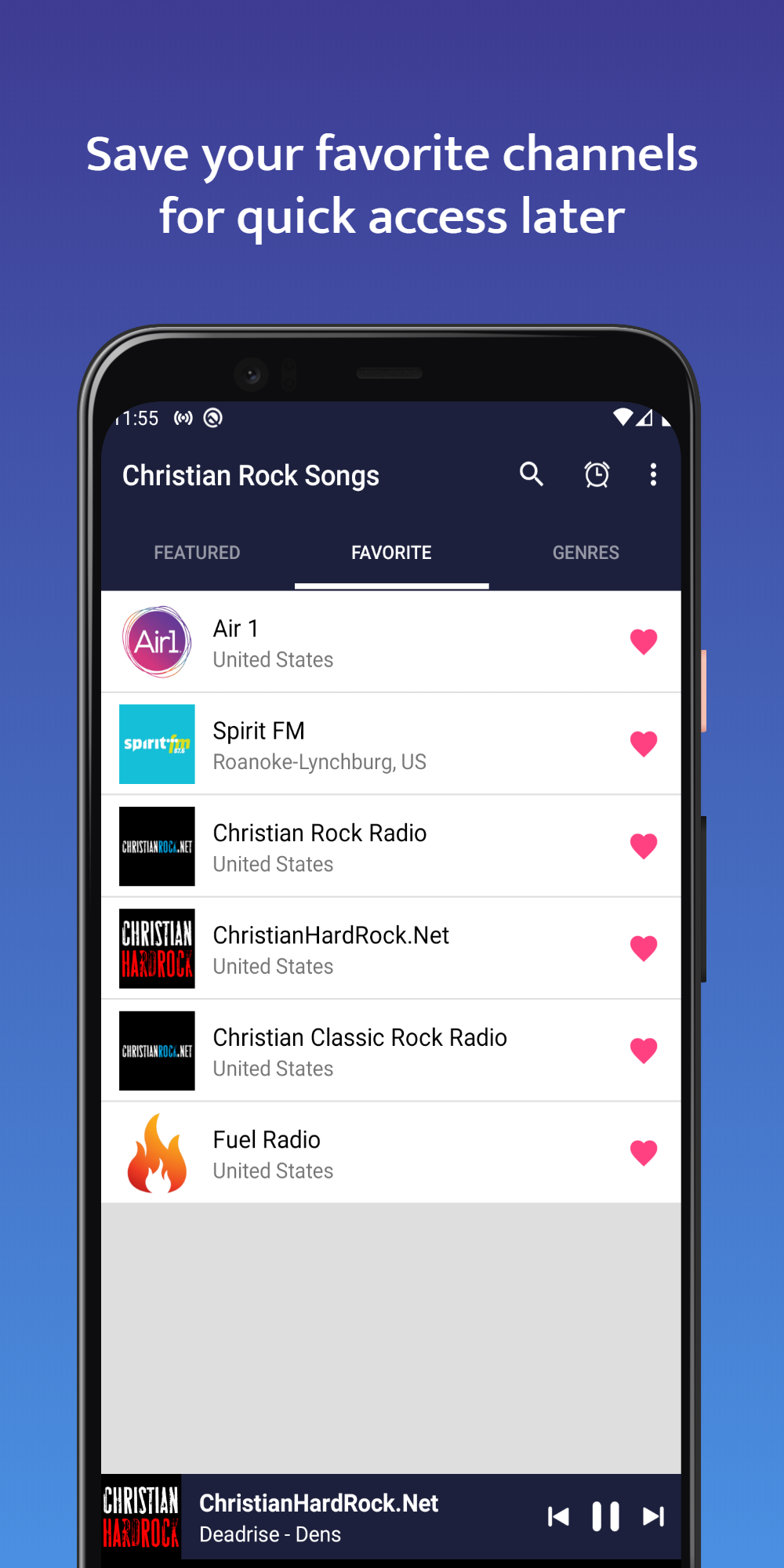
- Save your favorite radio stations
- Sleep Timer - to save your network data traffic
- Supports Wireless Speakers, Remote Control & Bluetooth headsets
- Switch between all songs list and favorite list conveniently.
- Share your favorite tracks on Facebook, Twitter, or by email
List of most popular christian rock stations:
• Spirit FM
• ChristianHardRock.Net
• Air 1
• TheBlast.FM
• Heart Of Praise Radio
• TheRockHD
• Fuel Radio
And much much more!