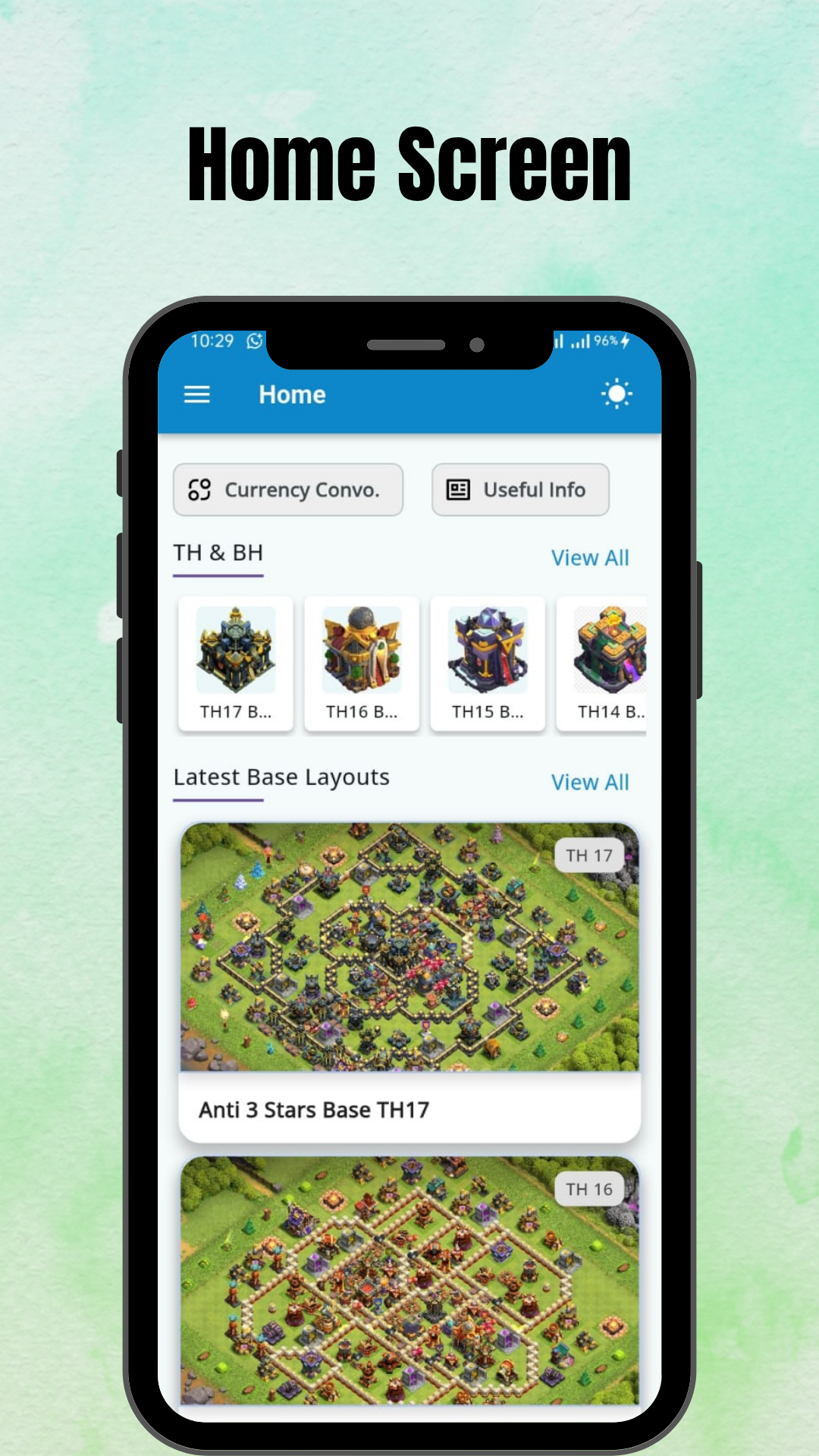
COC Base Layouts - TH & BH is a Entertainment application developed by HRC Technologies, but with the best Android emulator-LDPlayer, you can download and play COC Base Layouts - TH & BH on your computer.
Running COC Base Layouts - TH & BH on your computer allows you to browse clearly on a large screen, and controlling the application with a mouse and keyboard is much faster than using touchscreen, all while never having to worry about device battery issues.
With multi-instance and synchronization features, you can even run multiple applications and accounts on your PC.
And file sharing makes sharing images, videos, and files incredibly easy.
Download COC Base Layouts - TH & BH and run it on your PC. Enjoy the large screen and high-definition quality on your PC!
COC Base Layouts - TH & BH helps you easily discover and copy the best base layouts for Clash of Clans. Whether you need a war base, farming layout, hybrid, or trophy base, explore thousands of creative designs contributed by the Clash community.We've also added new tools to make your Clash experience even better!
🔥 New Features:
• Currency Converter – Instantly check real-time currency exchange rates.
• Useful Info Section – Get updated Clash of Clans news, events, and strategy guides.
🏰 Base Layouts for Every Town Hall Level:
• TH17 base (Town Hall 17)
• TH16 base (Town Hall 16)
• TH15 base (Town Hall 15)
• TH14 base (Town Hall 14)
• TH13 base (Town Hall 13)
• TH12 base (Town Hall 12)
• TH11 base (Town Hall 11)
• TH10 base (Town Hall 10)
• TH9 base (Town Hall 9)
• TH8 base (Town Hall 8)
• TH7 base (Town Hall 7)
• TH6 base (Town Hall 6)
• TH5 base (Town Hall 5)
• TH4 base (Town Hall 4)
⚒️ Builder Hall Layouts:
• BH10 base (Builder Hall 10)
• BH9 base (Builder Hall 9)
• BH8 base (Builder Hall 8)
• BH7 base (Builder Hall 7)
• BH6 base (Builder Hall 6)
• BH5 base (Builder Hall 5)
• BH4 base (Builder Hall 4)
⭐ App Features:
• One-tap base copying directly into Clash of Clans
• Full preview of each layout before copying
• Includes fun and strategic designs for all playstyles
• Share base links with friends or on social media
• Regular updates with fresh bases and tips
• Sourced from trusted Clash creators and the public community
📌 Community Content:
All base layouts are collected from publicly available sources and community contributors to ensure wide variety and creativity.
🔗 Official Supercell website: https://supercell.com
🔗 Currency Converter Source: https://currencyfreaks.com/
⚠️ Disclaimer:
COC Base Layouts - TH & BH is a fan-created application and is not affiliated with, endorsed, sponsored, or specifically approved by Supercell.
This app follows Supercell’s Fan Content Policy. All trademarks and content belong to their respective owners.
🔗 Fan Content Policy: https://supercell.com/en/fan-content-policy/