clever-tanken.de is a Travel&Local application developed by infoRoad GmbH, but with the best Android emulator-LDPlayer, you can download and play clever-tanken.de on your computer.
Running clever-tanken.de on your computer allows you to browse clearly on a large screen, and controlling the application with a mouse and keyboard is much faster than using touchscreen, all while never having to worry about device battery issues.
With multi-instance and synchronization features, you can even run multiple applications and accounts on your PC.
And file sharing makes sharing images, videos, and files incredibly easy.
Download clever-tanken.de and run it on your PC. Enjoy the large screen and high-definition quality on your PC!
"Find the cheapest fuel prices with clever-tanken and fuel smarter!Multiple test winner (Computerbild, Autobild, Capital, et al) and the original fuel comparator since 1999.
clever-tanken offers:
- Price alarm via push notification when your desired price is reached
- User centric map: the clever-tanken magic map shows you where you can find the best fuel prices!
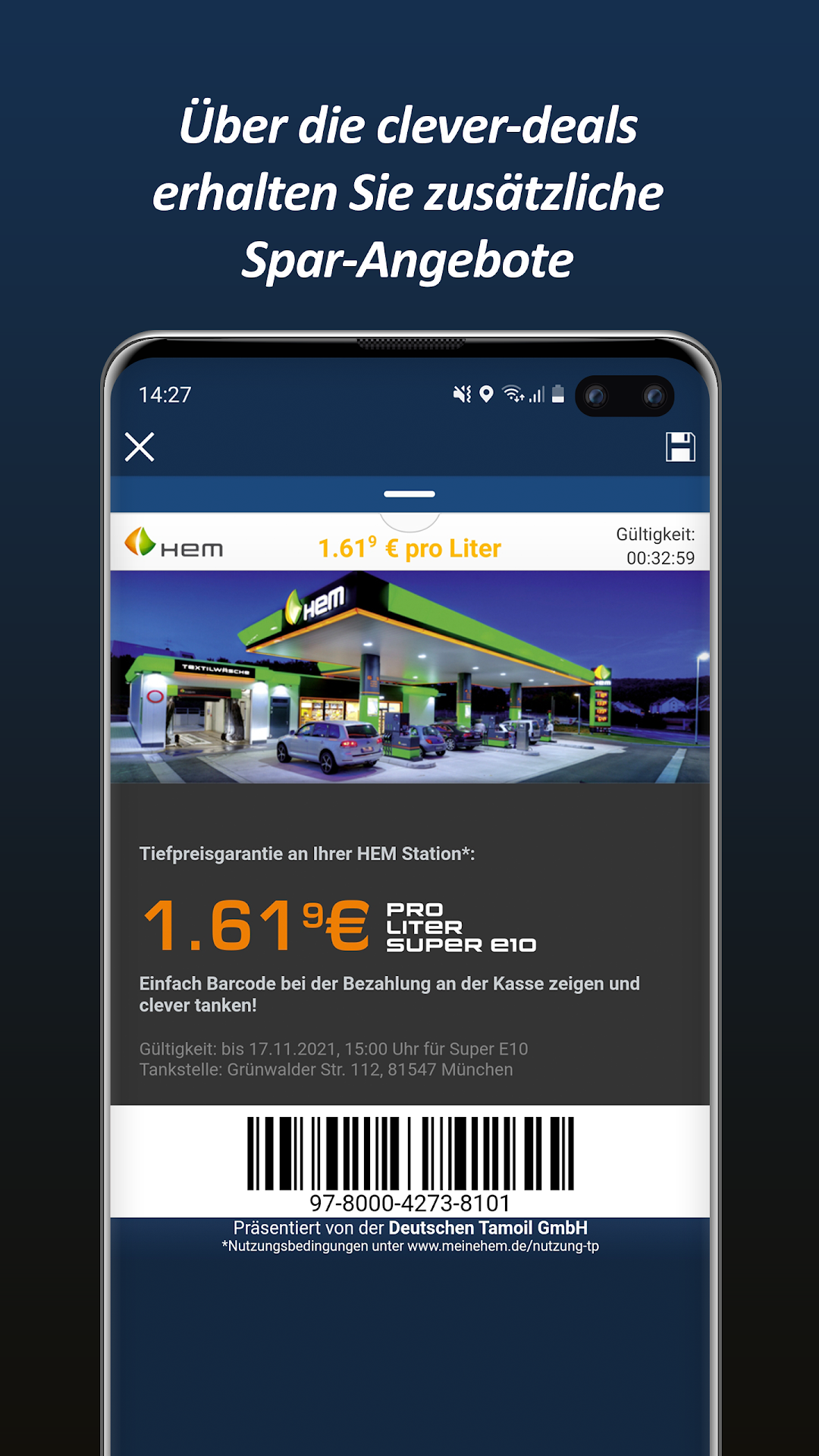
- Enjoy the exclusive HEM best price guarantee and more value offers
- Store your favorite stations and always keep an eye on your fuel prices
- Complete Data of German ""Markttransparenzstelle"" MTS-K (Governmental Data)
- Plus Premium Grades like Superplus and Premium Superplus, Premium Diesel, CNG, LPG and more
clever-laden:
- You are now able to find all charging stations in Germany
- Not only find a stations whereabouts but also its current availability (available, occupied, out of service), supported plug types, charging capacities, and much more
- An active charging process can be started and stopped directly through the app
- Simply specify your car on your new profile page and all search criteria will be adjusted automatically so you only find charging stations that are relevant to you
- Simply switch to clever-laden using the green button or the side menu
clever-tanken Ad-Free:
- With clever-tanken Ad-Free you can turn off advertising in the app. clever-deal will still be shown, which provides our users offers with real additional value
- clever-tanken Ad-Free is valid for one year
- clever-tanken Ad-Free is available for 2.29€ for one year
clever-tanken MirrorLink:
- With clever-tanken you are now able to find the cheapest gas stations in your MirrorLink enabled car
- You get access to extra features if you drive a Volkswagen, eg route mode"