Clone Phone - OnePlus app is a Tools application developed by OnePlus Ltd., but with the best Android emulator-LDPlayer, you can download and play Clone Phone - OnePlus app on your computer.
Running Clone Phone - OnePlus app on your computer allows you to browse clearly on a large screen, and controlling the application with a mouse and keyboard is much faster than using touchscreen, all while never having to worry about device battery issues.
With multi-instance and synchronization features, you can even run multiple applications and accounts on your PC.
And file sharing makes sharing images, videos, and files incredibly easy.
Download Clone Phone - OnePlus app and run it on your PC. Enjoy the large screen and high-definition quality on your PC!
OnePlus Switch is now called Clone Phone. With this app, you can quickly transfer your contacts, messages, photos, and other data from your previous phone to other OnePlus phones.◆ Data migration
With Clone Phone, you can easily migrate your data from Android devices to OnePlus phones without a network connection.
(Transfers from iOS devices may require a data connection.)
What you can migrate: contacts, SMS, call history, calendar, photos, videos, audio, apps (including the data of certain apps).
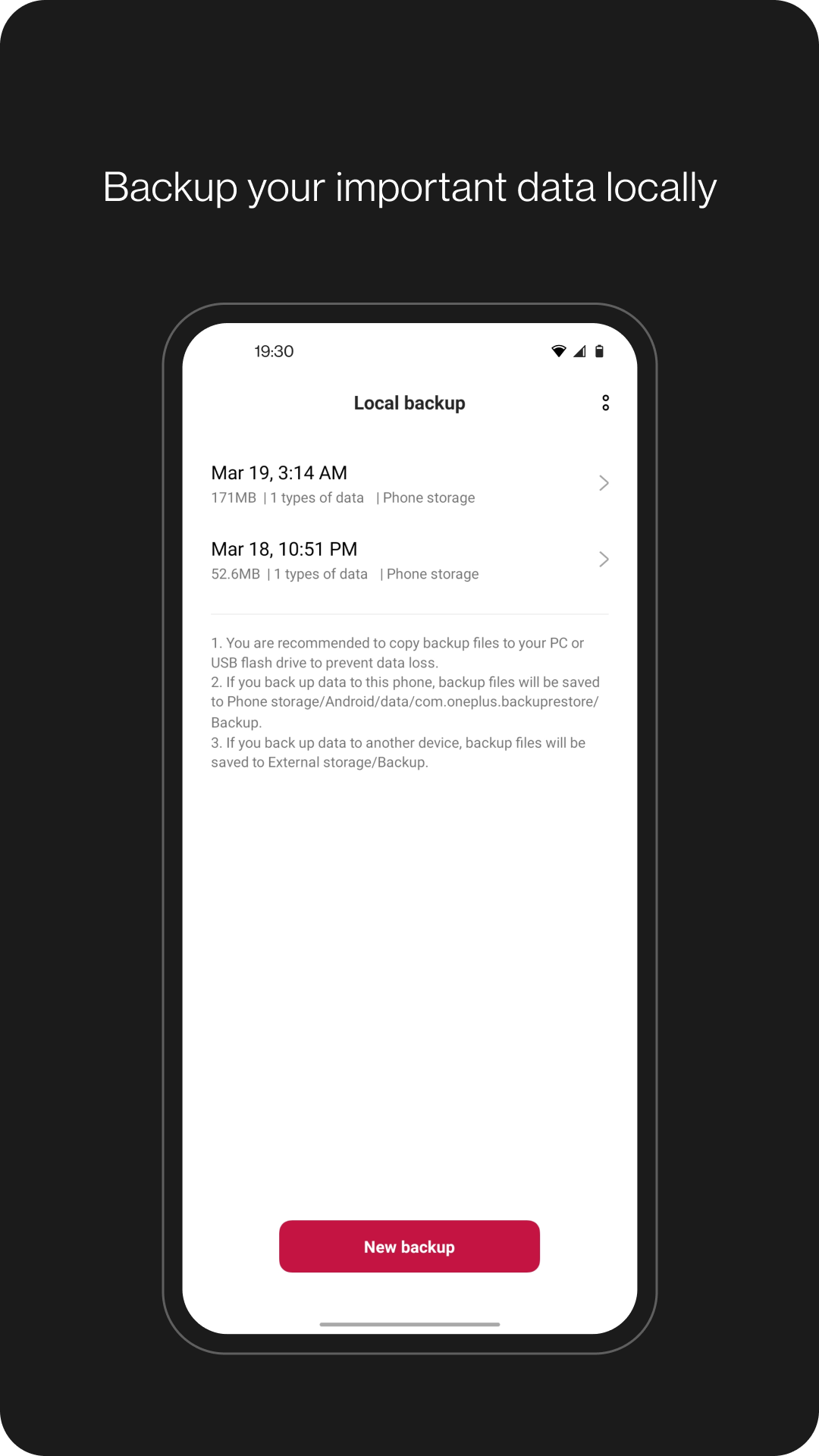
◆ Data backup
The data backup function can backup your data safely for restoring when required.
What you can backup: contacts, SMS, call history, notes, desktop layouts, apps (excluding data).
Note:
1. Supported data may vary on different systems and Android versions. Please check if the data is still functional after a transfer or a backup restore.
2. If the app crashes, gets stuck, fails to open, or encounters any other issues, please give us feedback or a bug report on the OnePlus Community forums.
3. If Clone Phone notifies you of insufficient storage space, you can try migrating data in batches or clear up storage space on the device.