Coffee Time Dating is a Dating application developed by Tik Promo Rocket, but with the best Android emulator-LDPlayer, you can download and play Coffee Time Dating on your computer.
Running Coffee Time Dating on your computer allows you to browse clearly on a large screen, and controlling the application with a mouse and keyboard is much faster than using touchscreen, all while never having to worry about device battery issues.
With multi-instance and synchronization features, you can even run multiple applications and accounts on your PC.
And file sharing makes sharing images, videos, and files incredibly easy.
Download Coffee Time Dating and run it on your PC. Enjoy the large screen and high-definition quality on your PC!
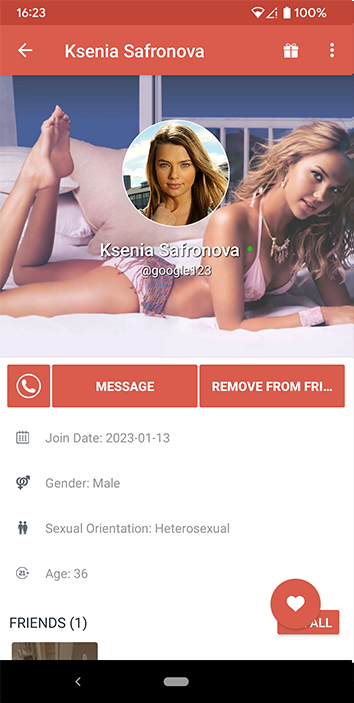
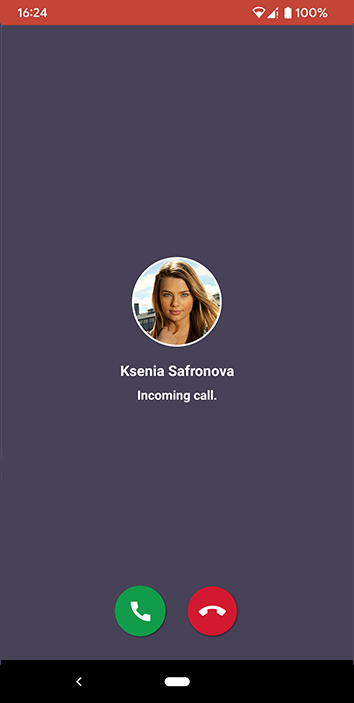
"Coffee Time" is the ultimate budget-friendly worldwide app for those looking to spice up their lives in incognito style. Say goodbye to boredom and hello to unforgettable escapades!Ready to find your true love or explore the possibilities of an open relationship? Looking to step out, meet new people, and a fantastic time dating? Or perhaps you're eager to make some great friends and have engaging conversations? Coffee Time is here for you, offering the chance to connect with locals wherever you are for an extraordinary dating adventure! No matter your orientation—straight, gay, bisexual, or anything else—Coffee Time invites you to be yourself and discover the connections you desire.