

Coloring Mandalas is a Art&Design application developed by Quarzo Apps, but with the best Android emulator-LDPlayer, you can download and play Coloring Mandalas on your computer.
Running Coloring Mandalas on your computer allows you to browse clearly on a large screen, and controlling the application with a mouse and keyboard is much faster than using touchscreen, all while never having to worry about device battery issues.
With multi-instance and synchronization features, you can even run multiple applications and accounts on your PC.
And file sharing makes sharing images, videos, and files incredibly easy.
Download Coloring Mandalas and run it on your PC. Enjoy the large screen and high-definition quality on your PC!
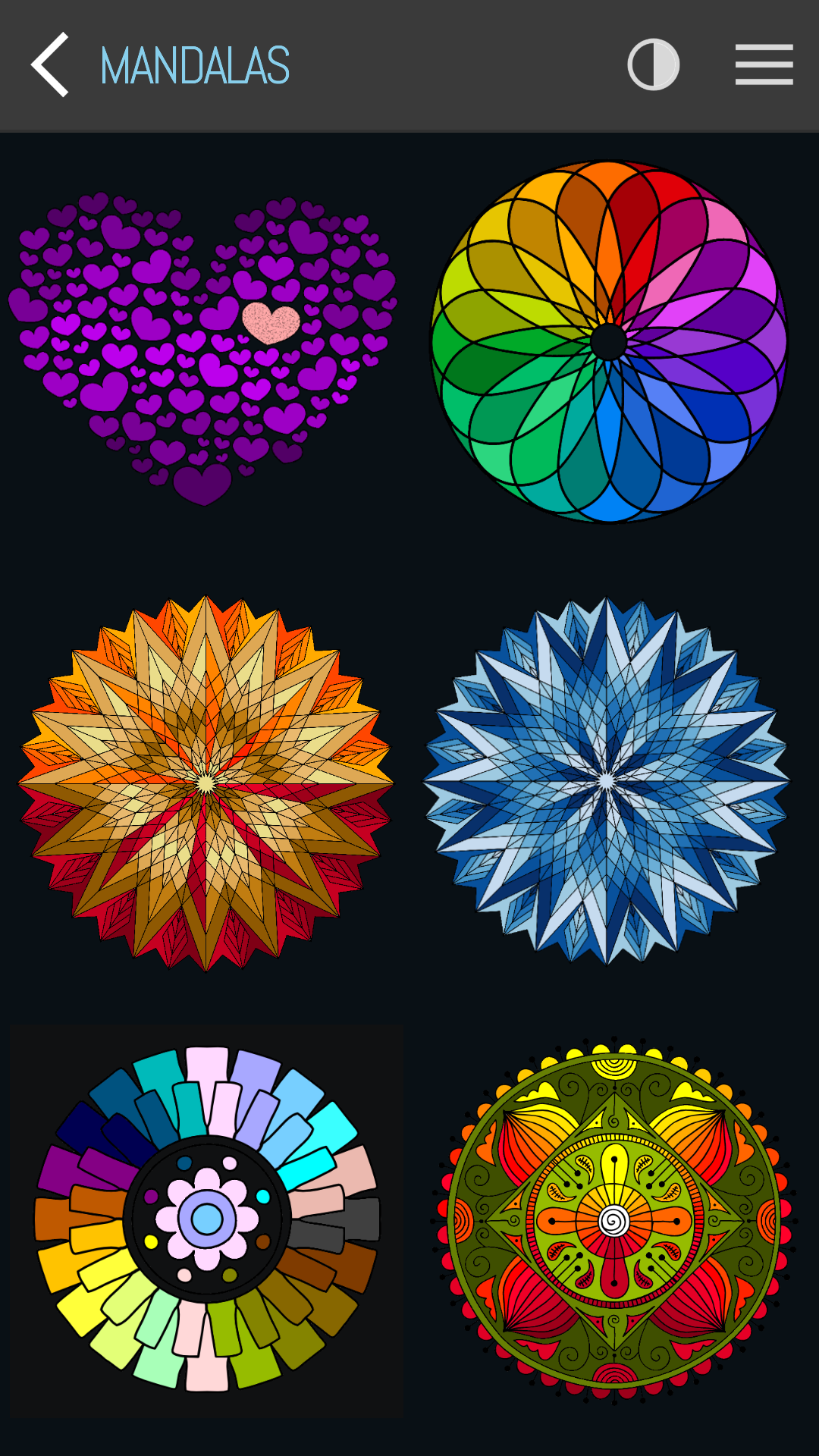
Coloring Mandalas - the best way to relax and relieve stress!Choose from a variety of beautiful mandalas and let your creativity flow.
Features:
* Customize your own colors
* Undo feature
* Page of the day
* All your colored designs automatically saved to your device
* Share and amaze your friends with your creativity!
* Color theme (dark mode available)
* Supports portrait and landscape orientation with full inmersive mode
* All templates are available offline
Just one more thing...
RELAX AND ENJOY !!!