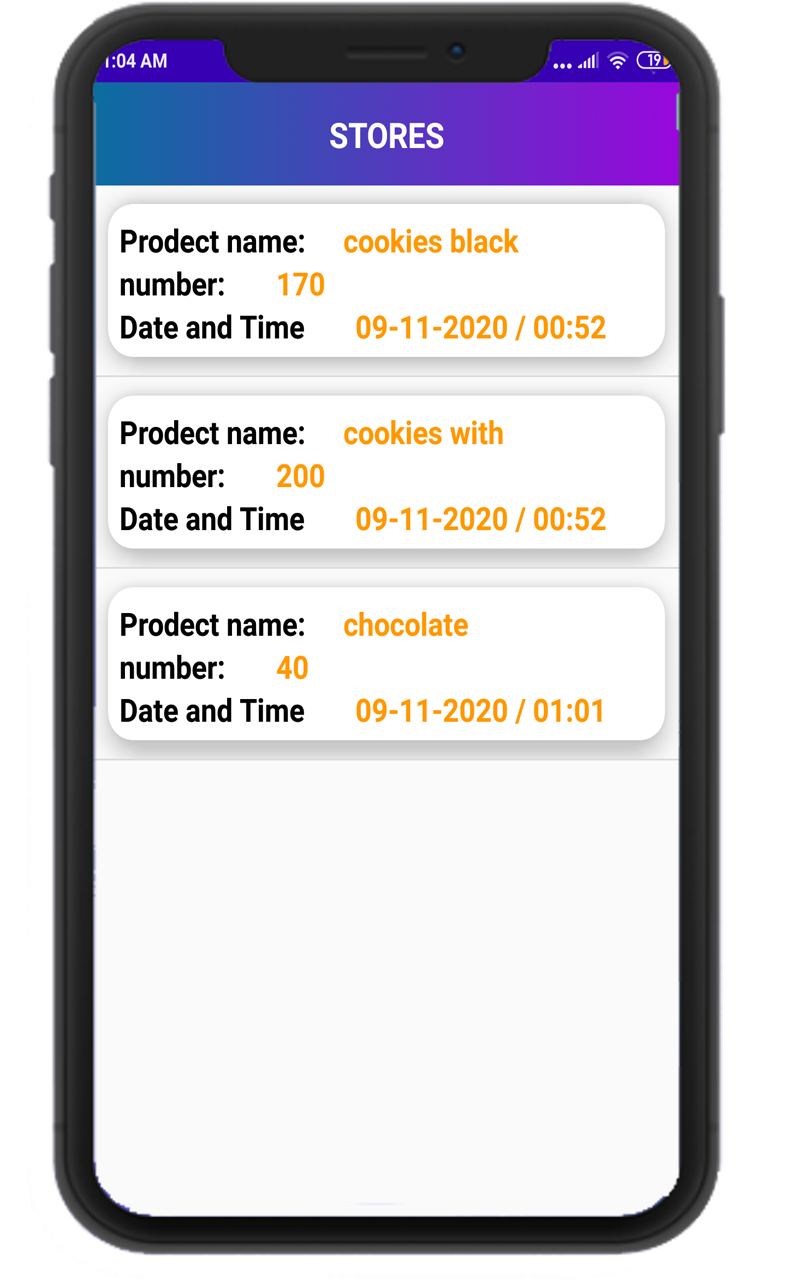
store is a Business application developed by Ahmed 6610, but with the best Android emulator-LDPlayer, you can download and play store on your computer.
Running store on your computer allows you to browse clearly on a large screen, and controlling the application with a mouse and keyboard is much faster than using touchscreen, all while never having to worry about device battery issues.
With multi-instance and synchronization features, you can even run multiple applications and accounts on your PC.
And file sharing makes sharing images, videos, and files incredibly easy.
Download store and run it on your PC. Enjoy the large screen and high-definition quality on your PC!
You have a store or store and you want to adjust its accounts- You do not have enough money to buy expensive devices and systems.
You have clients that sell to them on time and do not know how much or how much they have.
- All of that and more in one application between your hands.
- Manage stores to add products and create product sales orders, purchase orders and supports Arabic and English.
- Entering the mathematical value in the English language.
Our system is considered integrated in the sense that it is able to meet all requirements of the activity as it includes the following systems:
(Settings - Stores - Suppliers - Clients - Sales - Purchases - Fund - Expenses - Information) that coalesce and interconnect with each other to reach integrated results.
If you want to manage your business and control inventory from a smartphone device.