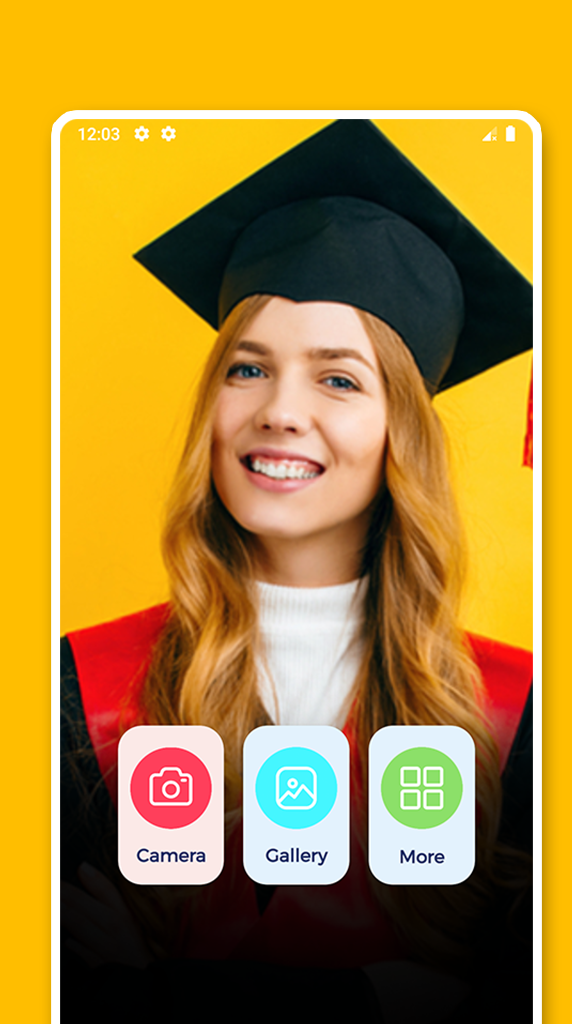
Graduation Photo Editor is a Photography application developed by AmosStudio, but with the best Android emulator-LDPlayer, you can download and play Graduation Photo Editor on your computer.
Running Graduation Photo Editor on your computer allows you to browse clearly on a large screen, and controlling the application with a mouse and keyboard is much faster than using touchscreen, all while never having to worry about device battery issues.
With multi-instance and synchronization features, you can even run multiple applications and accounts on your PC.
And file sharing makes sharing images, videos, and files incredibly easy.
Download Graduation Photo Editor and run it on your PC. Enjoy the large screen and high-definition quality on your PC!
Graduation Photo Editor to add cap in your memories for your Graduation photo.collection of frame images with fantastic themes that will simply blow your mind. With graduation photo frames free you can experience the swift magic of the enchanted frame that draws us into the graduation photo frame , high school graduation frames and graduation frames your picture.
Feel yourself in the surroundings of photo frames with this graduation photo frames app and show your creativity to your partner they will surely loves it and get beautiful with you.
Enjoy beautiful hot graduation with your parter and get fully graduation with photo frames and editing photo app.
How to use:
- Take photo camera or take at gallery.
- Choose the photo frames your love.
Features: Graduation photo frames free
- Select photo from gallery or camera.
- Select a frame from huge collection of given photo frames.
- A full-featured photo editor included.
- Beautiful design, both phones and tablets.
- Multiple stylish photo frames for any picture.
- Selected beautiful photo frames.
- Nice and colorful stickers.
- 20+ amazing magical effects to apply on photo.
- Nice, clean and easy to use.
- Simple and powerful user interface helps you to get job done much quicker.
- Save image and share with friends.
Decorate your photos with these incredible frames, choose a photo from the gallery or take a photo with the camera, then apply the frame that you like save edited pictures to your device or share photo frames and editing photo with friends or upload to social networks Facebook , Twitter , email and etc.
Let's enjoy this book with books photography app and create your own beautiful photo to share it to your loved ones.