BeeTalk Lite : Radar Beechat is a Dating application developed by RexT Digital, but with the best Android emulator-LDPlayer, you can download and play BeeTalk Lite : Radar Beechat on your computer.
Running BeeTalk Lite : Radar Beechat on your computer allows you to browse clearly on a large screen, and controlling the application with a mouse and keyboard is much faster than using touchscreen, all while never having to worry about device battery issues.
With multi-instance and synchronization features, you can even run multiple applications and accounts on your PC.
And file sharing makes sharing images, videos, and files incredibly easy.
Download BeeTalk Lite : Radar Beechat and run it on your PC. Enjoy the large screen and high-definition quality on your PC!
Looking for the best way to find friends nearby? Beetalk Lite : Radar Chat Beetalk & Beechat! is here to bring back the excitement of social discovery. Whether you are a fan of the classic old Beetalk Lite version or looking for the advanced features of Beetalk Lite New, our app provides the perfect balance of nostalgia and modern performance.Why choose our Beetalk app? Our app is specifically optimized to be a true Beetalk lite experience—small in size, fast to load, and very efficient on your battery and data usage. We understand that you want a smooth Chatting beetalk experience without any lag, even on older devices.
Main Features:
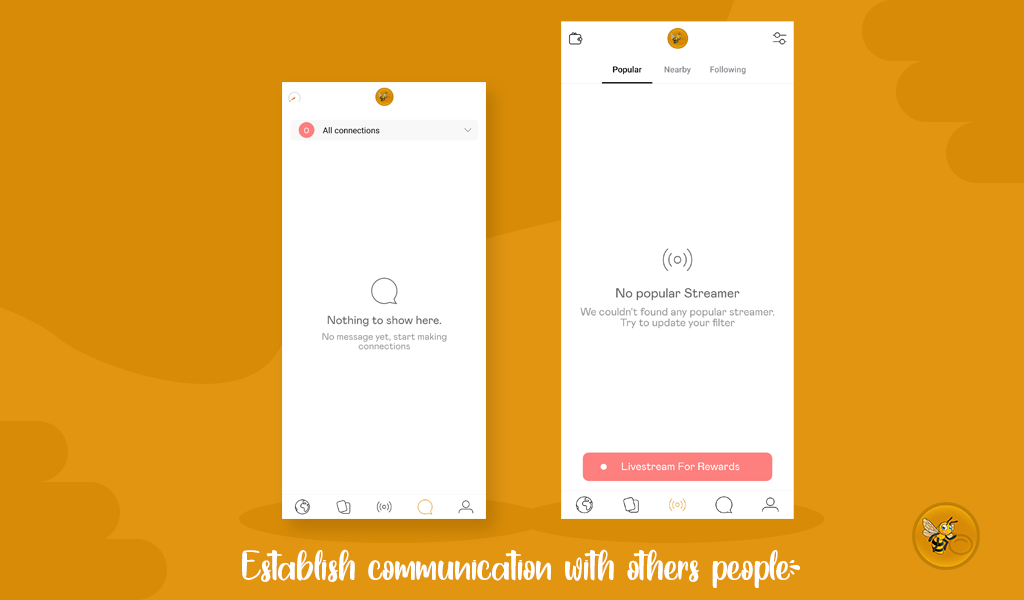
* Radar Beechat: Use our signature Radar feature to scan your surroundings and find interesting people nearby in real-time.
* Fast Chatting: Experience seamless Beetalk chat with instant messaging, high-quality photo sharing, and fun interactions.
* Lightweight & Secure: Built as a Beetalk lite version, it doesn’t take up much space on your phone while keeping your privacy as a top priority.
* Global & Local Community: Connect with users from all over the world or focus on your local Beetalk Lite community.
If you miss the simplicity of Older Beetalk Lite but want the security and speed of the Beetok, then Beetalk Lite : Radar Beechat is the only Beetalk Lite you need.
Start your journey today. Open the Radar, find your match, and start Chatting beetalk with thousands of active users!
Note: Users must be 18 years or older. We maintain a strict policy to ensure a safe and friendly community for everyone.