Đạo Đức Lớp3 is a Education application developed by Book99cent, but with the best Android emulator-LDPlayer, you can download and play Đạo Đức Lớp3 on your computer.
Running Đạo Đức Lớp3 on your computer allows you to browse clearly on a large screen, and controlling the application with a mouse and keyboard is much faster than using touchscreen, all while never having to worry about device battery issues.
With multi-instance and synchronization features, you can even run multiple applications and accounts on your PC.
And file sharing makes sharing images, videos, and files incredibly easy.
Download Đạo Đức Lớp3 and run it on your PC. Enjoy the large screen and high-definition quality on your PC!
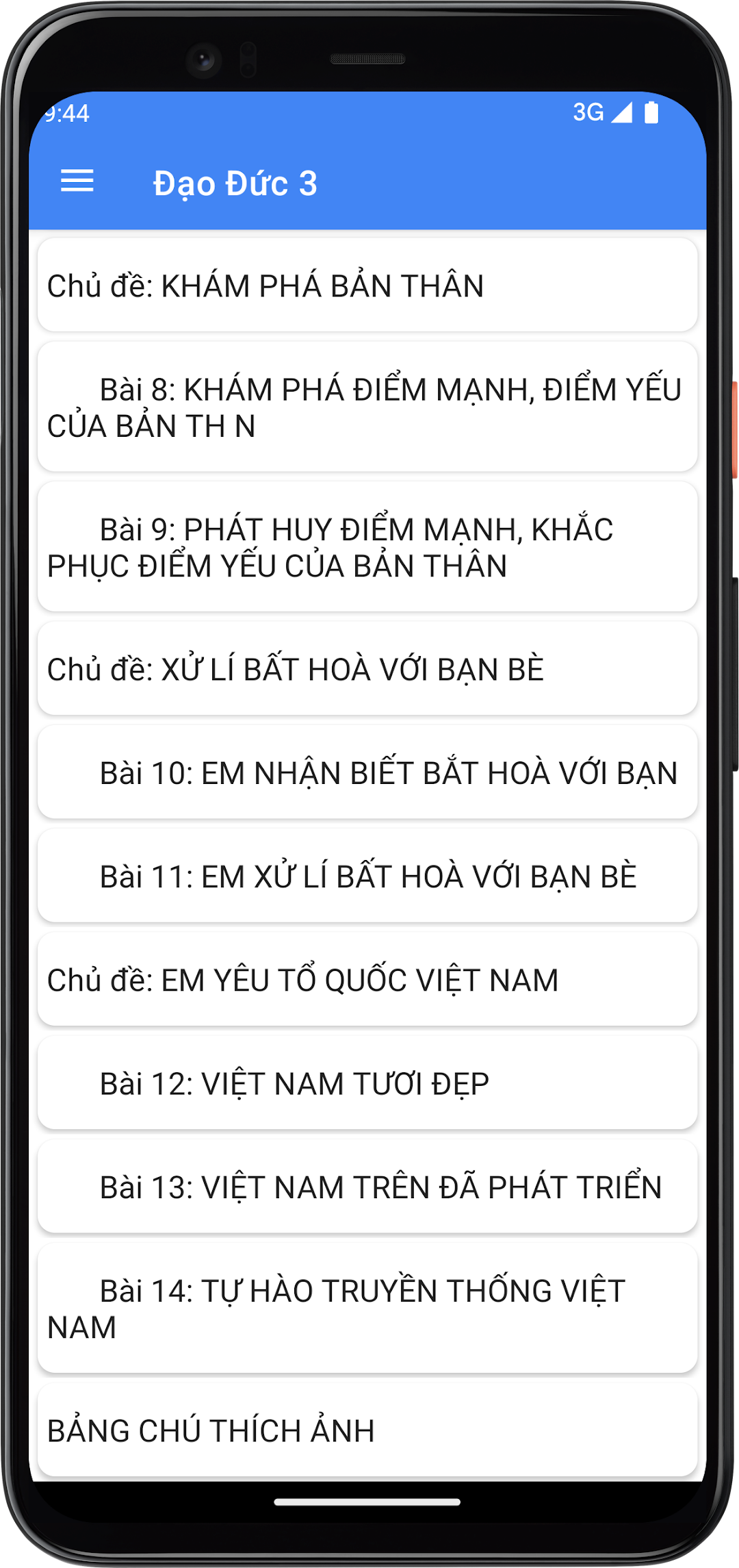
Ethics Grade 3 is the best textbook appBOOK USE MANUAL - CHARACTERS INTRODUCTION TERMS EXPLAINING Subject: COMPLIANCE WITH TRAFFIC SAFETY RULES Lesson 1: TRAFFIC SECURITY WHEN PLANTING Lesson 2: SAFETY WHEN Riding on VEHICLES : INTERESTING Lessons Lesson 3: I am eager to learn Topic: POSITIVELY COMPLETE TASKS Lesson 4: POSITIVELY COMPLETE TASKS AT HOME Lesson 5: POSITIVELY COMPLETE TASKS IN CLASS, STUDY FINDING Topics: PROMISE Lesson 6: I KEEP YOUR PROMISES Topic: CAREING TO NEEDED NEIGTS Lesson 7: CAREING TO NEIGNNING Neighbors Topic: DISCOVERING YOURSELF Lesson 8: DISCOVERING THE STRENGTH AND WESTS OF THE NEIGHBOR 9: DEVELOP YOUR STRENGTHS, overcome MYSELF'S Weaknesses Topic: HANDLING DISPUTES WITH FRIENDS Lesson 10: I KNOW I'M COMING WITH YOU Lesson 11: I HANDLING DISPUTES WITH FRIENDS Topic: I LOVE VIETNAM COUNTRY LESSON 12: BEAUTIFUL VIETNAM Lesson 13: VIETNAM IS ON DEVELOPMENT Lesson 14: Proud of VIETNAM TRADITIONS Photo Caption Table