Coin Master is a Entertainment application developed by Sports Zone App, but with the best Android emulator-LDPlayer, you can download and play Coin Master on your computer.
Running Coin Master on your computer allows you to browse clearly on a large screen, and controlling the application with a mouse and keyboard is much faster than using touchscreen, all while never having to worry about device battery issues.
With multi-instance and synchronization features, you can even run multiple applications and accounts on your PC.
And file sharing makes sharing images, videos, and files incredibly easy.
Download Coin Master and run it on your PC. Enjoy the large screen and high-definition quality on your PC!
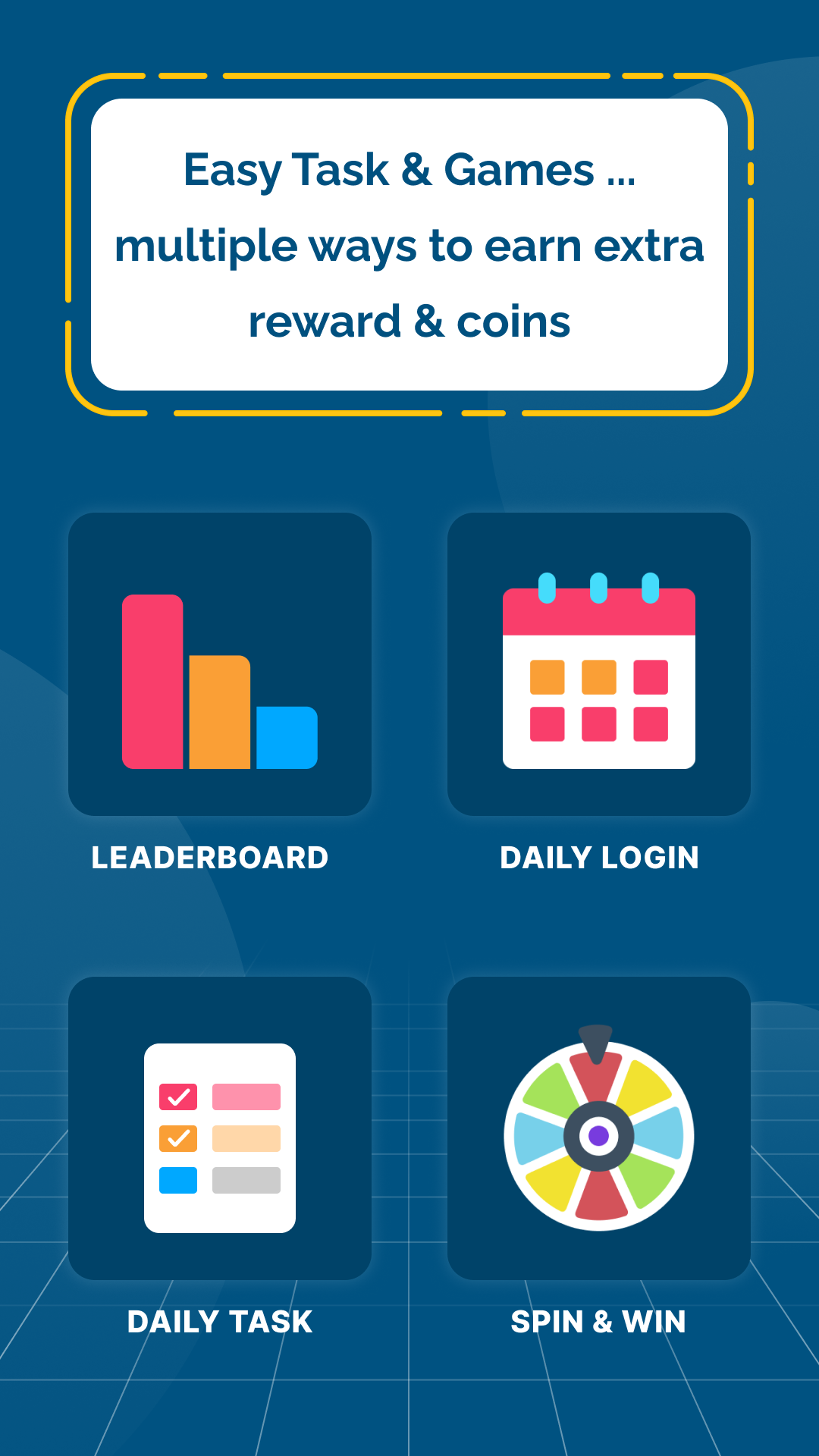
Use Coin Master for earning exciting rewards by completing amazing task offers and play time offers! Then redeem earned reward for real world money using UPI Id and Gift cards. You can also use our scan and pay option to use your earned coins to pay your bills.🌟 Features 🌟
➤ Task Offers & Playtime Offers:
Discover a variety of simple and fun tasks that allow you to earn Coins.
➤ Daily Challenges & Bonuses:
Use Coin Master daily and claim your daily reward. The more you engage with the app, the more you'll be rewarded.
➤ Small Games:
Enjoy small games within apps and boost your earning!
➤ Referral Program:
Share the love and invite friends to join Rewards Hub! Earn extra Coins for every friend who signs up through your unique referral link. It's a win-win for everyone!
➤ Redeem Coins:
Redeem your efforts for instant gratification! With Coin Master, our redemption options make earning rewards a breeze. Choose from a variety of enticing cash options including UPI Id, Gift cards or use Scan & Pay option to pay your bills directly with your earned rewards.
Notes:
- To receive your reward, you must abide by our Privacy Policy. More importantly, you must refrain from prohibited behavior such as using a VPN while completing offers or completing offers by fraudulent means.
- Some offers will be verified instantly, but some offers may take some time to verify. So kindly wait until it is verified. It will be verified soon and you will receive your reward.
- Coin Master is an independent entity not affiliated with the companies mentioned. All product names and logos belong to their respective owners. Use of the application constitutes acceptance of the application's Terms of Service and Privacy Policy. For any queries, refer to our support email address mentioned in the privacy policy.
For any queries, refer to our support email address: sportszoneapps@gmail.com
Read Our Privacy Policy Before Using App: https://coinmasterapp.in/PrivacyPolicy.html