

W1ANT Pro Satellite Tracker is a Communication application developed by Heimir Thor Sverrisson, but with the best Android emulator-LDPlayer, you can download and play W1ANT Pro Satellite Tracker on your computer.
Running W1ANT Pro Satellite Tracker on your computer allows you to browse clearly on a large screen, and controlling the application with a mouse and keyboard is much faster than using touchscreen, all while never having to worry about device battery issues.
With multi-instance and synchronization features, you can even run multiple applications and accounts on your PC.
And file sharing makes sharing images, videos, and files incredibly easy.
Download W1ANT Pro Satellite Tracker and run it on your PC. Enjoy the large screen and high-definition quality on your PC!
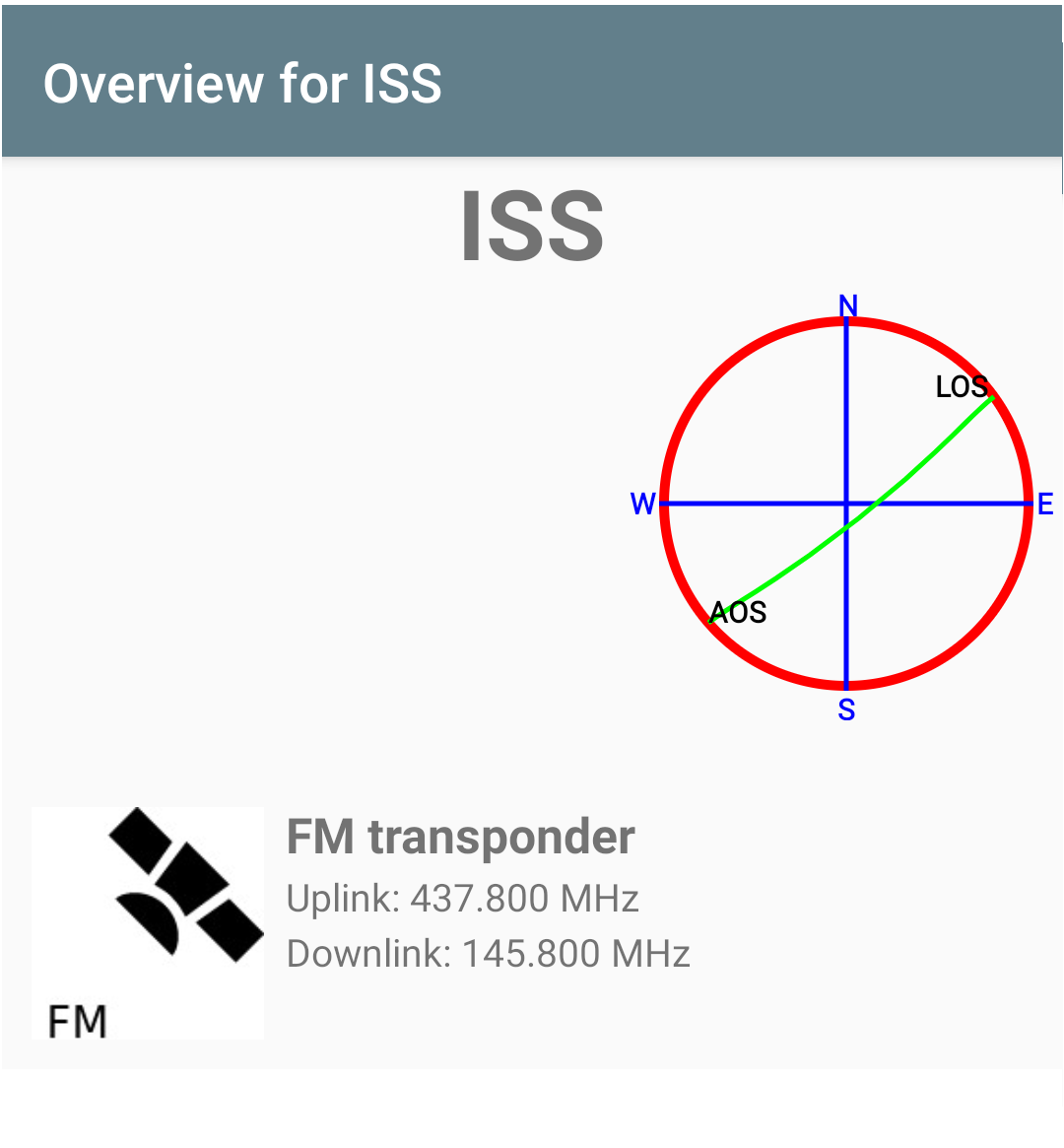
This Pro version has no ads and adds some features. Most notably the ability to group the satellites. The groups can then be enabled and only satellites from enabled groups will show up in the satellite overview.Get a list of Amateur Radio satellites visible from your current location in the next 24 hours. Get an overview over their paths from acquisition to loss of signal (AOS to LOS). Only passes above the minimum elevation are shown on the list. Select one of them and get information on their on-board radios. Select one of their radios and be able to point your phone directly at it so you can easily operate it. Extra information, i.e. the actual frequencies to use for uplink and downlink is also presented taken the Doppler effect into account.
The Location view on the Satellite Overview page shows the current position of the satellite over Earth including the circle that demarcates the area where it is above 10 degrees above the horizon (reachable by radio). This view also shows its path for the next 60 minutes. Pinch to zoom and drag to change your point of view over Earth.
There is also a Passes view on the Overview page that lists all passes where this satellite will be over the horizon at the current location in the next 48 hours.
The minimum elevation for the starting list can be changed from its default 10 degrees in the Settings.