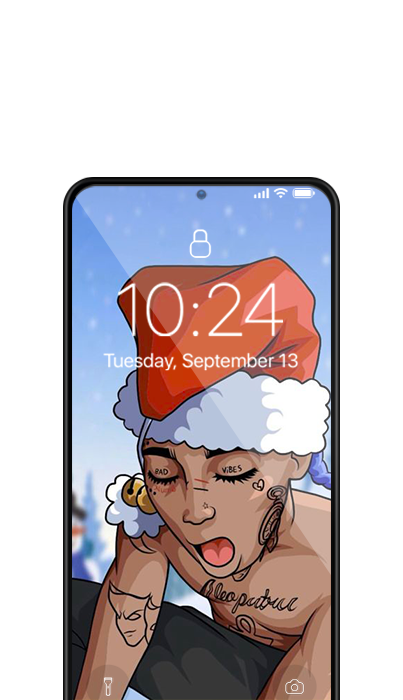
Dope Wallpaper is a Personalization application developed by WallApp Studio, but with the best Android emulator-LDPlayer, you can download and play Dope Wallpaper on your computer.
Running Dope Wallpaper on your computer allows you to browse clearly on a large screen, and controlling the application with a mouse and keyboard is much faster than using touchscreen, all while never having to worry about device battery issues.
With multi-instance and synchronization features, you can even run multiple applications and accounts on your PC.
And file sharing makes sharing images, videos, and files incredibly easy.
Download Dope Wallpaper and run it on your PC. Enjoy the large screen and high-definition quality on your PC!
Dope wallpaper and Background : are you looking for the best Dope wallpaper? Well, you’re in the right place, Dope wallpaper helps you to customize your phone’s lock screen using a big variety of Dope wallpaper.Features :
- The app works offline. No need to download wallpaper.
- You can preview the image on your device first
- Lockscreen and home screen wallpaper
- Simple Design, UI with faster access and greater performance
Download now and share with your friends, and if you have any suggestions or feedback please don't hesitate to contact us on wallappcomp@gmail.com