Photo Lab is a Tools application developed by Seraphine Team, but with the best Android emulator-LDPlayer, you can download and play Photo Lab on your computer.
Running Photo Lab on your computer allows you to browse clearly on a large screen, and controlling the application with a mouse and keyboard is much faster than using touchscreen, all while never having to worry about device battery issues.
With multi-instance and synchronization features, you can even run multiple applications and accounts on your PC.
And file sharing makes sharing images, videos, and files incredibly easy.
Download Photo Lab and run it on your PC. Enjoy the large screen and high-definition quality on your PC!
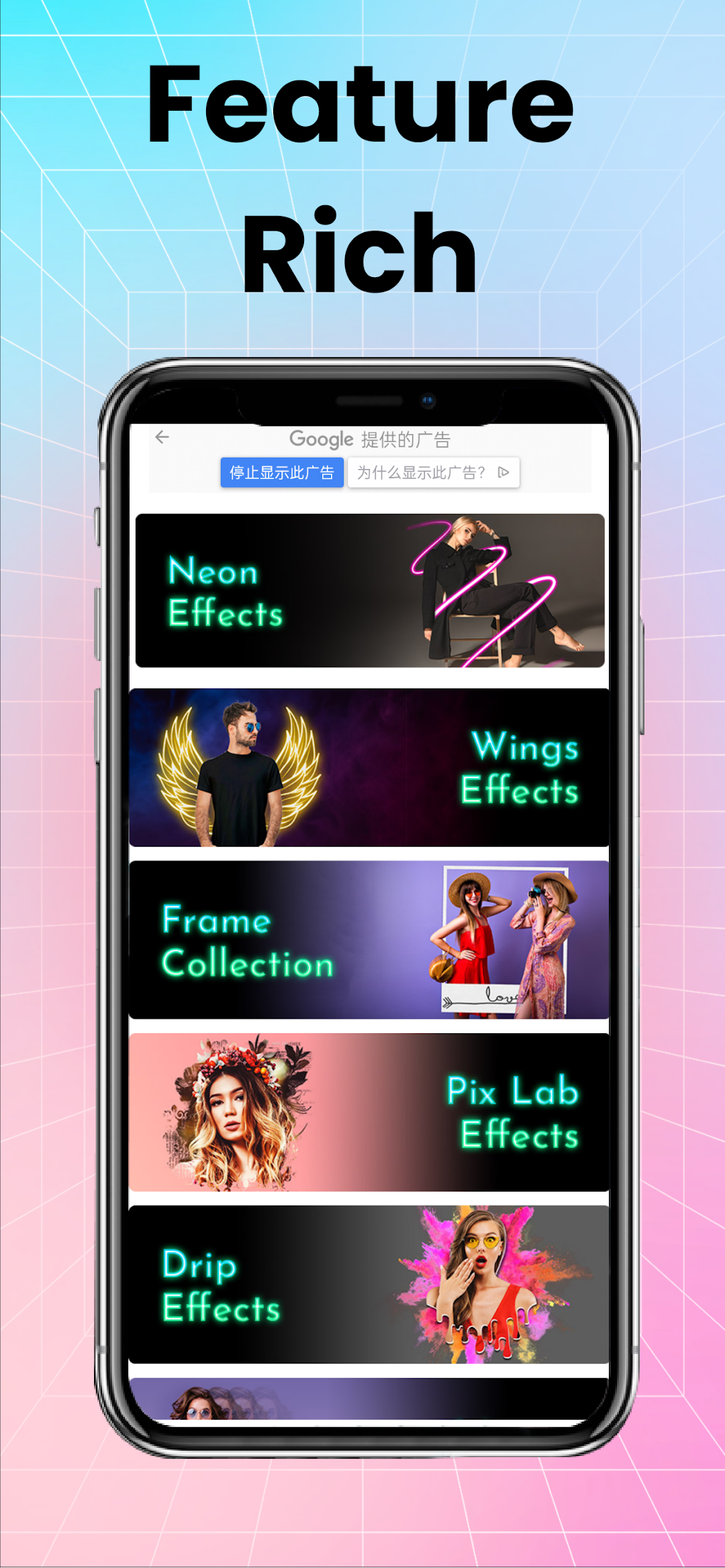
Enhance your photos with vibrant neon effects in various colors, create stunning black-and-white images using customizable filters, and simplify background removal with an easy-to-use tool. Explore trending drip effects for dynamic edit, and access an extensive collection of high-resolution stickers across different categories. Achieve a professional look with DSLR-like blur effects that emphasize your subject, and experiment with a variety of preset photo filters for unique enhancements.