Photo Recovery is a Tools application developed by elseplus lib, but with the best Android emulator-LDPlayer, you can download and play Photo Recovery on your computer.
Running Photo Recovery on your computer allows you to browse clearly on a large screen, and controlling the application with a mouse and keyboard is much faster than using touchscreen, all while never having to worry about device battery issues.
With multi-instance and synchronization features, you can even run multiple applications and accounts on your PC.
And file sharing makes sharing images, videos, and files incredibly easy.
Download Photo Recovery and run it on your PC. Enjoy the large screen and high-definition quality on your PC!
Recover deleted photos from your device’s storage, and restore the photos right back to your phone. This is what it is all about. Photo Recovery app to restore deleted pictures, a powerful and advanced photo scanning engine is responsible to go through all your photos including thumbnails and cached files, and restore lost photos.NO ROOT REQUIRED: Unlike most photo recovery apps, with this app, you don’t need to have your phone rooted to be able to undelete and restore your deleted photos and old photos.
So, if you have accidentally deleted your photos or tend to restore old pictures that used to be saved on your phone, and looking for an advanced yet easy to use the app, download it on your phone or tablet, let the smart scanning engine go deep and you will be surprised when you see the results and how this powerful app has managed to undelete and restore deleted photos.
Main features at a glance:
⭐️ Clean and neat design with a fresh and intuitive interface
⭐️ High-quality graphics with smooth animations
⭐️ No Root Required
⭐️ Deep scan mode to go deep in your folder
⭐️ The high rate of successful photo restore
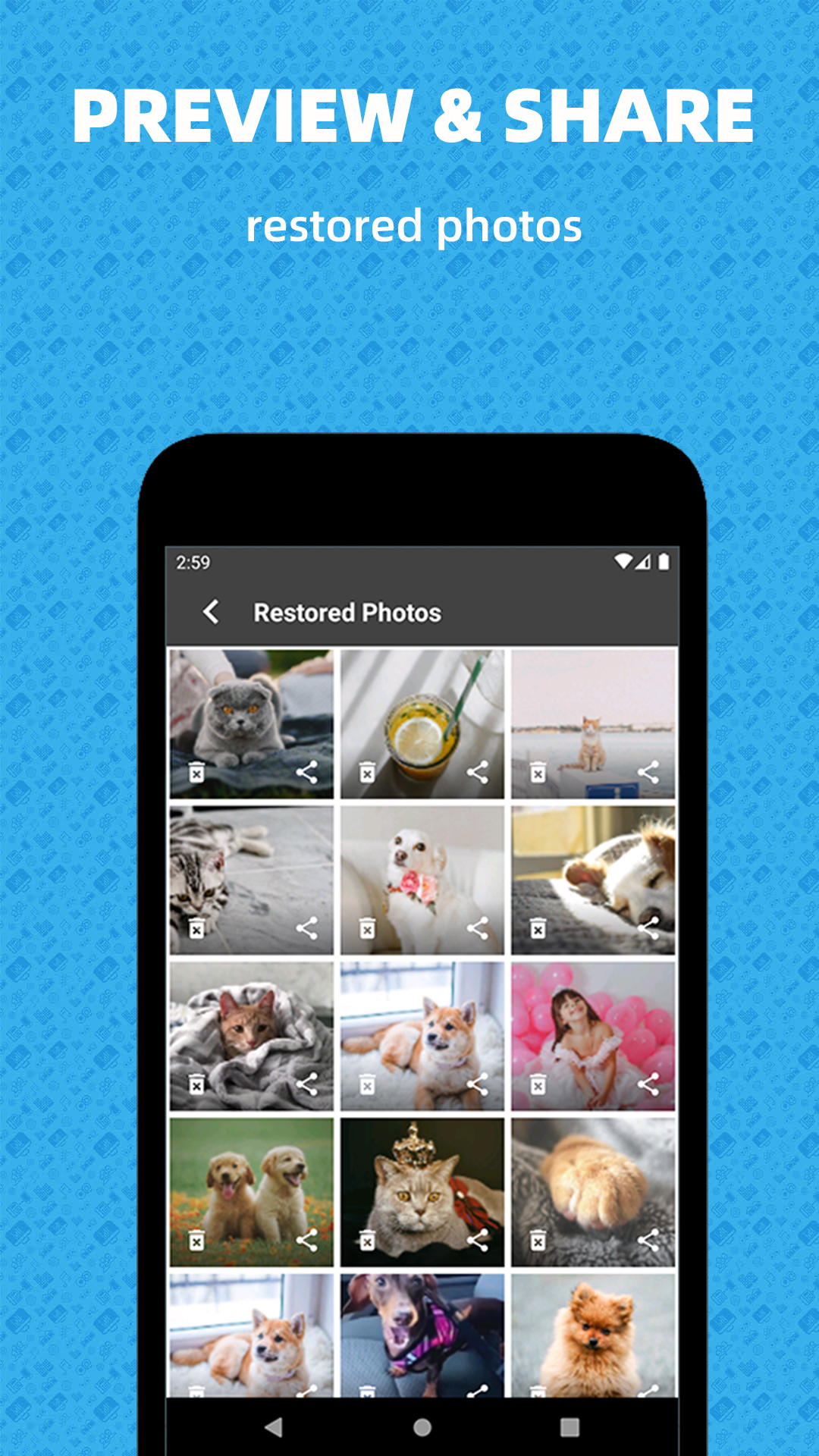
⭐️ Photo viewer to view restored picture
⭐️ Useful for restoring old pictures