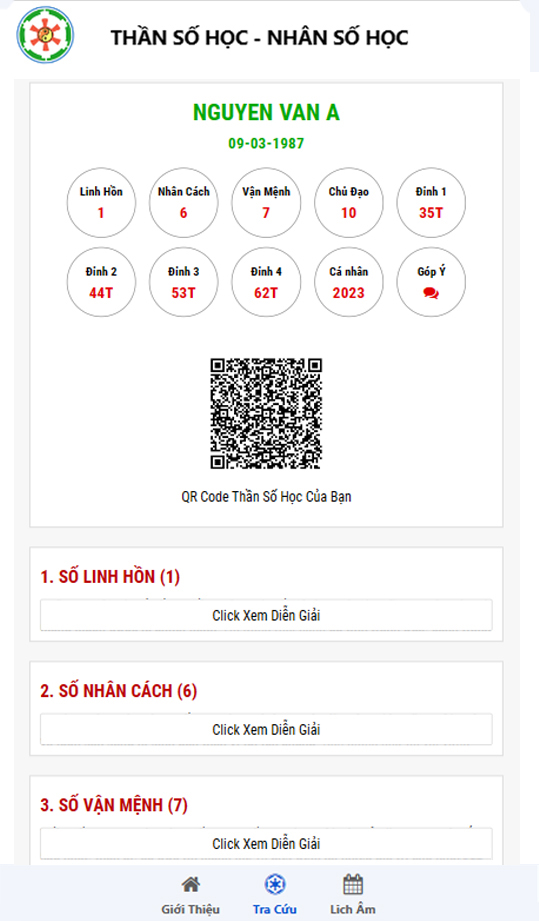
Thần Số Học is a Tools application developed by Escovietnam, but with the best Android emulator-LDPlayer, you can download and play Thần Số Học on your computer.
Running Thần Số Học on your computer allows you to browse clearly on a large screen, and controlling the application with a mouse and keyboard is much faster than using touchscreen, all while never having to worry about device battery issues.
With multi-instance and synchronization features, you can even run multiple applications and accounts on your PC.
And file sharing makes sharing images, videos, and files incredibly easy.
Download Thần Số Học and run it on your PC. Enjoy the large screen and high-definition quality on your PC!
Ms. Quynh Huong: In life, many of us often have to find our way without knowing for sure whether it is right for us or not. Many people are still struggling to find the answer to the question, who am I? What did I come to this life for?If we have some concept of Numerology - Numerology, and through certain knowledge about the meaning and combination of numbers, we can chart out for ourselves a relative direction. Specifically, reduce the amount of 'trial and error', and thus, our lives will also be much easier.