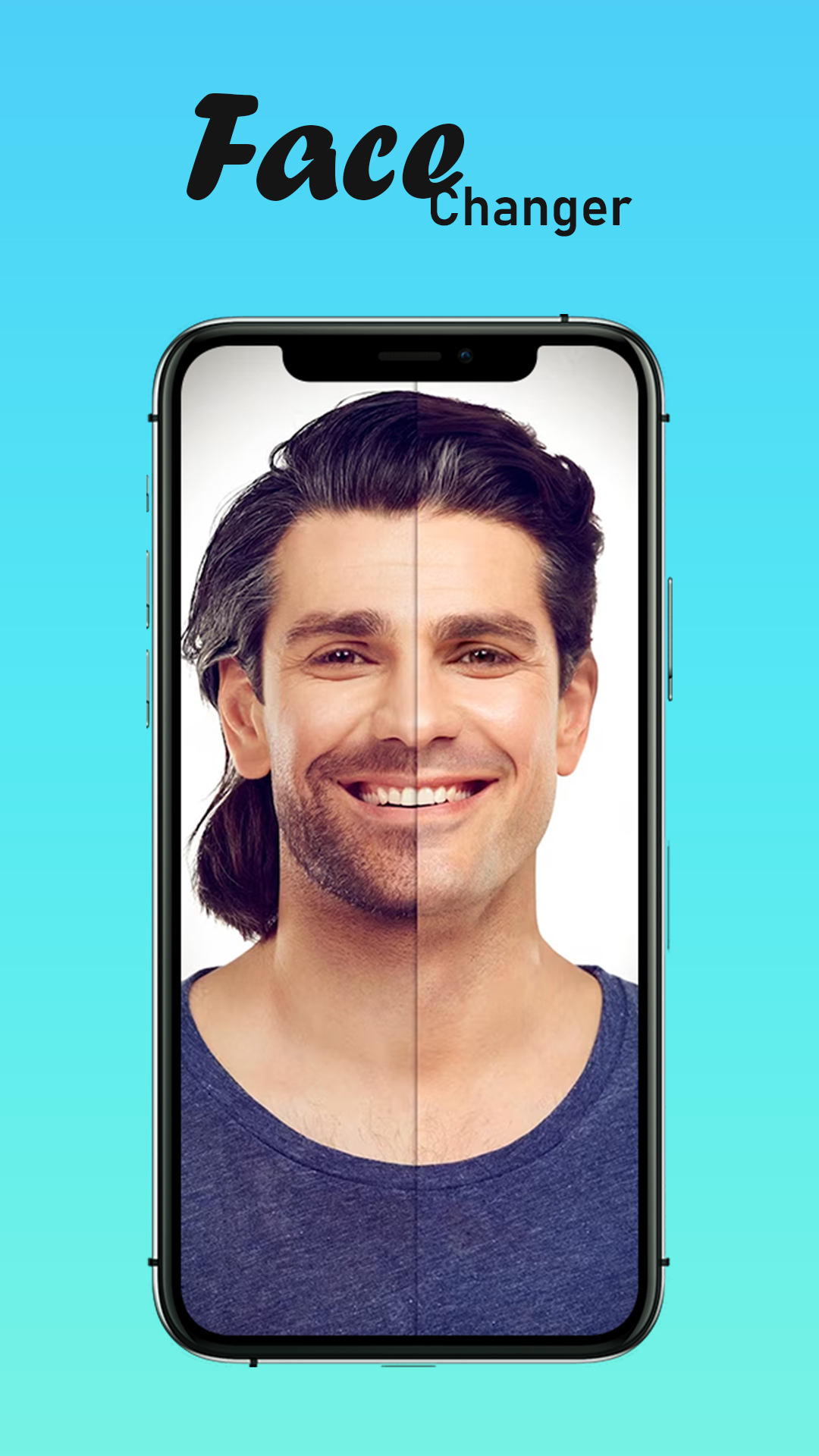
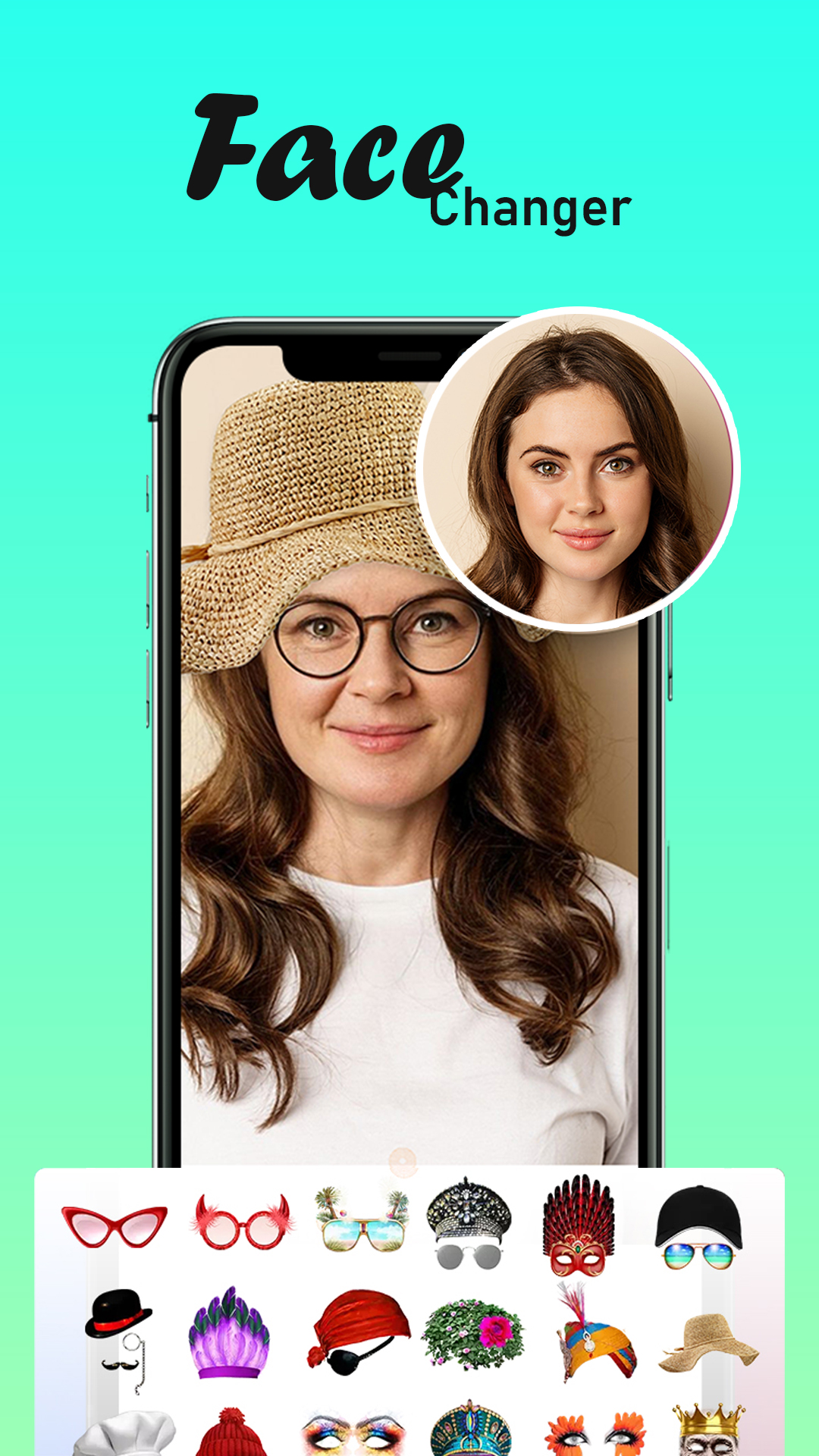
Face Age Changer App - Age Cal is a Tools application developed by DBTech Developer, but with the best Android emulator-LDPlayer, you can download and play Face Age Changer App - Age Cal on your computer.
Running Face Age Changer App - Age Cal on your computer allows you to browse clearly on a large screen, and controlling the application with a mouse and keyboard is much faster than using touchscreen, all while never having to worry about device battery issues.
With multi-instance and synchronization features, you can even run multiple applications and accounts on your PC.
And file sharing makes sharing images, videos, and files incredibly easy.
Download Face Age Changer App - Age Cal and run it on your PC. Enjoy the large screen and high-definition quality on your PC!
Age Recognition app, How old IFace changer - old to young face maker app allows you to see your old ages faces and you can also see your young faces by applying age filter on your photo. Young to child face changer can be able to imagine and see your throwback look when you were child.
How old am I analyzing from photo? Find accurate age and some other interesting characteristics by simply uploading or snapping a picture.
Age finder app is available in multiple languages to calculate your exact age upto seconds or you can also calculate your exact age after 100 years. The Age Calculator App provides the facility to use the app in the preferred language.
Thank You.