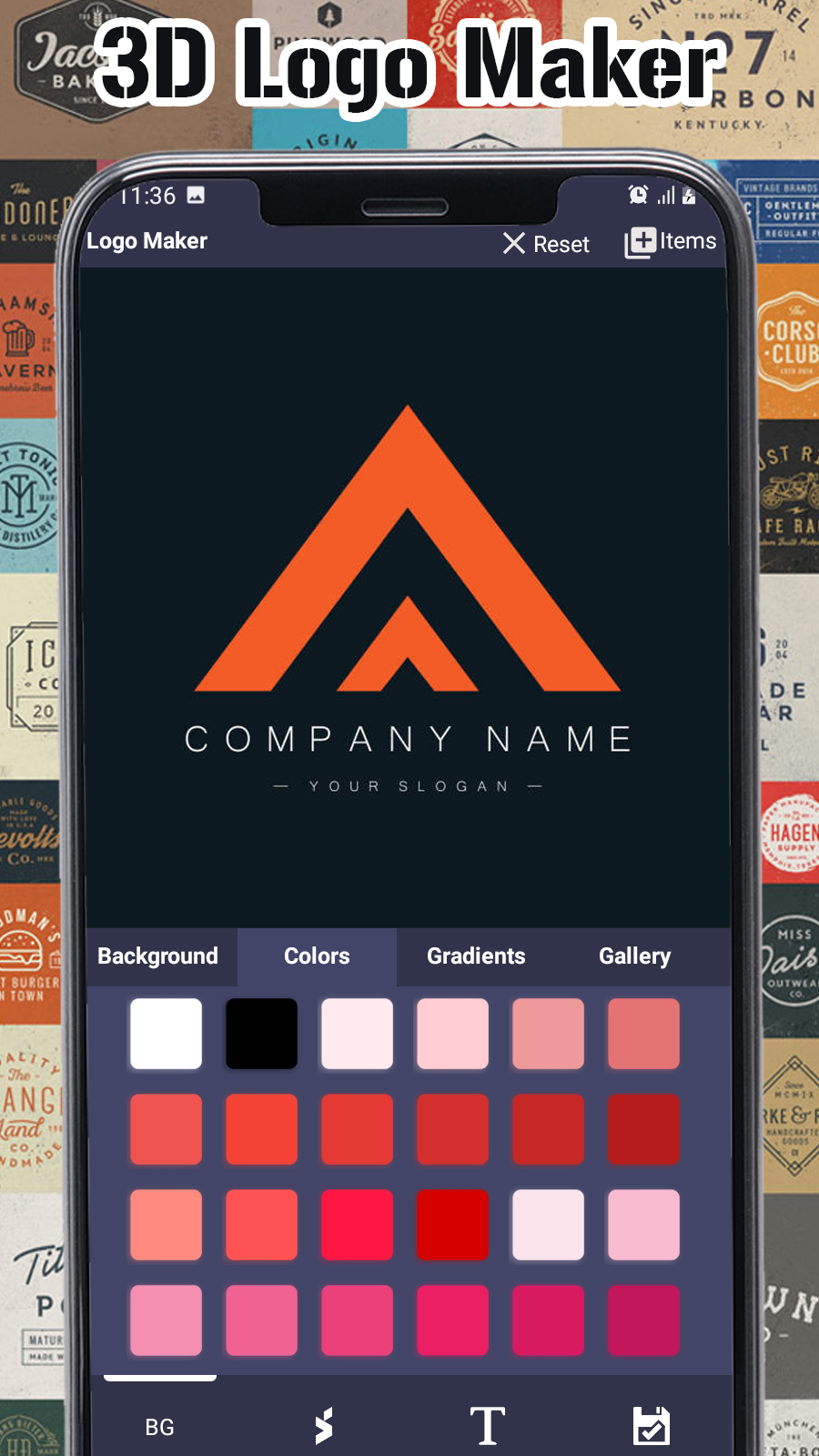
3D Logo Maker is a Art&Design application developed by Qahaar Tech Apps, but with the best Android emulator-LDPlayer, you can download and play 3D Logo Maker on your computer.
Running 3D Logo Maker on your computer allows you to browse clearly on a large screen, and controlling the application with a mouse and keyboard is much faster than using touchscreen, all while never having to worry about device battery issues.
With multi-instance and synchronization features, you can even run multiple applications and accounts on your PC.
And file sharing makes sharing images, videos, and files incredibly easy.
Download 3D Logo Maker and run it on your PC. Enjoy the large screen and high-definition quality on your PC!
3D Logo maker and 3D logo designer for business name, company brands, youtube channel logo, social media logo and online profiles photo logo generator.Professional 3D logo maker and logo creator helps you to create your own logo in 5 minutes. Our ready made 5000+ original logo templates help you to make best logo design in a minute. You have many options to show design creativity with huge collection of graphic designing elements such as typography, shapes, badges, emblems, abstract logo images, icons and symbols.
If you starting new business or company, you can make logo by yourself. Design a logo uniquely that represent your business. If you are youtuber and want to make logo for youtube channel, instagram, facebook page, discord logo and whatsapp group. Logo designing software for business card logo, letterhead plus logo in black & white. Our graphic designing team had designed 5000+ cool logo designs for you so you can get the Unique, cool and impressive logo.
Custom logo maker app 2023:
1. 5000+ original logo designs & unlimited logo icons.
2. Add logo bg colors, patterns, add your own bg image and make logo with transparent background.
3. 100+ Font styles, Add typography, text effect, text art, business name art maker, slogan, symbol, icon, label and monogram maker.
4. Huge collection of graphic designing elements, shapes, icons, stickers, 3d logos, symbols, emblem, shield logotype, abstract images.
5. Add your own logo, images and signs.
6. Logo Editing tools for graphic design such as photo filters, rotate, textures, 3D Rotate, Resize, Crop image by shapes and automatic background remover and image eraser.
7. Professional Business logo design, Watercolor logo designing, logo maker for youtube channel, whatsapp group, Instagram profile, Facebook group photo, esports logo maker without watermark, gaming avatar maker and game clan logo designs.
8. Category wise logo designs and filter by logo colors
9. Round logo editor and 3d logo maker
10. Save for future edit, download and Share the logo in social networks facebook, twitter, instagram, whatsapp.
11. Download logo in HD
3D Logo Maker app is fast & easy to use. Start with logo design templates or create your own logo. To make logo with name, add simple icon and company name on canvas. Apply color to icon and assemble different shapes, icons and images to generate a unique logo. Style your company brand name with font style, 3d logo effect and name art designs. Write slogan or logo tag line below the company brand name. Set bg image for logo and generate logo from canvas as png or jpeg.
3D Logo maker and logo creator has many professional features.
3D Logo creator are very easy to design logo for various purpose.
1. Professional 3D Logo maker for business
2. 3D Logo maker for YouTube channel, logo for Whatsapp group, instagram, tik tok, discord profile, logo for Facebook page profile picture.
3. 3D Esports Logo maker for gamers with name and game avatar maker
4. 3D Website logo designer and blog logo maker.
5. 3D Logo designer for watermark on photo, 3d logo maker for video, poster, banner, brouchure and PDF watermark.
3D Logo design and brand name generators for company slogans, Cool logo ideas for youtube channel logo maker for cooking, technology, vlog, gaming and even create thumbnail for video.
Online profile picture maker for instagram and facebook business page.
Choose from various logo types, Alphabet, letters, words for name logo and photo logo. We have templates for shops, ecommerce cloth and dress brands, music, football team, coffee shops, restaurant food logo design. Give brand new look to your fitness gym logo, agriculture, fashion, beauty salon, makeup, barber shop, real estate, construction and travel agency logo design. Use as photo editor to create logo mockup, business sign maker, name art profile photo in offline.
Create a great brand with the unique logo design.