Roku Remote Control: TV Remote is a Tools application developed by Ngan Tran, but with the best Android emulator-LDPlayer, you can download and play Roku Remote Control: TV Remote on your computer.
Running Roku Remote Control: TV Remote on your computer allows you to browse clearly on a large screen, and controlling the application with a mouse and keyboard is much faster than using touchscreen, all while never having to worry about device battery issues.
With multi-instance and synchronization features, you can even run multiple applications and accounts on your PC.
And file sharing makes sharing images, videos, and files incredibly easy.
Download Roku Remote Control: TV Remote and run it on your PC. Enjoy the large screen and high-definition quality on your PC!
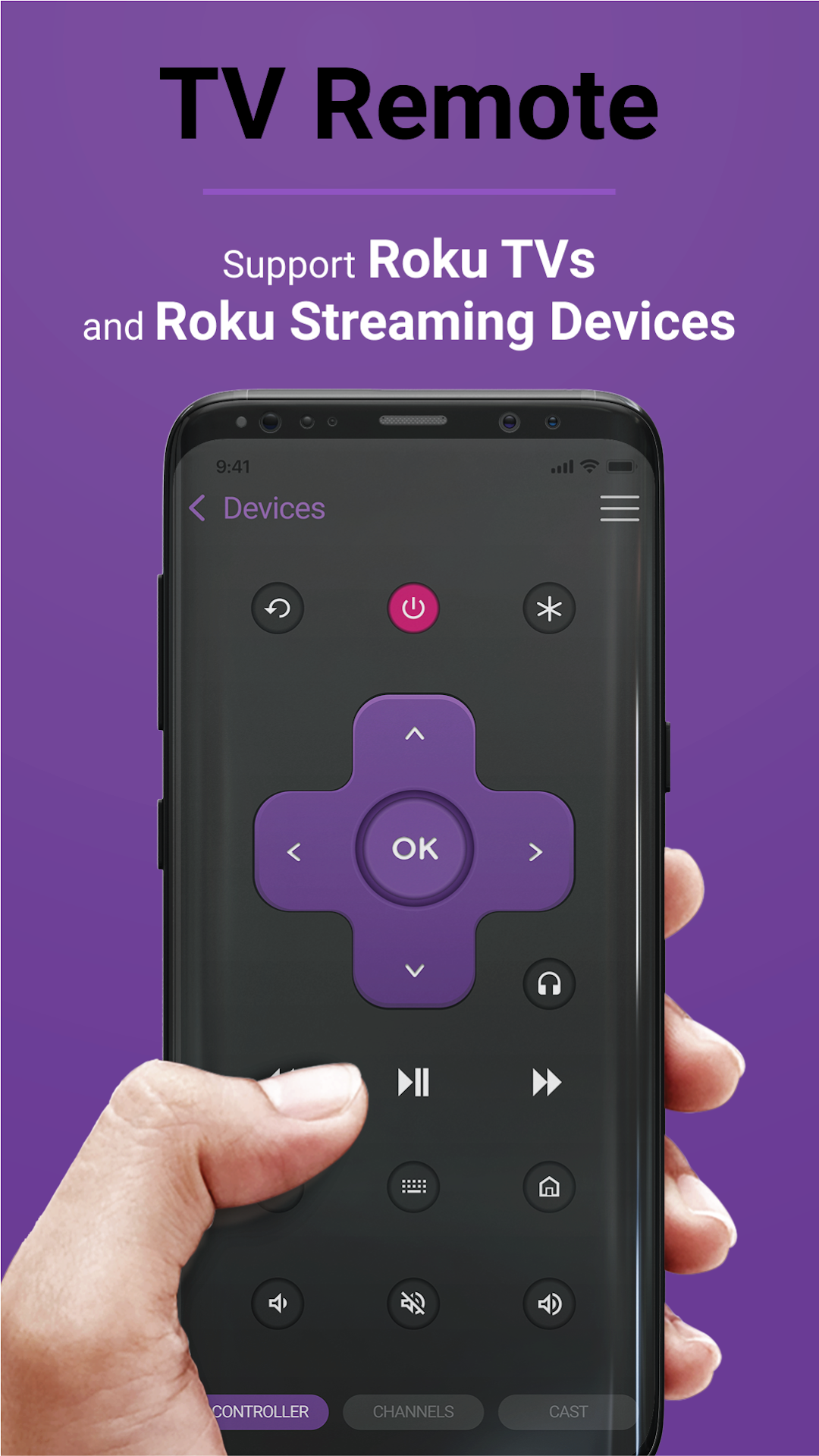
TV Remote brings the best experience with your Roku TV. We support many different products, including:TCL, Onn, Hisense, Insignia TV
Streaming Players: Express, Streaming Stick, Stream Bar
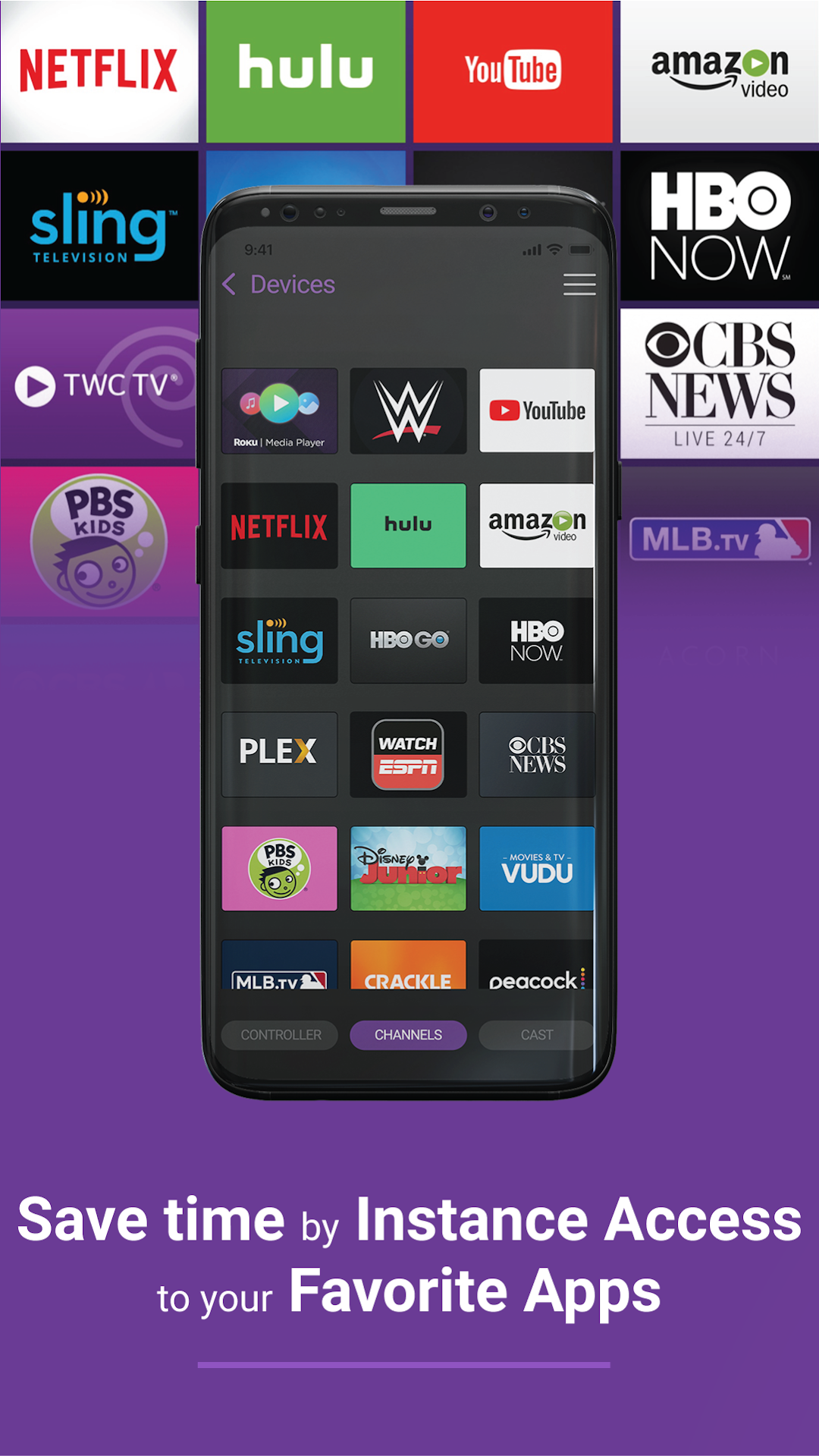
The Roku Channel includes the top watched TV Channels: Peacock, Amazon Video, Crackle, Netflix, Disney Plus, Youtube, HBO, Hulu,... The app will automatically search for nearby devices within your WiFi network to make the connection process as simple as possible. If you own multiple devices, you can easily switch between them.
App main features:
・Auto detect Roku TVs and Streaming Players over WiFi: safe & simple
・All functions from physic TV remote control and extra
・Mirror and streamer for Smart TV with built-in screen mirroring.
・Load current installed streaming channels
・Quick launch any installed streaming channel
・Intuitive keyboard for faster typing experience
Privacy Policy: https://tranthuyquynhngan.com/privacy-policy/