Los Angeles Metro and Bus is a Maps&Navigation application developed by Dixon Mobility, LLC, but with the best Android emulator-LDPlayer, you can download and play Los Angeles Metro and Bus on your computer.
Running Los Angeles Metro and Bus on your computer allows you to browse clearly on a large screen, and controlling the application with a mouse and keyboard is much faster than using touchscreen, all while never having to worry about device battery issues.
With multi-instance and synchronization features, you can even run multiple applications and accounts on your PC.
And file sharing makes sharing images, videos, and files incredibly easy.
Download Los Angeles Metro and Bus and run it on your PC. Enjoy the large screen and high-definition quality on your PC!
LA Metro and BusRealtime bus and Metro rail predictions and trip planner directly from Metro, serving Los Angeles County.
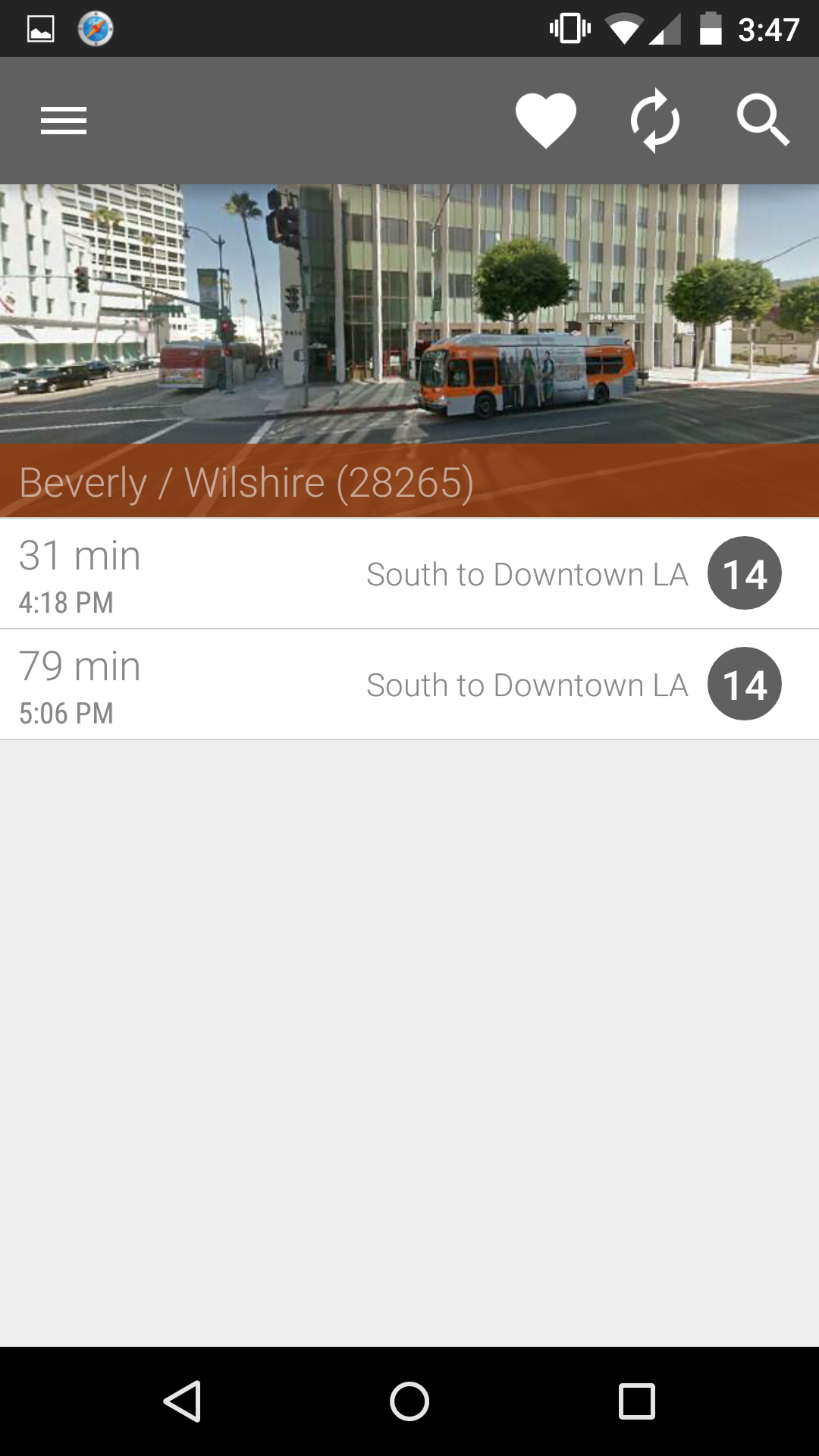
-Realtime LA Metro Bus (Next Bus) predictions for schedule for every Metro bus stop in Los Angeles with auto refresh direct from Metro.
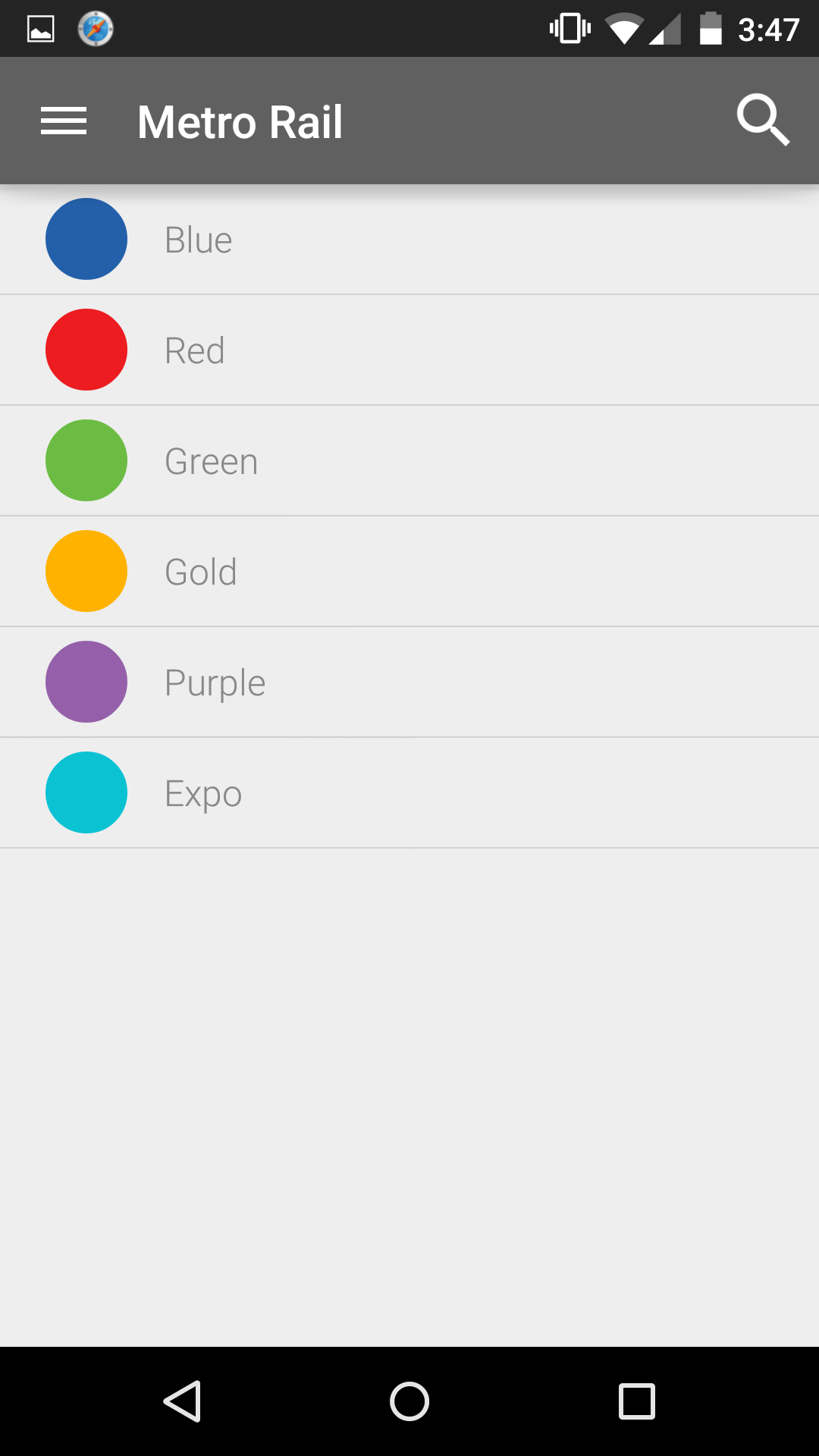
-Realtime LA Metro Rail predictions for schedule for every Metro station in Los Angeles.
-Location based bus stop finder to locate Metro bus stops nearby.
-Save commonly used bus stops and Metro stations into your Favorites list for easy access.
-Download the Go Metro Rail map into the app for easy navigation
-LA Transit Trip Planner
-In app purchase to go Ad-Free
-Set your preferred start page.
-Optional spoken text to speech on route predictions.
-Smartphone and tablet compatibility.
-And of course, FREE
-Best LA Metro Bus app in the market.
If you like this application, consider upgrading to the LA Metro Bus ad-free version in the app.
You must have network access to use these resources. All data provided by Metro.
Android Permissions
INTERNET - Access the internet access to get live LA Metro data
ACCESS_NETWORK_STATE - Check if the device has internet access to get live LA Metro data
ACCESS_FINE_LOCATION - Find your location so you can find nearby bus stops
WRITE_EXTERNAL_STORAGE - Write data, such as your favorites and app settings
READ_GSERVICES - To access Google maps
BILLING - For upgrading to premium version if you choose to
CAMERA - To let you scan the QR code at bus stops