呆呆扫题 is a Productivity application developed by Hydjan, but with the best Android emulator-LDPlayer, you can download and play 呆呆扫题 on your computer.
Running 呆呆扫题 on your computer allows you to browse clearly on a large screen, and controlling the application with a mouse and keyboard is much faster than using touchscreen, all while never having to worry about device battery issues.
With multi-instance and synchronization features, you can even run multiple applications and accounts on your PC.
And file sharing makes sharing images, videos, and files incredibly easy.
Download 呆呆扫题 and run it on your PC. Enjoy the large screen and high-definition quality on your PC!
Daidai Sweep Questions is a user-friendly answering assistant APP, which combines advanced image recognition and text recognition technologies to allow users to quickly obtain answers to questions. Users only need to use the mobile phone camera to scan the questions, and the APP will automatically perform local OCR text recognition, and then search for answers in the user-defined and imported question bank, thus providing an accurate and fast answering experience.Features:
1. Recognition of questions by taking photos: Users can point at the questions with the camera of their mobile phone, and the question will be automatically identified and searched by Daidai Scan.
2. Local OCR: Use advanced text recognition technology to realize efficient recognition and conversion of questions.
3. Custom question bank: users can import the question bank according to their needs to meet the needs of different subjects and fields.
4. Answer display: Scan the questions quickly and quickly find the answer and present it on the user interface in a clear and easy-to-understand manner.
Instructions:
1. Pinch and zoom lens with two fingers
2. Click on the screen to measure the focus and lock it
3. You need to purchase a mirror when using the front camera
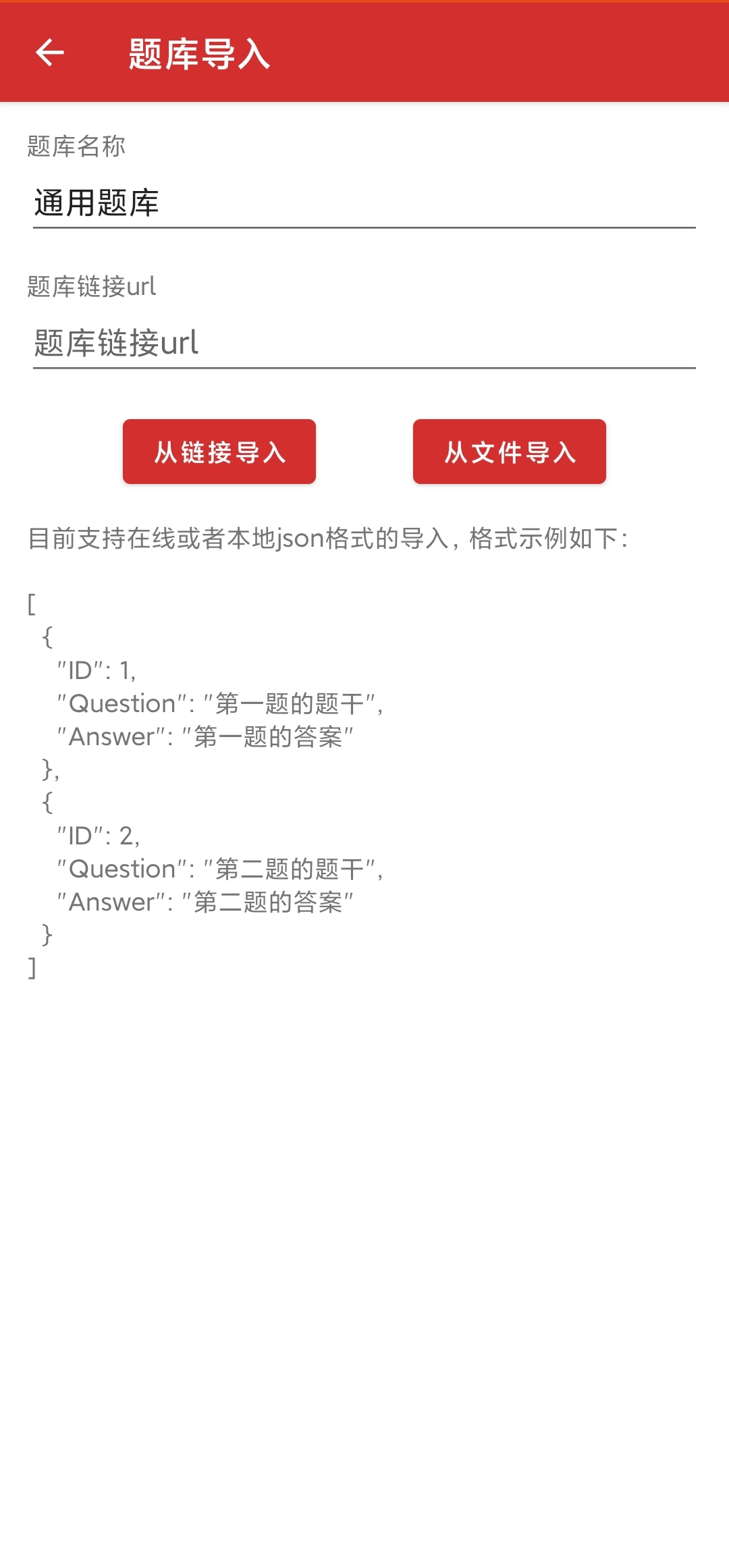
4. Support importing network and local json format question bank
Applicable people: Daidai Scan Questions is suitable for a wide range of user groups such as students, teachers, and parents, and can provide convenient answering services in scenarios such as learning, test preparation, and teaching.
Precautions:
1. Make sure the phone camera is clear to avoid blurry or insufficient light when taking pictures.
2. Please use Daidai to scan the questions reasonably, don't rely too much on it, and cultivate your problem-solving ability.