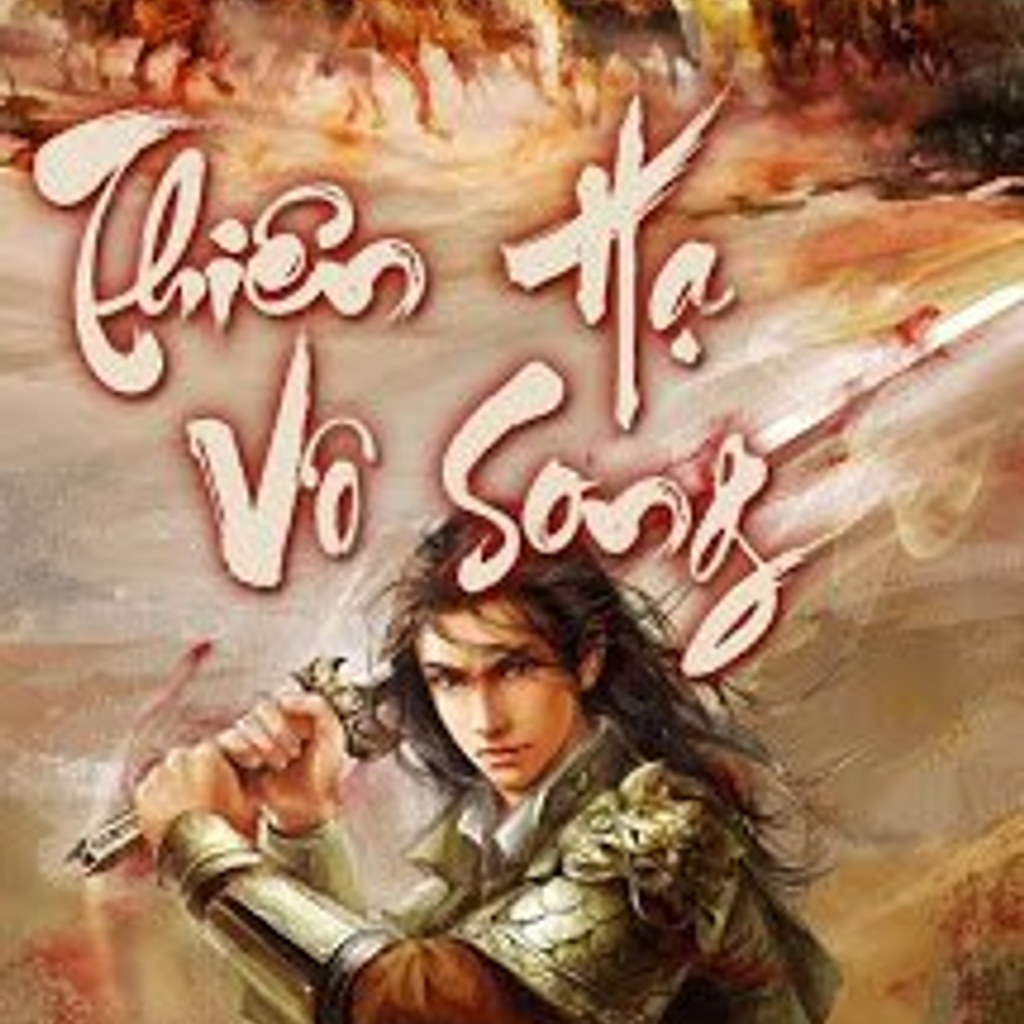
Thiên hạ vô song is a Books&Reference application developed by Ứng dụng Truyện Chữ offline, but with the best Android emulator-LDPlayer, you can download and play Thiên hạ vô song on your computer.
Running Thiên hạ vô song on your computer allows you to browse clearly on a large screen, and controlling the application with a mouse and keyboard is much faster than using touchscreen, all while never having to worry about device battery issues.
With multi-instance and synchronization features, you can even run multiple applications and accounts on your PC.
And file sharing makes sharing images, videos, and files incredibly easy.
Download Thiên hạ vô song and run it on your PC. Enjoy the large screen and high-definition quality on your PC!
The Unparalleled Thien Ha is a typical Different World story.The story leads you into a desolate, mysterious space, where it is rumored to be a cursed land. But, is that really the case?
This is a unique story of a different world with natural magic, military tactics, and elements of illusion, but it is very vividly expressed by the author Nham Oan, not making the reader feel too fanciful, the way the scene is described as well as the art. very new and diverse people and events.
But for Manh Han, this world is really not as scary as people say, nor too complicated because this is where he and his lovers play mahjong.
But is it too simple as he says or is there really something mysterious? Read the story and find out!