

Cars Mod for Minecraft is a Entertainment application developed by Longo Mods Craft, but with the best Android emulator-LDPlayer, you can download and play Cars Mod for Minecraft on your computer.
Running Cars Mod for Minecraft on your computer allows you to browse clearly on a large screen, and controlling the application with a mouse and keyboard is much faster than using touchscreen, all while never having to worry about device battery issues.
With multi-instance and synchronization features, you can even run multiple applications and accounts on your PC.
And file sharing makes sharing images, videos, and files incredibly easy.
Download Cars Mod for Minecraft and run it on your PC. Enjoy the large screen and high-definition quality on your PC!
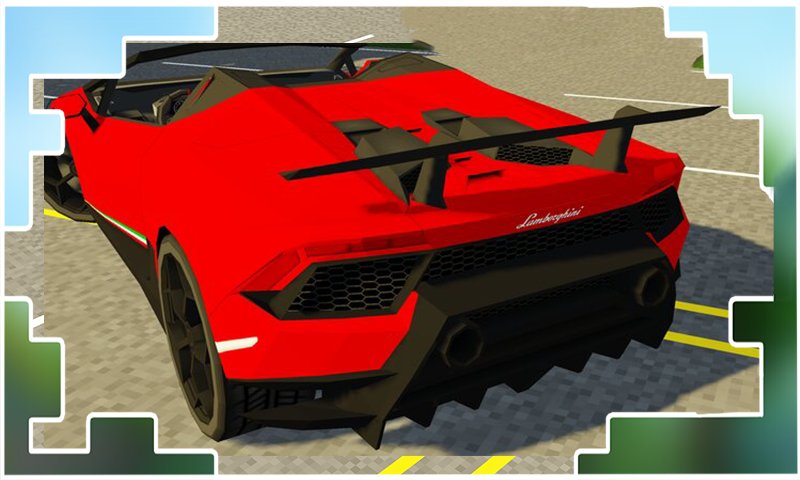
The Cars mod for Minecraft adds various vehicles to the Pocket Edition world, with things that can be easily sent on a journey to survive where there are many available companies on the way.Car mod for MCPE provides a choice of vehicles of modern society, because depending on what kind of transport you have best under the saddle, prestige and respect depend on the items received after installing the Cars in Minecraft PE mod on your Bedrock device.
The Mod cars for MCPE build includes its own solid collection of cars, which you can easily get with our mods and addons for your Pocket Edition app. You have to travel a lot, make trips to raids, collect resources, their delivery and other moments, with meetings on the pages of offers of car mods for minecraft.
Functions:
- Move around the game world on your own transport
- Detailed car interiors and realistic engine sounds
- High movement speed
- Easy to install
Each car will need refueling and repair, so the cars will extract fuel and periodically call in a car service. In addition to the cars themselves, you will find asphalt blocks for creating roads and brushes for marking them.
Disclaimer: This application is not approved nor affiliated with Mojang AB, its name, commercial brand and other aspects of the application are registered brands and the property of their respective owners. This app adheres to the terms set out by Mojang. All items, names, places and other aspects of the game described within this application are trademarked and owned by their respective owners. We make no claim to and do not have any rights to any of the foregoing.